AI Scams in 2026: Spot Deepfakes, Phishing, Clones

Published
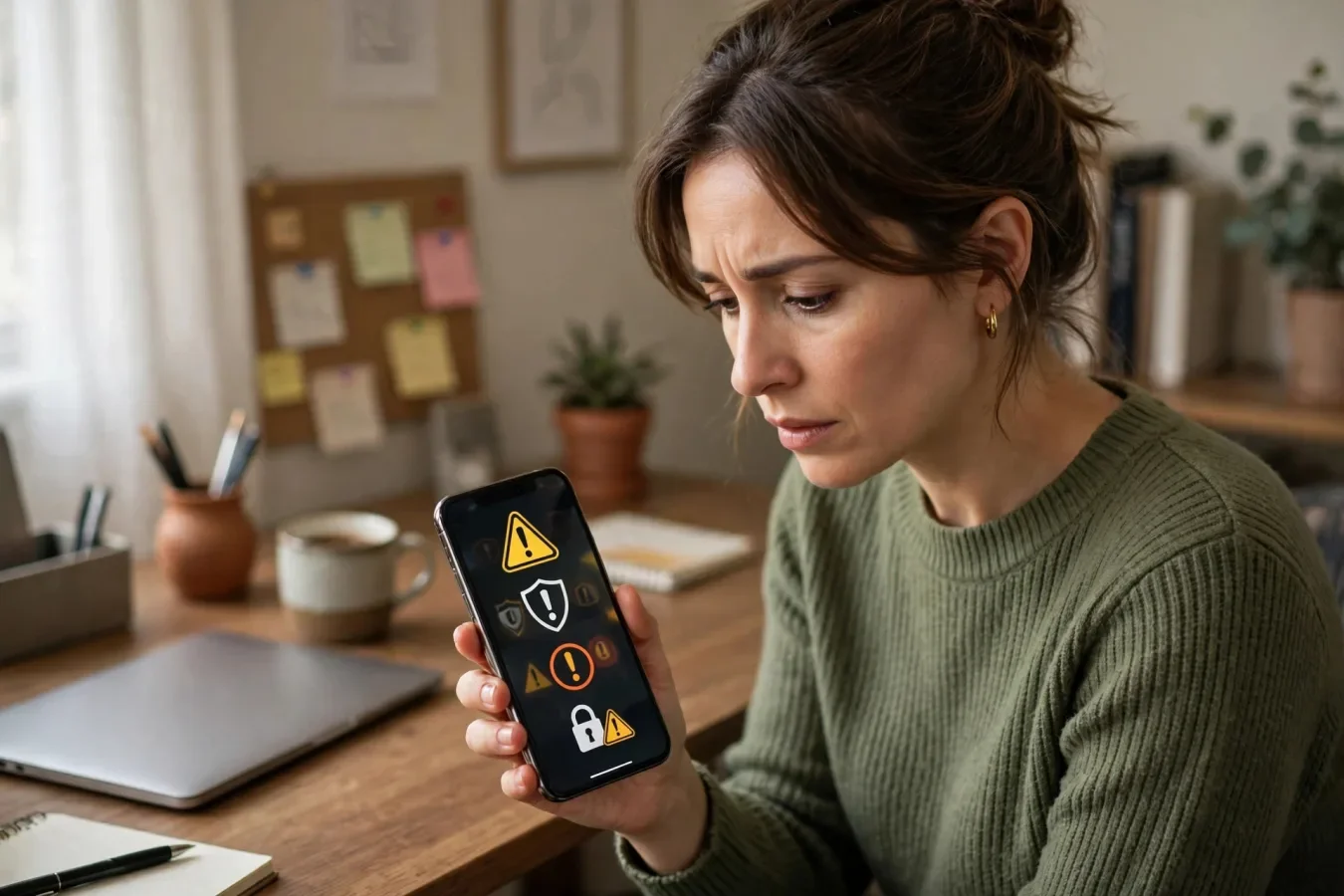
Scams used to look like scams. They don't anymore.
Scams used to look like scams: strange grammar, a slightly-off website. In 2026, generative AI can write a polished email in seconds, clone a voice, and build a convincing fake website. Instead of asking "does this look fake", start asking "what is this person asking me to do?"
AI can make a scammer sound like your boss, your bank, or someone you love, according to University of Missouri cybersecurity expert Prasad Calyam, speaking on 26 October 2026. Spotting a scam isn't as simple as looking for spelling mistakes.
The scale is already large. The FBI's 2025 Internet Crime Report tracked AI as its own category for the first time, logging 22,364 complaints and nearly $893 million in losses tied to fake profiles, voice clones, and fabricated videos, according to Webroot. That number is probably a floor, since AI-tagging on complaints is voluntary — many victims don't know AI was involved, or don't report it as such.
This guide covers the five main AI scam types, a 30-second check for any unexpected message, and what to do if you've already clicked or paid. It also covers business payment protection.
1. AI-written phishing: polished, personal, and urgent
AI didn't invent phishing or fake shopping sites. It just made them easier to fake convincingly, as Webroot puts it. Now imagine that same scam written specifically for you, using your name, in professional language, referencing a detail pulled from your social media. That's AI-generated phishing, and it's doing what legitimate marketing does: personalising at scale, just with bad intent.
A typical AI phishing message is a polished, error-free message from your credit card company claiming "unusual activity" and a countdown to act. Don't grade the writing. Check whether it's unexpected, urgent, and pushing you toward a link.
What to watch for instead:
- Unexpected: You weren't expecting a message from this sender, about this topic, at this time.
- Urgent: A countdown, a threat to close your account, a "last chance" — urgency is designed to stop you checking.
- Secret: You're told not to tell anyone, or to keep it quiet — legitimate organisations rarely ask for secrecy.
- A link or attachment: You're pushed to click, download, or log in via the message, rather than via the official app or website you type in yourself.
- A request for information: Money, personal information, or verification codes, especially verification codes — legitimate support will never ask for your one-time code.
If something seems questionable, contact the organisation through its official website, or call the person using a trusted phone number, according to Calyam. Don't reply to the message, don't click the link, and don't call the number in the message — those are controlled by the scammer.
2. Deepfake voice calls: "It's me, I need money fast"
Deepfake voice calls are the most emotionally effective AI scam, because they exploit trust, not just technology. Your "child" or "boss" calling, upset, needing money fast, asking you to keep quiet, according to Webroot — hang up and call the person back on a number you already have. Some families agree on a safe word in advance, which sounds strange until it saves you money.
With just a few minutes of audio from a webinar, podcast, or social media video, attackers can clone someone's voice, according to LevelUp Networks. Voice cloning can copy someone's voice using a short clip from a video or voicemail, according to Cybersecurity Awareness Month guidance, and scammers may use it to make calls pretending to be someone you know in an urgent situation to obtain sensitive information or money.
For businesses, the version is usually a call from "the MD" asking finance for an urgent payment. In one widely reported case, a group lost around $25 million after staff joined a video call where every other person was a deepfake.
How to protect yourself:
- Agree a safe word with family members, and with colleagues for payment requests. A word only you know, that a voice clone won't know, and that you can ask for on any urgent call.
- Hang up and call back on a number you already have, not the number that called you. If it's really your child or boss, they'll understand the delay.
- Ask a question only the real person would know — not a fact from social media, but a private detail, like a shared memory or a detail from a recent private conversation.
- Never send money, gift cards, or crypto on the basis of a single call, however convincing the voice sounds. Legitimate emergencies can wait five minutes for verification.
3. Deepfake video and fake social media posts
Deepfake videos and images can show real people saying or doing things they never did, according to Cybersecurity Awareness Month guidance. Scammers may use them in fake social media posts, ads, or video calls to make requests more believable.
A recent VA example, on 13 October 2026, involved a post that fooled some veterans into handing over direct-deposit information, redirecting their benefits to a scammer. It pretended to be from VA or another trusted organisation, and pushed victims to act fast.
What to watch for:
- The message says "act now" — urgency, again, is the tell.
- The caller wants you to keep it secret — secrecy is a scammer's tool, not a legitimate organisation's.
- The voice or video seems a little strange — lip-sync slightly off, blinking unusual, background inconsistent, or the person never quite looks at the camera.
- The person asks for private information — passwords, bank information, Social Security numbers, or other private details.
- The request doesn't feel normal — a benefit change, a payment, or a verification that you didn't initiate, via a channel you didn't expect.
If you suspect a deepfake phishing attempt, slow down, according to the VA: don't click links right away, don't give out personal or account information, and check the message another way — call a trusted number, or log in through an official site you type in yourself. VA, banks, and other legitimate organisations won't mind if you pause and check first. One quick check can stop a scam.
4. Fake retail sites, fake job offers, and AI chatbots
Fake retail sites are very common. You click an ad for a designer bag at 70% off, land on a store you've never heard of that looks real and even has fake reviews. Check the URL, search elsewhere for reviews, and verify the business exists before you pay.
Fake job offers follow a similar pattern: a recruiter from a generic firm reaches out, offers you a too-good-to-be-true job, then asks for banking details, or for you to cash a check, or to pay for "training" or "equipment" upfront. Legitimate employers don't ask for banking details before you've signed a contract, and they don't ask you to pay to work for them.
AI chatbots add a new layer. Scammers use chatbots posing as customer service or romantic partners, carrying on natural conversations and gradually building trust before asking for money or sensitive information.
Protect yourself by:
- Checking the URL before you enter payment details — look for misspellings, extra words, or a domain that doesn't match the brand.
- Searching for the business elsewhere — real businesses have reviews on multiple sites, a physical address, and a history. A site that only exists in its own ads is a red flag.
- Never paying by gift card, crypto, or wire transfer to a retailer you've never heard of — those payments are hard to reverse, which is why scammers prefer them.
- Verifying job offers through the company's official careers page, and never sharing banking details before a signed offer.
5. AI-generated invoices and payment diversion (businesses)
For businesses, AI makes it easy to copy a supplier's branding and tone. Fake invoices, or emails announcing "new bank details", are very hard to spot by eye, and often come from a real supplier's compromised mailbox in a genuine thread.
Phishing remains the most common attack in the UK Government's Cyber Security Breaches Survey, and AI is making it more effective. The defences are simple processes:
- Verify every change of bank details by phone, using a number you already hold, never one from the email or invoice.
- Require two people to approve payments over an agreed amount, and never skip it because something is "urgent".
- Agree a safe word or call-back rule for any unusual request from a director, especially by phone, voice note, or messaging app.
- Secure your email — multi-factor authentication stops most mailbox takeovers, and SPF, DKIM, and DMARC make it harder for criminals to send email that appears to come from your domain.
- Know what to do if it happens — contact your bank immediately, and report fraud to Action Fraud in the UK, or the FTC in the US. Speed makes a real difference to recovering funds.
The 30-second gut check
Before responding to any unexpected request, ask, using Webroot's gut check:
- Stop: Is someone pushing me to act immediately?
- Check: Did this arrive through a new number, email, or platform?
- Question: Am I being told to keep this secret?
- Protect: Are they asking for money, gift cards, crypto, passwords, or device access?
- Verify: Can I confirm this through a channel I already trust?
- Act: Only proceed once you've verified independently.
That check works for every scam type, because it relies on spotting the request, not spotting AI.
Protect yourself today: passwords, MFA, passkeys, and privacy
Start by using a password manager to create and store strong, unique passwords, and enable multi-factor authentication on important accounts, according to Calyam. Passkeys and hardware security keys offer additional protection against phishing attempts, because they can't be phished the way a password can — a passkey only works on the real site, not on a fake copy.
Review the privacy settings of AI platforms, and disable optional data sharing for model training when that option is available, according to Calyam. Keep devices and applications updated, avoid suspicious links, and monitor financial accounts for unusual activity.
Avoid sharing Social Security numbers, addresses, passwords, banking details, medical records, or confidential work documents with AI tools. Even birth dates and travel plans can be misused. Don't paste sensitive information into a chatbot unless you know how that data is stored and used.
If you suspect you've been scammed: what to do first
If you suspect an account has been compromised, change the account password immediately through the official website or app, according to Calyam, and sign out of other sessions if the service offers that option. Then:
- Contact your bank immediately if money was sent, or if banking details were shared. Speed makes a real difference to recovering funds.
- Report fraud — to Action Fraud in the UK, to the FTC at reportfraud.ftc.gov in the US, or to the VA's VSAFE Fraud Hotline at 833-38V-SAFE for VA-related scams.
- Change passwords on any other accounts that used the same password, and enable MFA or passkeys on all important accounts.
- Check for unauthorised activity on financial accounts, email, and social media, and revoke access for any unknown apps or devices.
- Warn others — if a scammer impersonated you, or used your account to contact others, tell those people directly, through a trusted channel, so they don't fall for the same scam.
The best rule is simple: Stop. Check. Then act. Deepfakes can look real, but you don't have to fall for them.
FAQs
How can I spot an AI phishing email in 2026?
Don't rely on spelling mistakes. Check if it is unexpected, urgent, secretive, and pushing you to click a link or share information. Verify through the official website or a trusted number, not through the message.
What is a deepfake voice scam?
A scammer clones someone's voice from a short audio clip, then calls pretending to be that person, usually a child or boss, asking for money urgently and asking you to keep it secret. Hang up and call back on a known number.
What is a family safe word and why does it help?
A word only your family knows, that you can ask for on any urgent call. A voice clone won't know it, so it proves the caller is really who they claim to be.
How do I protect my business from AI invoice fraud?
Verify every bank detail change by phone using a number you already hold, require two people to approve payments over an agreed amount, and secure email with MFA, SPF, DKIM and DMARC.
What should I do if I clicked a phishing link?
Change your password immediately through the official website or app, sign out of other sessions, enable MFA or passkeys, check financial accounts, and report fraud to your bank and to Action Fraud or the FTC.
Should I share personal information with AI tools?
No, avoid sharing Social Security numbers, addresses, passwords, banking details, medical records, or confidential work documents with AI tools. Even birth dates and travel plans can be misused.
Are passkeys better than passwords against AI scams?
Yes, passkeys and hardware security keys offer additional protection, because they only work on the real site, not on a fake copy, so they cannot be phished the way a password can.
Was this article helpful?

Written By
TechorCoffeeContributing Writer
TechorCoffee is a technology reporter and software creator writing reviews and tutorials for TechOrCoffee.
Comments (0)
Leave a Comment
Read Next
Thu Oct 22 2026
PHP Security Vulnerabilities: Key Risks for Websites
Learn why PHP security matters, how website vulnerabilities can create risks, and what website owners can do to keep their systems secure.
Fri Oct 30 2026
Hackers Exploit Critical Drupal Commerce Flaw
Hackers are exploiting a highly critical Drupal Commerce Core access bypass. What happened, who is at risk, and what store owners must do now.
Fri Oct 30 2026
Gemini 4 Carbon: Google New No. 1 AI, Nobody Can Use Yet
Gemini 4 Carbon explained: Google second frontier model in two weeks, top benchmark scores, cybersecurity focus, Fairwind-only access, and price.