GTA 6 PS5 Crash CE-108255-1: Fixes That Work Right Now

Published (Updated )
Quick answer
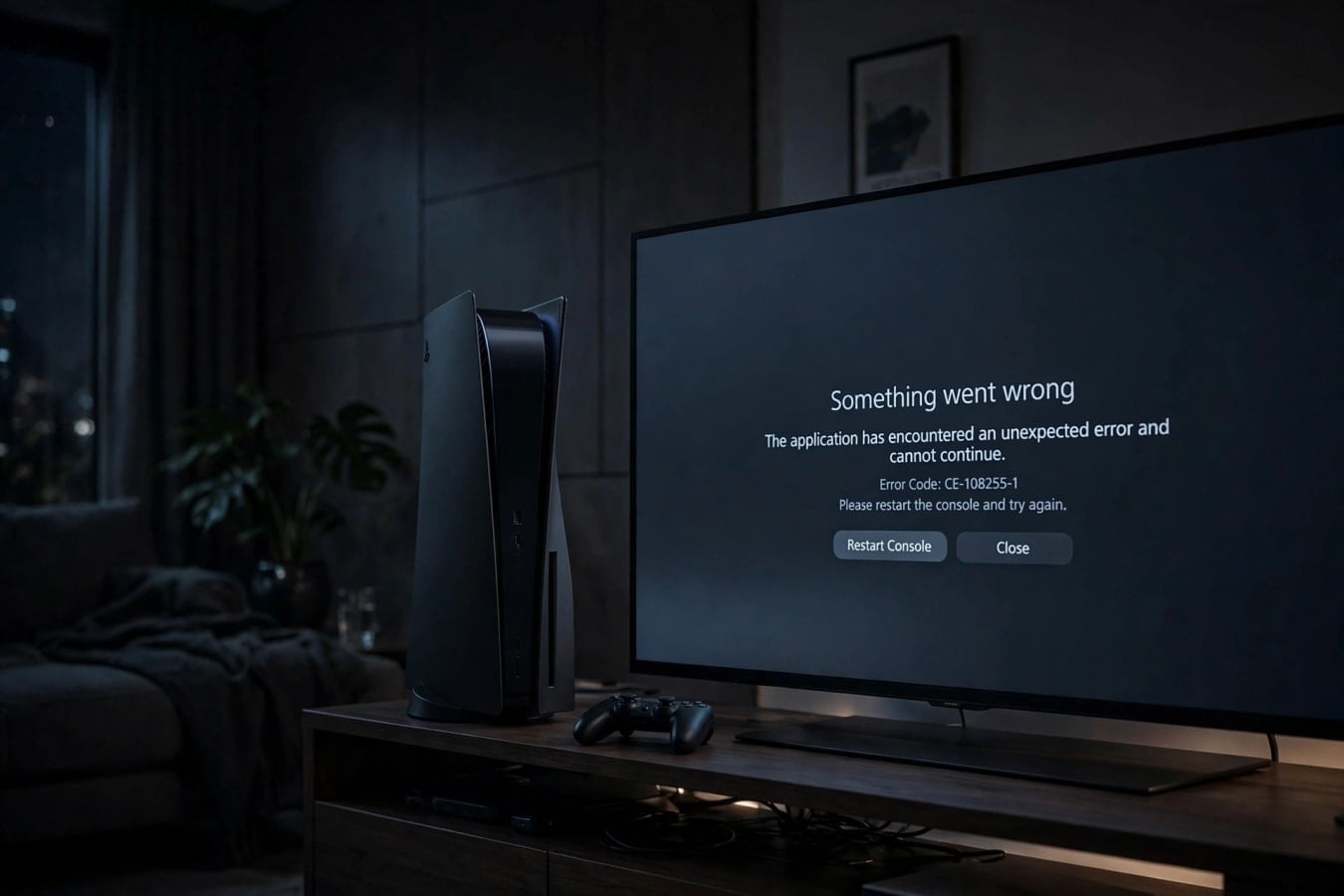
- Since GTA 6 launched on November 19, 2026, many PS5 players report the game closing to the home screen with error code CE-108255-1.
- The crash hits at the opening prologue, during the early Pipework mission, and at random points hours into play. Base PS5, PS5 Slim, Digital Edition and at least one PS5 Pro owner have reported it.
- Sony calls CE-108255-1 a generic game error and tells players to update the game. Rockstar's support page sends console errors to PlayStation support. Neither company has named a cause or released a fix yet.
- The steps most likely to help, in order: install the GTA 6 update (version 01.002.001), update the PS5 system software, do a full power cycle, then clear the cache and rebuild the database in Safe Mode.
- Do not factory reset your PS5 yet, and do not pay for a repair until Rockstar or Sony says more. A reset erases everything on the console and has not fixed the problem for the players who tried it.
- Save by hand before and after missions, and report the exact crash point to Rockstar Support. That report is how a game bug gets fixed.
The launch week problem nobody expected
Grand Theft Auto 6 arrived on November 19, 2026 after more than a decade of waiting, and by almost every measure it is the biggest entertainment launch ever. It earned an estimated $3.79 billion on its first day and scored 99 on Metacritic. For a large group of PlayStation 5 owners, though, the launch has been defined by something else: a crash that stops the game dead and sends them back to the PS5 home screen.
The reports started within hours of launch. Players on Reddit, X and PlayStation support forums described the same sequence again and again. GTA 6 closes without warning. The screen shows error code CE-108255-1. The game is gone, the home screen is back, and any progress since the last save is at risk.
Polygon reported the problem on November 20, Dexerto covered it the same day, GamesRadar flagged it on launch day, and Notebookcheck followed with a detailed report on November 21. The picture across all of them is consistent: this is not one player with one faulty console. It is a pattern, and it is happening to people whose consoles ran every other game without trouble.
Where the crash strikes
The most frustrating part of the CE-108255-1 crash is how specific it can be. Some players cannot get past the opening minutes at all. Others play for hours before the game gives up. The reported crash points include:
- The opening prologue. Several players, including at least one PS5 Pro owner, say the game crashes at the exact same moment in the prologue, every single time. One PS5 Pro owner wrote that the game crashes "immediately as the startup prologue begins, either at the exact same point or a couple of seconds into it" and that they have been unable to play since launch.
- The Pipework mission. One of the most widely shared reports comes from a player who reached Pipework, an early story mission that introduces the character Mandy. The game crashes every time Jason uses the plunger or stands near the sink with it. "It crashes every time I use the plunger or stand around the sink with it," the player wrote. "You would think the plane flying was intensive, but it crashes every time." That player cannot progress through the story at all.
- Random crashes hours in. Other players get further before the problem appears. One reported the first crash about two hours after starting, then repeated crashes from that point on. Another said the game "sometimes even crashes after only 15 minutes."
- Cutscenes and loading screens. Notebookcheck's report adds crashes during the opening cutscene and on loading screens to the list, alongside crashes at launch itself.
The range matters because it rules out a single broken mission or a single bad save file as the whole explanation. A crash that hits at one fixed point for one player and at random for another points to something less simple, and that is exactly why the cause is still disputed.
Which consoles are affected
Most of the reports name the base PS5 and the PS5 Slim, including the Digital Edition. Gizmodo noted that launch-era PS5 models seem especially common among those affected, which fits the pattern of a problem that shows up more on older hardware. But the problem does not stop there. At least one PS5 Pro owner has reported the same crash at the same prologue moment, and Slim owners have reported it too.
That spread across models is important. It means buying a newer console is no guarantee of escaping the problem, and it weakens the simplest hardware explanations, since the PS5 Pro is a much newer machine. At the same time, the concentration of reports on older launch-era consoles keeps the hardware theory alive.
Rockstar has not published any figures on how many players are affected, and there is no official count. The reports are numerous enough to fill support threads and attract coverage from several major outlets within 48 hours of launch, but they are still a small share of the tens of millions of people playing. For the people hit by it, though, the share does not matter. The game they paid $100 for does not run.
What Sony says
Error code CE-108255-1 is not specific to GTA 6. Sony's own support page describes it in the vaguest possible terms: "An error occurred with the game/application." The page confirms only that the game crashed, without explaining why. Its sole recommendation is to "try updating your game," and if that fails, it sends players to the PlayStation Repairs page.
That is the full extent of Sony's official guidance for this code, and it leaves affected players with very little to work with. The code is a general crash code that has appeared with other big games in their launch weeks, which means Sony's page was never written with GTA 6 in mind.
Sony has also said players need the latest PS5 system software before playing GTA 6, with system software version 26.07-14.23.00 listed as the required version. That is worth checking before anything else, because an out-of-date system can cause exactly this kind of failure.
There are also conflicting accounts of what PlayStation support agents tell players who call in. One player said a Sony agent quoted $230 before tax for a repair, while another agent told a different player the problem was a software issue.
What Rockstar says
Rockstar has given players even less to work with than Sony. Its Grand Theft Auto VI error troubleshooting article, last updated on November 18, simply links to Sony's and Microsoft's error-code pages. It does not name CE-108255-1, it does not describe the crash, and it does not offer a GTA 6-specific fix.
Players who contact Rockstar support report being sent back to Sony. One player shared Rockstar's reply to their error report: "For technical support for your PlayStation 5 console, please contact PlayStation support." That answer implies Rockstar believes the fault sits with the console, not the game.
As of November 22, Rockstar has not released a patch addressing CE-108255-1, and it has not commented publicly on the reports. That silence is the core of the frustration. Players are caught in a loop: Rockstar points to Sony, Sony's page points to a generic update-and-repair flow, and nobody takes ownership of the problem.
The cause is still disputed
With neither company naming a cause, players and commentators have filled the gap with two competing theories, and the evidence so far does not settle the argument.
- The hardware theory. The most widely discussed hardware explanation involves the PS5's liquid metal thermal interface, which can dry out over time on older consoles. Gizmodo floated this as one possible culprit. The idea is that GTA 6 is so graphically demanding that it exposes cooling problems that lighter games never trigger. Supporters point to the concentration of reports on launch-era PS5s, and to one commenter who switched to a replacement PS5 Slim and reported no crashes during the first five hours of play. Rockstar's own support reply, sending players to PlayStation hardware support, leans the same way.
- The software theory. The counter-argument is that the affected consoles run other games fine. If the hardware were failing, other demanding games would crash too. The crash's habit of striking at the same point in the same mission for some players also looks more like a game bug than a heat problem. PlayStation support telling at least one player the problem is a software issue supports this reading, and so does the fact that at least one PS5 Pro owner is affected.
- The honest answer. Neither theory has been confirmed, and both could be partly true. A game bug could be crashing the game on consoles whose hardware is fine, while a separate group of players with ageing consoles hits a thermal limit that GTA 6 exposes first. Until Sony or Rockstar names a cause, affected owners are left waiting for a statement and a patch, or paying for a repair that may not solve the problem.
What is clear is that the standard fixes have not reliably helped. One player wrote: "Cleared cache, rebuilt database, reinstalled, updated, restored license and it does the same thing." Another reported clearing the cache, rebuilding the database, factory resetting the PS5 and downloading the game three times, with no improvement. "Despite all this, the issue persists. It crashes at the same point every single time," they wrote.
Fixes to try, in order
Rockstar has not published a fix for this code, so the steps below follow PlayStation's own order, from the quickest check to the most disruptive. Work through them one at a time and test the game after each one.
- Install the GTA 6 update. This is the fix PlayStation points to first for this code, and the one players report most. GTA 6 received an update before launch listed as version 01.002.001, at about 602 MB on PS5. Highlight GTA 6 on the home screen, press Options, and choose Check for Update. Do this first even if you think the game is up to date, because the update may not have installed automatically.
- Update the PS5 system software. Go to Settings, then System, then System Software, then System Software Update and Settings. Sony says system software 26.07-14.23.00 is required to play GTA 6. Do not turn off or unplug the PS5 while a system update is installing, because an interrupted update can damage the system software.
- Turn the PS5 fully off and on. This is not rest mode. Hold the power button until the console beeps twice and powers down completely, wait a minute, then turn it back on. It takes two minutes and clears temporary states that a rest-mode cycle does not.
- Clear the cache and rebuild the database in Safe Mode. Turn the PS5 fully off, then hold the power button until you hear a second beep to enter Safe Mode. Choose Clear Cache and Rebuild Database. This takes five to ten minutes and deletes nothing. It is the step PlayStation support most often recommends for this code, and it has helped some players even though it has not helped others.
- Restore licenses. Go to Settings, then Users and Accounts, then Other, then Restore Licenses. It takes about a minute and fixes cases where the console cannot confirm ownership of the game.
- Delete and reinstall GTA 6. This deletes the install only, not your saves, but the download is large, so it takes as long as your internet connection needs. Only do this after the faster steps above, and only if you have the time and bandwidth to spare.
- Change the resolution to 1080p. Polygon reported that some players worked around the crash by changing their PS5's resolution from Manual to 1080p in the system settings. This is a workaround, not a fix, and it lowers the picture quality, but for a player who cannot get past the prologue it is worth trying before anything more drastic.
What not to do
The most important advice for affected players is about the steps that cost the most and help the least.
- Do not factory reset your PS5 yet. A reset erases everything on the console and takes an hour or more to recover from. Players who tried it for this error report that it did not fix the crash. Hold off until Rockstar or Sony says more, unless other games are crashing too.
- Do not pay for a repair yet. One player was quoted $230 before tax for a repair, and another paid $125 for a PS5 repair before the game still crashed. Until the cause is known, a repair may fix nothing. If other games run fine on your console, the problem is far more likely to be the game than the hardware.
- Do not keep replaying the same crash point without saving. Save by hand before and after missions, so a crash costs you minutes of progress instead of hours. If the game crashes at a fixed point, note the exact spot and send it to Rockstar Support. Detailed reports of where the crash happens are how a game bug gets found and fixed.
The bigger picture
The crash reports sit awkwardly next to the rest of the GTA 6 launch story. The game is a record-breaker by every public measure: an estimated $3.79 billion in first-day revenue and a 99 Metascore. Rockstar's own pre-launch updates, versions 1.002 and 1.002.001, arrived before the game did and were meant to smooth the launch.
None of that helps a player who cannot get past the prologue. Launch-week bugs are not new, and CE-108255-1 is a generic code that has appeared with other big games before. What makes this case stand out is the support loop: two companies, each pointing at the other, while players pay for repairs that do not work and factory-reset consoles that still crash.
The most likely next step is a Rockstar patch. The studio's troubleshooting page was last updated on November 18, the day before launch, and a fix for a crash that blocks story progress would normally be a priority. Until that patch arrives, the steps above are the best available path.
What to watch next
- Whether Rockstar updates its GTA 6 troubleshooting page or issues a statement naming the cause.
- Whether a patch appears, and whether it names CE-108255-1 in its notes.
- Whether Sony updates its CE-108255-1 support page with GTA 6-specific guidance.
FAQs
What is GTA 6 error CE-108255-1 on PS5?
CE-108255-1 is PlayStation's generic code for "an error occurred with the game or application." It means GTA 6 crashed and closed, without saying why. It is not unique to GTA 6 and has appeared with other big games at launch.
Why does GTA 6 keep crashing on my PS5?
The cause is not confirmed. Rockstar and Sony have not named one. Players and commentators debate a game bug against a hardware cause, such as ageing liquid metal cooling on older PS5s, but neither theory has been confirmed and both could be partly true.
How do I fix GTA 6 error CE-108255-1?
Work through the steps in order: install the GTA 6 update (version 01.002.001), update the PS5 system software to 26.07-14.23.00 or later, do a full power cycle, then clear the cache and rebuild the database in Safe Mode. Some players also worked around the crash by setting the PS5 resolution to 1080p.
Has Rockstar released a patch for the GTA 6 PS5 crash?
No. As of November 22, 2026, Rockstar has not released a patch addressing CE-108255-1 and has not commented publicly on the crash reports. Its troubleshooting page, last updated November 18, links to Sony's and Microsoft's error-code pages.
Should I factory reset my PS5 to fix the GTA 6 crash?
No, not yet. A factory reset erases everything on the console and players who tried it report that it did not fix the crash. Hold off until Rockstar or Sony says more, unless other games are crashing too.
Is the GTA 6 crash a PS5 hardware problem?
It is not confirmed either way. Rockstar support has sent players to PlayStation hardware support, which suggests the studio suspects the console, but PlayStation support has also told at least one player it is a software issue. The fact that affected consoles run other games fine points toward the game, while the concentration on older launch-era PS5s points toward hardware.
Was this article helpful?

Written By
TechorCoffeeContributing Writer
TechorCoffee is a technology reporter and software creator writing reviews and tutorials for TechOrCoffee.
Comments (0)
Leave a Comment
Read Next

Fri Oct 30 2026
Best Wireless Earbuds 2026: Sony, AirPods, Bose
Best wireless earbuds 2026: Sony WF-1000XM6, AirPods Pro 3, Bose, Samsung, budget picks by ANC, calls, workouts, and price.
Fri Nov 06 2026
GTA 6 Pre-Load Starts November 10 and Needs 212GB of Space
GTA 6 pre-load starts 10 November 2026 on PS5 and Xbox Series X|S, needs up to 212GB, and launches 19 November. Timings, prices and storage tips here.
Wed Nov 18 2026
GTA 6 GTA+ Paywall: Car, Garage & Perks Locked Behind $7.99
GTA 6 locks an exclusive car, garage, discounts and transit perks behind the $7.99 GTA+ subscription. Here is what is locked, what it costs and how to cancel.