GTA 6 Update 1.002.002: Download Size, Changes & Fixes

Published (Updated )

The quick answer
- GTA 6 update 1.002.002 is live now, rolling out from November 23, 2026.
- It is the first post-launch patch since the game launched on November 19.
- PS5 download size is 603.8 MB.
- Xbox Series X|S download size is 1.6 GB.
- Rockstar has now published official patch notes for it.
- The official fixes cover crashes, weather getting stuck, autosave problems, story phone calls not triggering, being unable to lose a Wanted Level, the gym deadlift bar, and partners not handing over bags to sell to fences. 🔥 Buy GTA 6 Now – Huge Black Friday Discount
What is update 1.002.002?
- Update 1.002.002 is the third GTA 6 update overall.
- It is the first one to arrive after launch day.
- The first two updates, 1.002 and 1.002.001, arrived before launch, while players were still pre-loading the game.
- This one landed on November 23, 2026, four days after launch.
- Rockstar did not announce the update in advance.
- Players first learned about it from the PlayStation Game Size account on X, which tracks console downloads, and from dataminers.
- The update is rolling out in phases, so it may not reach every player at the same time.
Download size on PS5 and Xbox
- The download size is different on each platform.
- Here is what to expect:
- PlayStation 5: 603.8 MB
- Xbox Series X: 1.6 GB
- Xbox Series S: 1.6 GB
- Neither download is large.
- You should not need to delete games to make room for it.
- The small size also means the download should finish fast on most connections.
- The sizes were confirmed by Insider Gaming, Push Square, Sportskeeda and TalkEsport, all reporting the same figures.
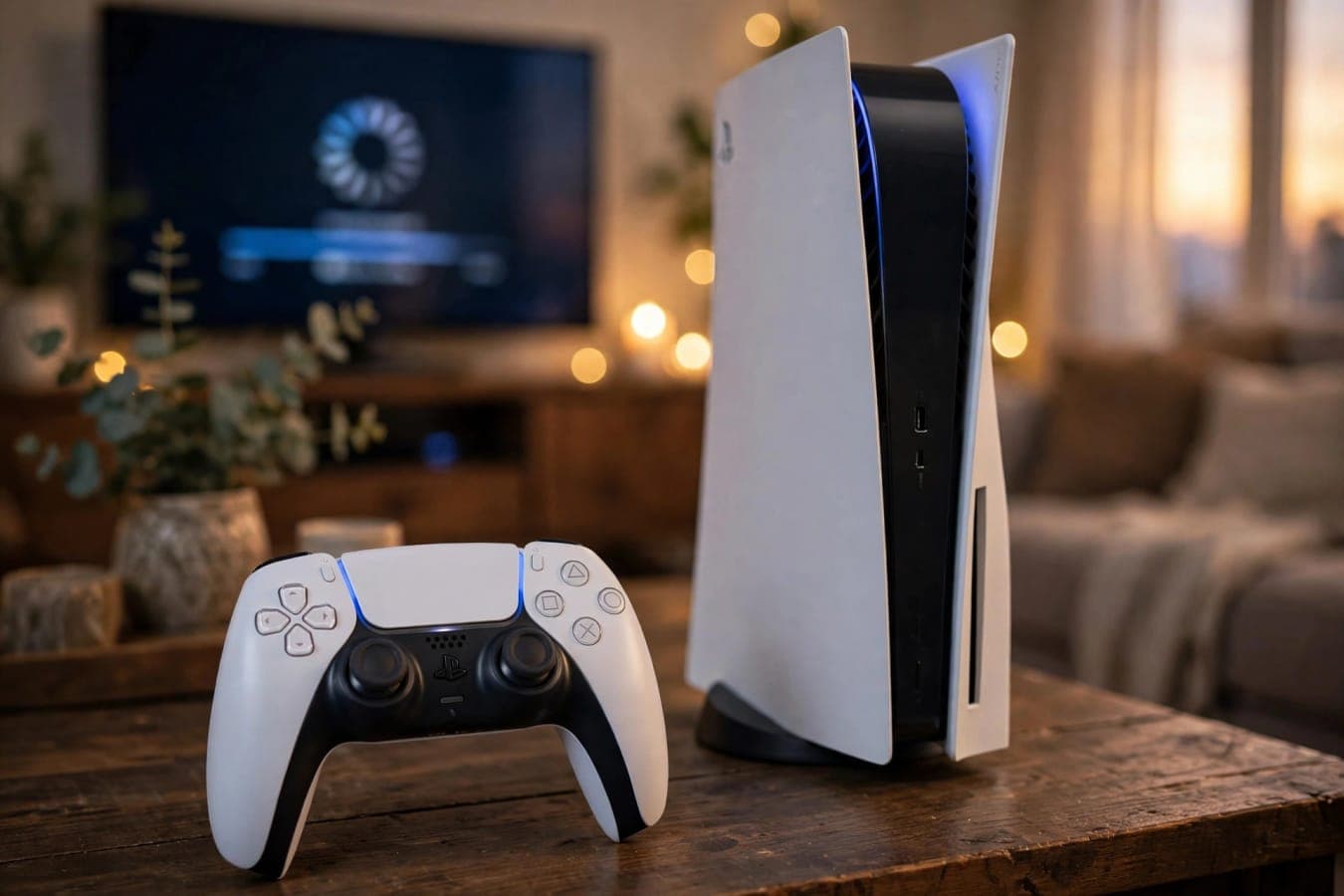
The update is rolling out in phases
- Not everyone gets the update at the same moment.
- According to PlayStation Game Size, the rollout started in waves.
- Around 33% of PS5 players could download it first.
- Another 66% got access about three hours later.
- The remaining players followed about six hours after that.
- Xbox players are also receiving it in stages.
- If you do not see the update yet, wait a few hours and check again.
- Do not reinstall the whole game just because the patch has not appeared yet.
- A full reinstall would mean downloading around 212 GB again, and that is not needed.
What does update 1.002.002 change?
- Rockstar has now published official patch notes for update 1.002.002 on its support website, on November 23, 2026.
- The official fixes are:
- Fixed several issues that caused the game to crash
- Fixed an issue that resulted in the weather not changing for extended periods
- Fixed an issue that resulted in the game not autosaving correctly
- Fixed several issues that resulted in phone calls not triggering correctly, including those that progressed the story or unlocked mission content
- Fixed an issue that resulted in the player being unable to lose their Wanted Level
- Fixed an issue that resulted in the player being unable to use the deadlift bar in the Gym
- Fixed an issue that resulted in partners not handing over bags so that players could sell them to fences
What update 1.002.002 fixes — confirmed in Rockstar's official patch notes
- Rockstar published official patch notes for update 1.002.002 on November 23, 2026. The confirmed fixes are:
- Fixed several issues that caused the game to crash
- Fixed an issue that resulted in the weather not changing for extended periods
- Fixed an issue that resulted in the game not autosaving correctly
- Fixed several issues that resulted in phone calls not triggering correctly, including those that progressed the story or unlocked mission content
- Fixed an issue that resulted in the player being unable to lose their Wanted Level
- Fixed an issue that resulted in the player being unable to use the deadlift bar in the Gym
- Fixed an issue that resulted in partners not handing over bags so that players could sell them to fences
- The infinite-money glitch is not in Rockstar's official fix list.
Why Rockstar does not share patch notes
- Rockstar has a long habit of staying quiet about small patches.
- It published no official patch notes for update 1.002 or for update 1.002.001 either.
- Those two updates arrived before launch and also went out with no changelog.
- Rockstar has now published official patch notes for update 1.002.002, on November 23, 2026, on its support website — the first post-launch patch to get official notes.
- Updates 1.002 and 1.002.001 still have no official patch notes.
- The studio does not always do that for smaller releases.
- For a game this big, a short stability patch often ships with no notes at all.
- The best sources for real changes are Rockstar Support and the Rockstar Newswire.
- Check those first before trusting any unofficial "patch notes" list. 🎮 Black Friday Deal – Buy GTA 6 on Amazon
How to download and install update 1.002.002
- Most consoles will download the update on their own.
- Here is how to get it right now if it has not started yet.
On PlayStation 5
- Highlight GTA 6 on your home screen.
- Press the Options button on your controller.
- Select "Check for Update".
- If the update is available, it will start downloading.
- You can also go to Settings, then Saved Data and Game/App Settings, then Automatic Updates, and make sure auto-download is on.
- The game needs to be closed for the update to install. If GTA 6 is running, close it first.
On Xbox Series X|S
- Press the Xbox button and open My games & apps.
- Go to Manage, then Updates.
- If GTA 6 appears in the list, select it and start the update.
- You can also check Settings, then System, then Updates, and turn on "Keep my console up to date" and "Keep my games & apps up to date".
- Xbox downloads updates in the background when the console is in sleep mode, if that setting is on.
Before you start
- Make sure you have at least 2 GB of free space, just to be safe.
- A wired internet connection is faster and more stable than Wi-Fi for downloads.
- Do not turn your console off while the update is installing.
- After the update installs, start the game once and let it reach the main menu before you play.
What to do if the update does not fix your crash
- Update 1.002.002 may not fix every crash.
- If your game still crashes after installing it, work through these steps in order:
- Install the update fully. Check the version number in the game or on your console. You want 1.002.002, not an older version.
- Update your console software. On PS5, go to Settings, then System, then System Software Update. The current system software is version 26.07-14.23.00.
- Do a full power cycle. Turn the console off completely, unplug it for a minute, then plug it back in and start it again. Rest mode is not the same as off.
- Clear the cache and rebuild the database. On PS5, boot into Safe Mode and choose "Clear Cache and Rebuild Database". This does not delete your games or saves.
- Restore your licences. On PS5, go to Settings, then Users and Accounts, then Other, then Restore Licences.
- Reinstall the game. This is the last resort. It means downloading around 212 GB again, so only do it if nothing else worked.
- Do not factory reset your console for a game crash. That wipes everything and is not needed.
- Do not pay for a repair because of a game crash. One player was quoted $230 for a repair and another paid $125. A software crash is not a hardware fault.
- Rockstar's own troubleshooting page, last updated November 18, links out to Sony and Microsoft support pages. Rockstar has not issued a statement about the crashes as of November 22.
- If crashes continue, report them through Rockstar Support with your console model, the error code and where in the game it happened.

How this update fits the launch so far
- GTA 6 launched on November 19, 2026, on PS5, PS5 Pro, Xbox Series X and Xbox Series S.
- It is the biggest game launch in history by sales.
- Take-Two said the game made $3.79 billion in its first day, with about 32.5 million copies sold. That is the company's own estimate, furnished to the US Securities and Exchange Commission as an exhibit to a Form 8-K.
- A launch this big always brings bugs. Millions of players find problems in days that testers could not find in months.
- Three updates in ten days shows Rockstar is moving fast.
- The first two updates were about getting the launch build ready.
- This one is about fixing what players found after launch.
- Expect more updates in the weeks ahead. Post-launch patches are normal now, even for single-player games.
What to expect next
- Rockstar has not said when the next update will arrive.
- Based on the pattern so far, more small patches are likely in the coming weeks.
- A bigger update could follow once Rockstar has gathered more crash reports and player feedback.
- There is no confirmed date for any future patch.
- There is also no PC version announced, and no GTA Online for GTA 6 announced yet.
- The safest way to stay current is to leave automatic updates on.
- Check Rockstar Support and the Rockstar Newswire for official news, and treat unofficial patch-note lists with care.
- Rockstar has now published official notes for 1.002.002 — see the confirmed fix list above.
The bottom line
- Update 1.002.002 is live from November 23, 2026.
- PS5 players download 603.8 MB. Xbox Series X|S players download 1.6 GB.
- It rolls out in phases, so it may take hours to reach you.
- Rockstar has now published official patch notes for update 1.002.002.
- The confirmed fixes are crashes, weather not changing for extended periods, autosave problems, story phone calls not triggering, being unable to lose a Wanted Level, the gym deadlift bar, and partners not handing over bags to sell to fences.
- Install it, keep automatic updates on, and check Rockstar Support for official news. 🔥 Buy GTA 6 Now – Huge Black Friday Discount
FAQs
What is GTA 6 update 1.002.002?
It is the first post-launch patch for GTA 6, released on November 23, 2026, for PS5 and Xbox Series X|S. It is the third update overall, after the two pre-launch updates 1.002 and 1.002.001.
How big is GTA 6 update 1.002.002?
The download is 603.8 MB on PlayStation 5 and 1.6 GB on Xbox Series X|S.
Are there official patch notes for update 1.002.002?
Yes. Rockstar published official patch notes for update 1.002.002 on November 23, 2026, on its support website. The notes list seven fixes: crashes, weather not changing for extended periods, autosave problems, story phone calls not triggering, being unable to lose a Wanted Level, the gym deadlift bar, and partners not handing over bags to sell to fences.
What does update 1.002.002 fix?
Update 1.002.002 fixes several issues that caused the game to crash; weather not changing for extended periods; the game not autosaving correctly; phone calls not triggering correctly, including those that progressed the story or unlocked mission content; the player being unable to lose a Wanted Level; the player being unable to use the deadlift bar in the Gym; and partners not handing over bags so that players could sell them to fences.
How do I download update 1.002.002?
On PS5, highlight GTA 6, press Options and choose "Check for Update". On Xbox, go to My games & apps, then Manage, then Updates. The update also downloads automatically if your console's auto-update setting is on. It rolls out in phases, so it may take a few hours to reach you.
Do I need update 1.002.002 to play GTA 6?
Yes, in practice. Consoles install the latest update before letting you play online features, and the update is required to keep your game on the current version. Make sure it is installed before your next session.
Was this article helpful?
Explore Specs, Comparisons & Related Topics

Written By
TechorCoffeeEditorial Team
The TechOrCoffee Editorial Team covers consumer hardware, artificial intelligence, software engineering, and regional smartphone & laptop market analysis.
Comments (0)
Leave a Comment
Read Next
Wed Jun 03 2026
PS5 Pro: Everything You Need to Know before Buy
Discover everything about the PS5 Pro, including specifications, performance upgrades, ray tracing, AI upscaling, gaming improvements upgrading in 2026.
Fri Oct 30 2026
Steam Machine in 2026: $1,049 PC Console, Worth It?
Steam Machine 2026 explained: Valve living-room PC, $1,049 price, Zen 4 and RDNA 3 specs, SteamOS, PS5 Pro comparison, and who should buy.
Fri Nov 06 2026
GTA 6 Pre-Load Starts November 10 and Needs 212GB of Space
GTA 6 pre-load starts 10 November 2026 on PS5 and Xbox Series X|S, needs up to 212GB, and launches 19 November. Timings, prices and storage tips here.