n8n Nod: A Free Local AI Agent That Runs on Your PC

Published (Updated )
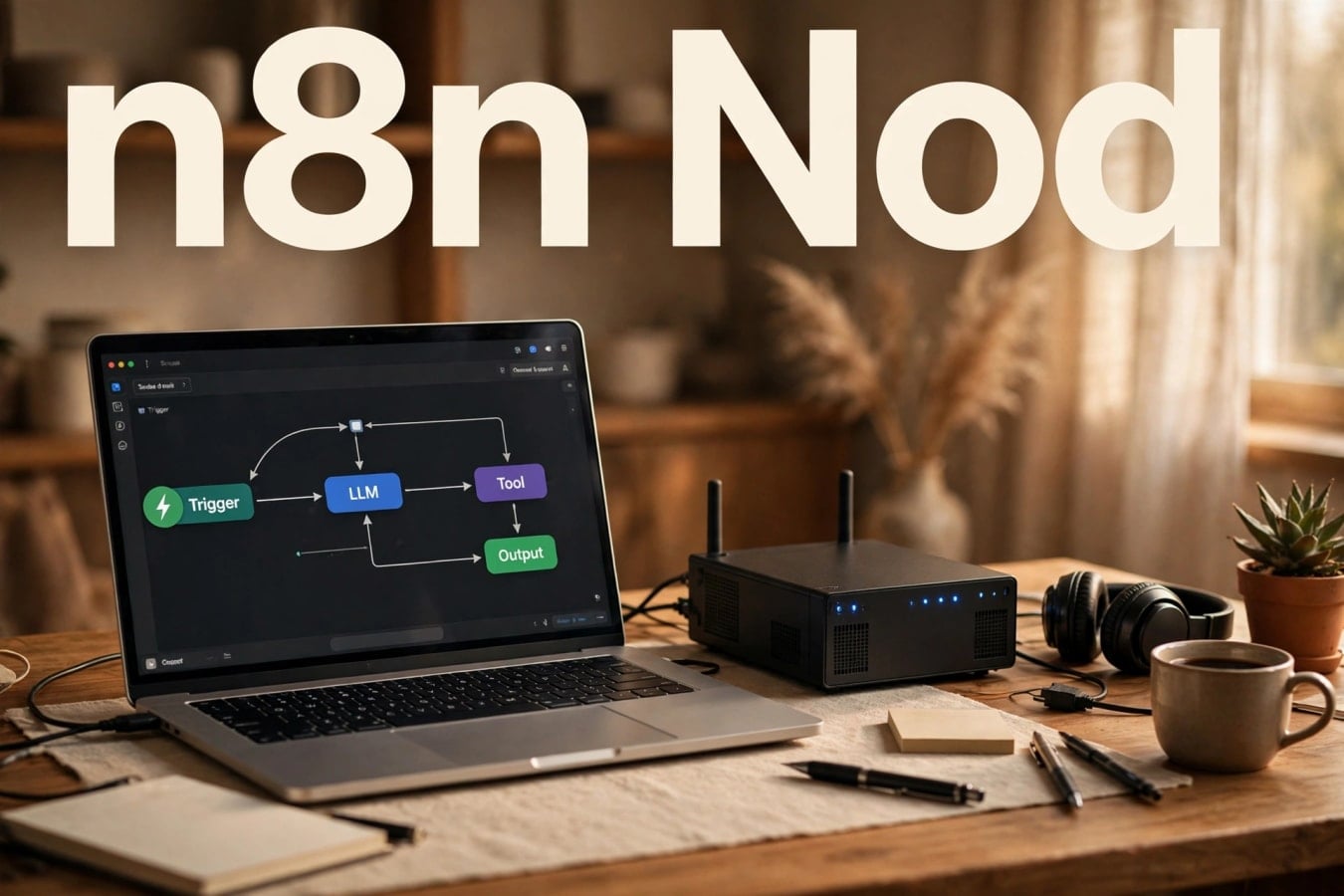
n8n Nod: A Free Local AI Agent That Runs on Your PC
Most AI agents live somewhere else. You type a request into a website, the work happens on a company's server, and you hope the result comes back in a usable form. Nod takes a different route. It lives on your own computer, works inside a private space on that machine, and only moves when you tell it to.
That is the short version of what n8n Labs released on 10 November 2026. Nod arrived as a research preview, announced on the n8n blog under the title "Meet Nod". It is a standalone desktop personal agent. The distinction matters, and it is worth getting right from the start.
Nod is not n8n. It is also not simply another agent built inside n8n. It is a separate product from the same team, built for a different kind of work. You do not need an n8n account to use it.
Nod is closer to a helper on your desktop. You give it a job in plain language, and it tries to carry it out in the apps and websites you already use.
Image 1 — after the introduction, before "What Nod actually does on your machine"

What Nod actually does on your machine
The core idea is local control. Nod runs on your own computer in a private local virtual machine, or sandbox. Inside that sandbox it has its own browser, its own files, and its own terminal.
That setup gives it a wider reach than an agent that only talks to other software through an official connection. Many everyday tasks have no neat API behind them. Because Nod has a browser of its own, it can work on real websites in a more direct way, and its files and terminal let it handle steps beyond reading a page and writing a summary.
That does not make it magic. If a job needs a browser, a file, or a command, Nod has those tools close at hand. If a page changes constantly, it will still run into the same friction a person would.
Your requests, memory, logs, and saved credentials stay on your machine, according to the launch material. That is a clear contrast with a hosted agent, where much of that material would sit on someone else's system.
Image 2 — after "What Nod actually does on your machine", before "It asks before it acts"
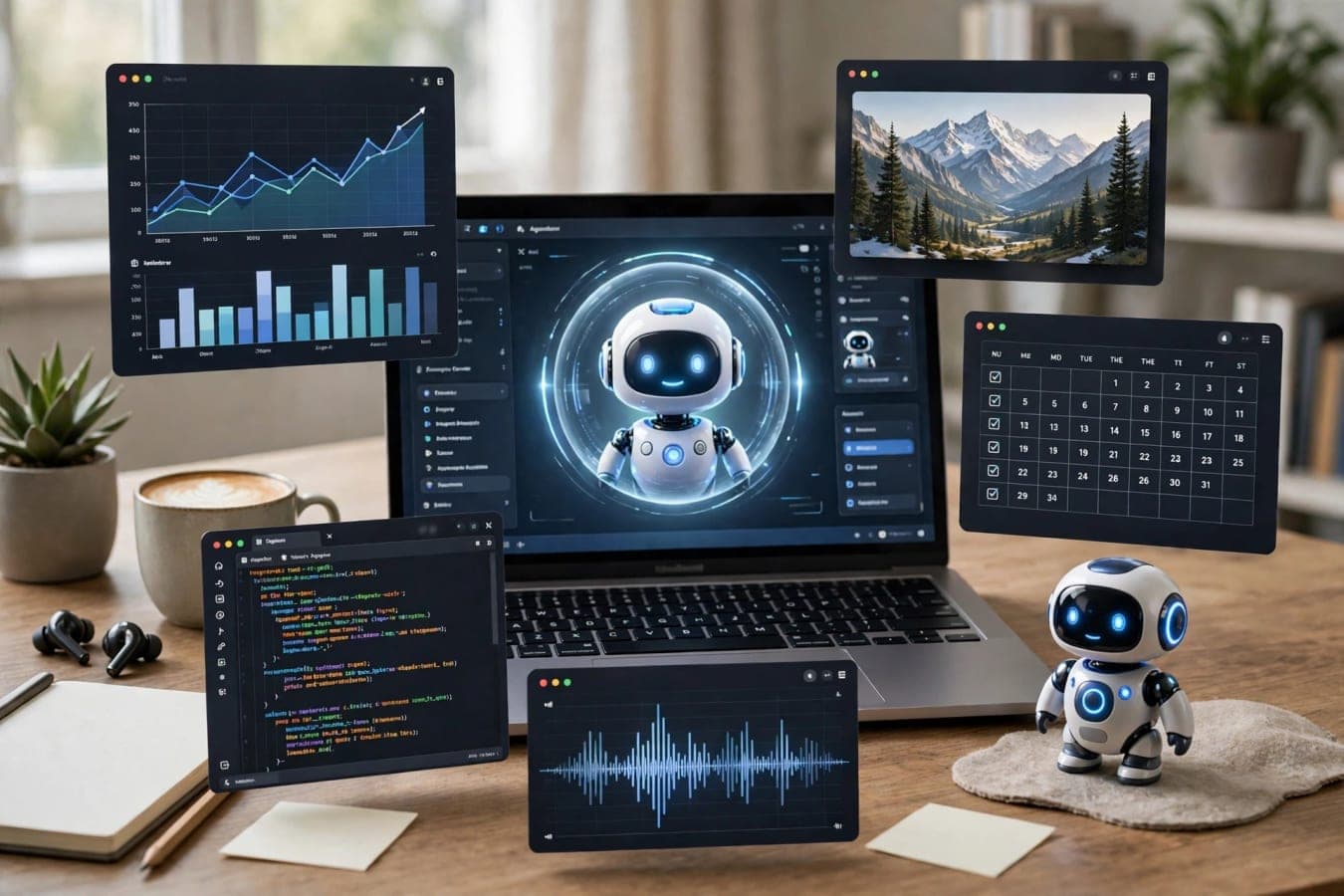
It asks before it acts
One of the most important details in the launch is also one of the simplest. Nod asks before it acts. Sensitive actions are gated.
That matters more than it sounds. An agent that can browse, open files, and run commands is useful precisely because it can do things. The same reach makes it risky if it moves too fast. A wrong click, a wrong send, or a wrong file change can be hard to undo.
Gating sensitive actions puts a pause in that chain, so you can check the step before it happens. The launch page also reports zero actions without permission across 678 test runs. That is n8n's own figure, not an independent check, and it does not prove the step will hold up in every real-world case.
The same caution applies to the other headline figure: a 98% finish rate on 226 errands, measured with GPT-6.1 Sol on 17-19 October 2026. Again, this is n8n's own figure, with no independent replication. It is a small, controlled sample, run with one named model, and it does not tell you how it will behave on your laptop, with your model, on your tasks.
Treat launch numbers as a starting point, not a promise. Anyone trying Nod now is trying a research preview, and the announcement is open about that. "Expect rough edges and frequent updates," it warns.
Free, open source, and bring your own model
Nod is free and open source under Apache 2.0, with its code on GitHub. There is no software price for Nod itself.
That does not mean using it costs nothing at all. Users bring their own model. You can connect OpenAI, Anthropic, or OpenRouter. You can use a ChatGPT Plus or Pro plan. Or you can run a local model through Ollama, LM Studio, vLLM, or llama.cpp.
The model provider bills you, under whatever plan or usage terms you already have with that provider. Nod itself does not add a software charge on top. That split is worth keeping clear when you read about it. Free here means the agent software is free. The intelligence behind it still comes from a model you supply, and that model may carry its own cost.
If you already run models locally, Nod can sit on top of that setup. If you prefer a hosted model, you can connect that instead. The choice is yours, and it can change later. Open source also means people can read the code and check how it works.
Where it runs, and where it stops
Nod is available for macOS 14 or later, on Apple silicon or Intel, and for Windows 11 in preview. The Windows version needs WSL 2. It can also be hosted on your own server for one person.
For now, though, the desktop version has a clear limit: it stops when the laptop sleeps.
A long job will not finish if the machine goes to sleep halfway through. A hosted version is on the roadmap, according to the launch material. Until then, Nod is best thought of as a desktop helper for jobs you start while you are working, rather than a server that keeps going on its own.
Setup in about ten minutes
Setup is estimated at about ten minutes. That estimate covers the main steps: install Nod, connect an AI provider, connect apps with single sign-in, save website logins, and then issue requests from the app or Telegram.
Ten minutes is an estimate, not a guarantee. Your time will depend on which model you choose, whether your apps are ready for single sign-in, and how many logins you want to save. A clean install with one provider and one or two apps could be quick. A setup with a local model, several apps, and a handful of saved logins will take longer.
You do not have to sit at the app to send a request. You can issue requests from Telegram as well, while the work itself still happens on your machine, in its sandbox.
Saving website logins is the step that needs the most thought. Nod stores memory, logs, and saved credentials on your machine. It encrypts saved logins and cards locally, and it logs everything.
Logging everything gives you a record of what the agent did, when, and in what order. That is useful if something goes wrong, but it also means the machine holds a detailed trail of your agent's work.
Image 3 — after "Setup in about ten minutes", before the summary table
| Area | What Nod offers |
|---|---|
| Type | Standalone desktop personal agent, separate from n8n |
| Cost | Free and open source under Apache 2.0; you pay your model provider |
| Runs on | Your own computer, in a private local virtual machine / sandbox |
| Models | OpenAI, Anthropic, OpenRouter, ChatGPT Plus/Pro, or local via Ollama, LM Studio, vLLM, llama.cpp |
| Platforms | macOS 14 or later, Windows 11 in preview with WSL 2; own-server hosting for one person |
| Control | Asks before it acts; sensitive actions are gated; everything is logged |
Who should try it now, and who should wait
The research preview label is the best guide here. If you enjoy testing new tools, you understand that rough edges are part of the deal, and you are comfortable choosing and paying for a model, Nod is ready to try. The install is short, the idea is clear, and the local sandbox gives you a contained place to see what it can do.
If you need a stable tool for important work today, with predictable behaviour and no surprises, this is probably not that tool yet. The announcement says so in plain language. Frequent updates are expected. That is normal for a preview, and it is also a reason to keep important jobs on tools you already trust.
A cautious first run makes sense either way. Start with low-risk jobs. Watch how it asks for permission. Check the logs after it finishes. See how it handles a site with no API, and how it handles a step you would not want it to take alone. That will tell you more than any launch figure can.
What Nod gets right, on paper at least, is the shape of the idea. A personal agent should live where your work lives, use the model you choose, ask before it does something sensitive, and leave a record you can read. Nod tries to do all four, on your own machine, for free. The preview is the start, not the finished product, so read the launch numbers as n8n's own results, not as independent proof.
FAQs
What is Nod?
Nod is a standalone desktop personal agent from n8n Labs, released as a research preview on 10 November 2026. It runs on your own computer and can work in apps and on real websites, including sites with no API.
Is Nod the same as n8n?
No. Nod is separate from n8n and from the agents built inside n8n. It is a standalone product, and no n8n account is needed to use it.
How much does Nod cost?
Nod itself is free and open source under Apache 2.0, with code on GitHub. You bring your own model, and the model provider bills you under your own plan or usage terms.
Which models can I use with Nod?
You can use OpenAI, Anthropic, OpenRouter, a ChatGPT Plus or Pro plan, or a local model via Ollama, LM Studio, vLLM, or llama.cpp.
Which computers can run Nod?
Nod is available for macOS 14 or later, on Apple silicon or Intel, and for Windows 11 in preview, which needs WSL 2. It can also be hosted on your own server for one person.
Does Nod act without asking me?
Nod asks before it acts, and sensitive actions are gated. The launch page reports zero actions without permission across 678 test runs. That is n8n's own figure, with no independent replication.
What happens when my laptop sleeps?
Nod stops when the laptop sleeps. A hosted version is on the roadmap, according to the launch material.
Was this article helpful?

Written By
TechorCoffeeContributing Writer
TechorCoffee is a technology reporter and software creator writing reviews and tutorials for TechOrCoffee.
Comments (0)
Leave a Comment
Read Next

Fri Oct 30 2026
Run AI Locally: Ollama, LM Studio, Best Models
Run AI locally in 2026 on your laptop: Ollama vs LM Studio guide, RAM and VRAM rules, best Qwen, Gemma, Llama and coding models, privacy, and setup steps.

Fri Oct 30 2026
GPT-6.1 Terra: Faster Agents at Half the Price
OpenAI GPT-6.1 Terra explained: half-price API, faster computer use, 1.05M-token context, Codex and ChatGPT Work availability, benchmarks and safety limits.

Fri Oct 30 2026
Anthropic IPO: Claude Maker Files for Nasdaq Listing
Anthropic IPO explained: S-1 filing, ANT ticker, $16.3B revenue, $80.7B loss, $1.5-2T valuation talk, compute costs and what it means for Claude users.