Drupal Commerce Hack: Patch and Audit Your Orders

Published
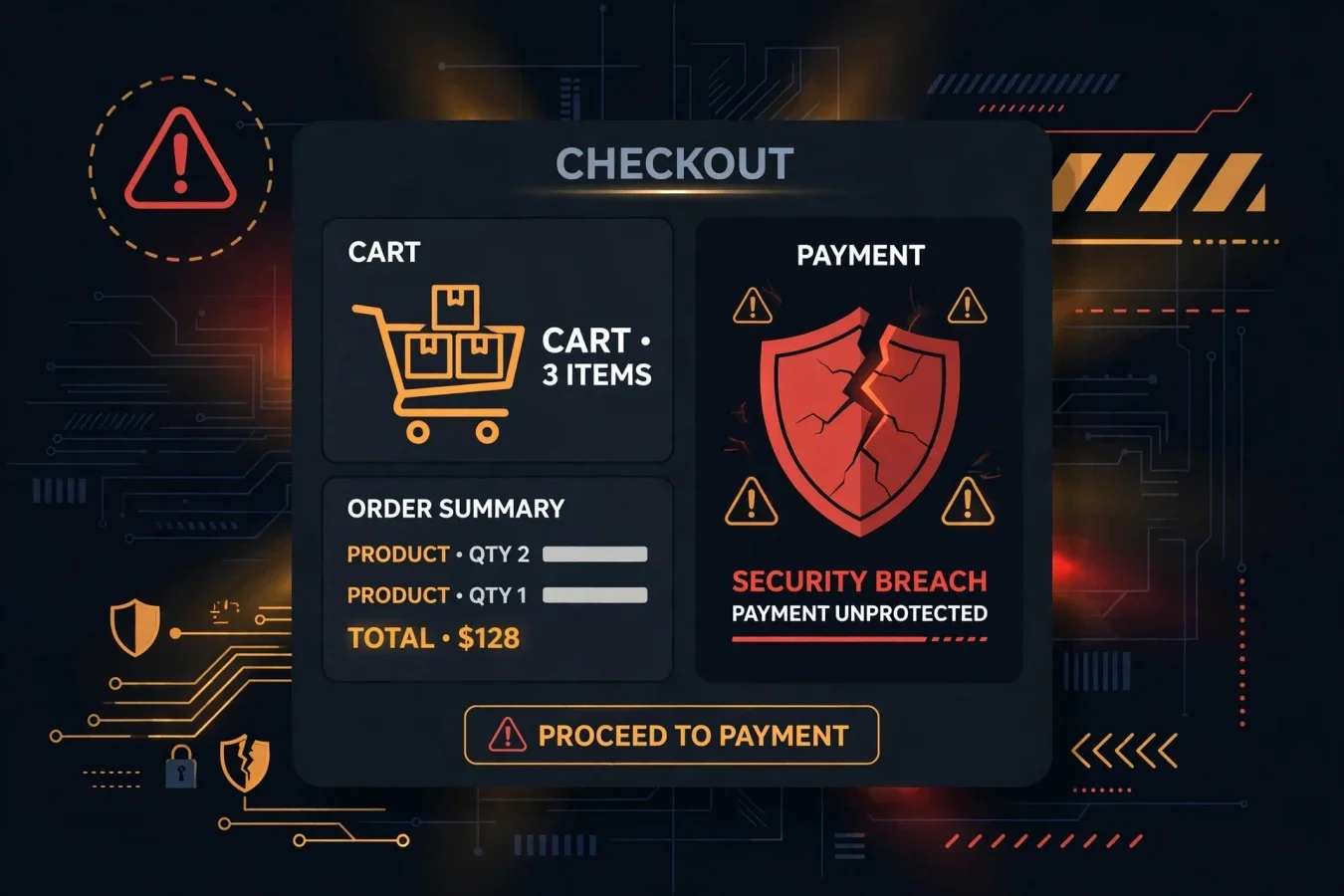
The update you should not leave for Monday
If you run a shop on Drupal Commerce, there is a particular kind of message that should make you put your coffee down. It is not a new feature announcement, and it is not a routine maintenance note. It is a short, blunt warning from Drupal itself: a highly critical flaw in Commerce Core is being actively exploited in the wild, and store owners should update and then check their orders.
That second instruction matters as much as the first. Patching closes a door. Auditing orders tells you whether someone already walked through it. Too many store owners do the first half, feel relieved, and never do the second. With this flaw, that is exactly the wrong order of operations.
This article explains what happened in plain language, which versions are affected, which versions fix it, and what to do today, step by step. It does not claim to know who attacked which store, how many stores were hit, or exactly how the attacks worked, because Drupal has not published those details. Where the public record stops, this article stops too.
What Drupal actually said
The flaw is tracked as CVE-2026-118539, under Drupal advisory SA-CONTRIB-2026-254. Drupal rates it highly critical, with a score of 21 out of 25 on its own risk scale. The Hacker News lists its CVSS score as not available, so do not go looking for a CVSS number to judge this one by. The Drupal risk score is the figure Drupal itself published, and it is high enough on its own.
In Drupal's words, the module does not sufficiently protect certain routes and entity fields, leading to an access bypass that may financially impact the vendor. That sentence is worth reading slowly, because it tells you where the risk sits. This is not a flaw in a blog comment box or a forgotten test page. Routes and entity fields are the machinery that decides who is allowed to do what, and what data they are allowed to touch. When that protection is missing, an attacker can potentially reach actions or information that should have required permission.
BleepingComputer reports that the flaw can be abused by unauthenticated attackers. That detail changes the threat model completely. You do not need a stolen password, a staff account, or a customer login for this to matter. The risk is present for a public-facing store, which is, by definition, a store that anyone on the internet can visit.
Drupal has also said the vulnerability is being actively exploited in the wild, but it has not provided specifics about the nature of the activity or the extent of the campaign. That is frustrating if you want a clean number, but it is also honest. Active exploitation does not mean every Drupal Commerce store has been attacked. It does mean the window between disclosure and real-world abuse has already closed, and waiting for more detail is not a strategy.
Days after the advisory, BleepingComputer reported that the US Cybersecurity and Infrastructure Security Agency added the flaw to its Known Exploited Vulnerabilities catalog and ordered federal agencies to patch within three days. That is a useful signal even if you are not a federal agency. When a vulnerability lands on that list, it has moved from theoretical risk to confirmed, observed abuse.
Which versions are affected, and which ones fix it
This is where a lot of confusion starts, because there are two different version numbers to keep straight: your Drupal core version, and your Commerce Core module version. Updating Drupal core alone does not update Commerce. If you only check one number, you can easily believe you are safe when you are not.
Here is the picture from the advisory and the coverage that followed it:
| Commerce branch | Affected versions | Fixed release |
|---|---|---|
| Commerce 3.x | 3.0.0 through 3.3.12 (reported as through 3.3.13 in some summaries, meaning 3.3.13 is the fix) | 3.3.13 |
| Commerce 2.x / earlier releases | Versions before 8.x-2.41 (reported as 0.0.0 through 2.41) | 8.x-2.41 |
Both security releases were published on 28 October 2026. Their release notes list six Commerce Core advisories in total, including access-bypass, information-disclosure, and cross-site request-forgery issues. That is worth knowing, because it means the update is not a one-line fix for a single edge case. It is a security release that addresses several problems at once, which is another reason not to cherry-pick or delay it.
Commerce Core is the module that adds a shopping cart and checkout to a Drupal site, or lets a store sell through decoupled applications via APIs. That description matters, because it explains why this flaw is not just a Drupal problem in the abstract. If your site does not use Commerce Core, this particular CVE is not your problem. If it does, the flaw sits directly on the path between a visitor and an order, which is the most sensitive path your site has.
Reports put Commerce Core use at more than 42,000 websites. That figure is adoption, not the number of vulnerable or attacked sites. It is still useful, because it tells you this is not a niche module used by a handful of hobby sites. It is a widely used commerce tool, and widely used tools attract attention from attackers precisely because one flaw can be tried against many targets.
Why active exploitation changes the urgency
Security teams often talk about patching in terms of risk, and risk usually feels abstract. Active exploitation makes it concrete. It means someone, somewhere, has already worked out how to use this flaw in the real world, and is doing so. It does not mean they have targeted you personally. It does mean the usual excuse — "we will get to it in the next maintenance window" — stops working.
There is also a second reason urgency matters here, and it is specific to commerce. A flaw that may financially impact the vendor is different from a flaw that merely defaces a page or slows a site down. Orders, prices, discounts, refunds, and customer data are all tied to trust. If a customer places an order and something goes wrong, or if an order is manipulated in a way that is not immediately obvious, the damage is not just technical. It is reputational, and it is hard to undo with a patch alone.
That is why Drupal's advice has two parts, and why this article keeps repeating both. Update first, so the known path is closed. Then audit your orders, because the patch does not prove that nothing happened before it was applied. An affected version is a reason to act promptly. It is not, by itself, proof that a particular store has suffered a loss, and it is also not proof that it has not.
What to do today, in order
Start with a backup, if you do not already have a recent one. This is not because the patch is expected to break your site, but because any change to a live shop should be reversible. If you have a staging copy, test the update there first. If you do not have staging, at least make sure you can restore quickly, and tell anyone who might be placing orders that a short maintenance window is planned.
Next, find your Commerce Core version. In Drupal, this is a module version, not the core version shown on the front page of your admin area. If you are not sure where to look, ask your developer to confirm it in writing, along with the branch you are on. That one detail determines which fixed release you need: 3.3.13 for the 3.x branch, or 8.x-2.41 for earlier releases.
Then apply the update. Do not stop at updating Drupal core, and do not assume a theme update or a server update covers this. The Commerce Core update is the specific fix for this CVE. Once it is applied, check that the site still loads, that the cart and checkout work, and that a test order can be placed and processed normally. A patch that breaks checkout is not a successful patch, and you want to discover that in testing, not from a customer complaint.
After the update, audit your orders for inconsistencies, exactly as Drupal advises. Look for orders that do not match what you expect: unusual amounts, unexpected discounts, orders that appear duplicated, orders with odd customer details, or orders that do not line up with your payment records. Compare your Drupal orders with your payment processor records where you can. If you find something that does not make sense, do not dismiss it as a glitch, and do not try to quietly fix it without understanding what happened. Preserve what you can, note the order numbers and timestamps, and get help from someone who understands both Drupal Commerce and incident response.
Finally, write down what you did and when. Note the old version, the new version, the date and time of the update, and the result of the order audit. That record is useful if a customer queries an order later, if your payment provider asks questions, or if you need to show that you acted promptly. It also makes the next security update easier, because you will already know where to look for your Commerce version.
If you cannot patch today
Sometimes a store cannot be patched immediately. There may be custom code that depends on the old version, a developer who is unavailable, or a sales event that cannot be paused. If that is your situation, do not pretend the risk has gone away, and do not rely on obscurity. A flaw that is publicly known and actively exploited will not stay hidden because your store is small.
Talk to your developer or agency urgently, and ask for a realistic timeline, not a vague promise. Ask what testing is needed, what custom code might be affected, and whether a temporary maintenance window can be arranged at a quiet time. In the meantime, increase your attention to orders. Check them more frequently, compare them with payment records, and make sure someone responsible is watching for anomalies. That is not a substitute for patching, and this article does not present it as one. It is damage limitation while you get to the fix.
It is also worth being clear about what has not been published. Drupal has not listed a separate workaround in the advisory text checked for this article. If someone offers you a quick workaround that claims to block this flaw without updating, treat that claim with caution and ask for evidence. The official advice is to update and audit. Anything else should be treated as unproven until it is backed by a credible source.
Bottom line
This is not a story about a hypothetical flaw that might one day be used. It is a story about a confirmed, actively exploited flaw in a widely used commerce module, with a clear fix and a clear second step. Update Commerce Core to 3.3.13 or 8.x-2.41, depending on your branch, and then audit your orders for inconsistencies. Do both, do them promptly, and keep a record of what you did.
The stores that come through incidents like this best are not necessarily the ones with the most expensive security tools. They are the ones that know what they run, act quickly when a fix appears, and check their work afterwards. That is a standard any store owner can aim for, starting today.
FAQs
What is CVE-2026-118539 in simple terms?
It is a missing-authorization flaw in Drupal Commerce Core. Certain routes and entity fields were not protected well enough, allowing an access bypass that Drupal says may financially impact the vendor.
Which Commerce Core versions are affected?
Commerce 3.x versions before 3.3.13, and earlier releases before 8.x-2.41. Some summaries phrase the affected ranges as 0.0.0 through 2.41 and 3.0.0 through 3.3.13, with 2.41 and 3.3.13 being the fixed releases in their respective lines.
Which version should I update to?
If you are on the 3.x branch, update to Commerce Core 3.3.13. If you are on an earlier branch, update to Commerce Core 8.x-2.41.
Is this flaw really being exploited, or is it just a warning?
Drupal says it is being actively exploited in the wild. It has not published details about who is attacking, how many stores are targeted, or the exact attack steps.
Does updating Drupal core fix this?
No, not by itself. Commerce Core is a separate module. You need to update Commerce Core to the fixed release, not just Drupal core.
What should I check after updating?
Audit your orders for inconsistencies, as Drupal advises. Compare Drupal orders with payment records, and look for unusual amounts, duplicates, or details that do not match.
What if I do not use Commerce Core?
Then this specific CVE does not affect you, but you should still know which modules your Drupal site runs and keep them updated, because other advisories may apply.
Was this article helpful?

Written By
TechorCoffeeContributing Writer
TechorCoffee is a technology reporter and software creator writing reviews and tutorials for TechOrCoffee.
Comments (0)
Leave a Comment
Read Next
Thu Oct 22 2026
PHP Security Vulnerabilities: Key Risks for Websites
Learn why PHP security matters, how website vulnerabilities can create risks, and what website owners can do to keep their systems secure.
Fri Oct 30 2026
Hackers Exploit Critical Drupal Commerce Flaw
Hackers are exploiting a highly critical Drupal Commerce Core access bypass. What happened, who is at risk, and what store owners must do now.
Fri Oct 30 2026
AI Scams in 2026: Spot Deepfakes, Phishing, Clones
AI scams in 2026: deepfake voice and video, polished phishing, fake shops and job offers, plus a 30-second check, safe words, and recovery steps.