Drupal Store Owners Face Critical Security Risk

Published
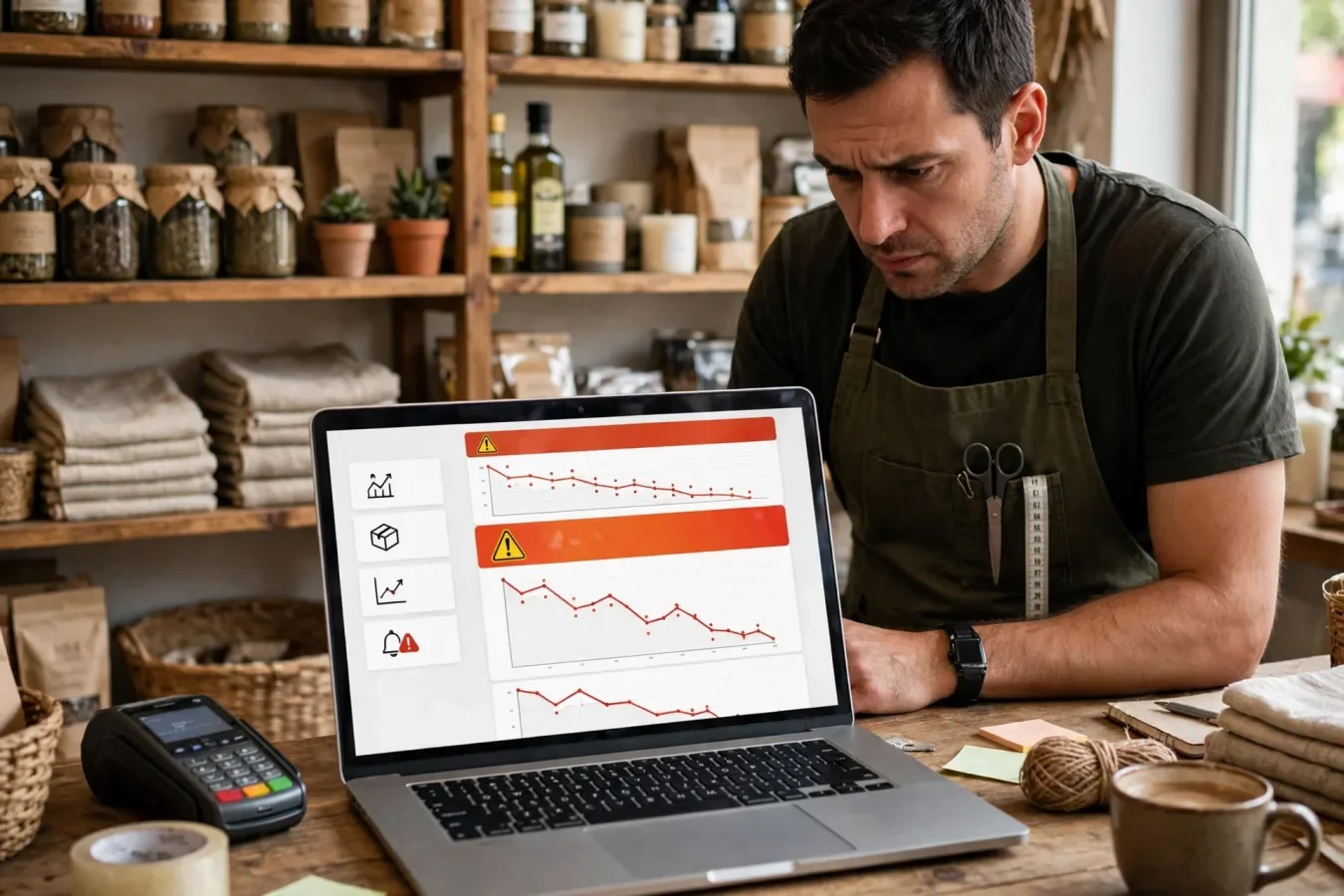
This alert is for you if you run a Drupal store
If your website sells anything through Drupal Commerce, read this first and act today. Drupal has confirmed that a highly critical flaw in Commerce Core, tracked as CVE-2026-118539 and advisory SA-CONTRIB-2026-254, is being actively exploited in the wild. The fix is available, and Drupal's advice is to update and then audit orders for inconsistencies. This article is not a news report and not a technical deep dive — it is the practical alert for the person responsible for a store: who is affected, what could be exposed, how to check your version, what suspicious activity looks like, and what to do in the next few hours.
This flaw does not affect every Drupal site. No commerce, cart or checkout means Commerce Core is not in play. If your site sells, takes bookings, processes donations through Commerce, or serves a decoupled storefront powered by Commerce Core, you are in scope — check today.
Which installations are affected?
Commerce Core is a contributed module, separate from Drupal core. That separation is the first trap. A site can be fully up to date on Drupal core and still be vulnerable, because the flaw is in Commerce Core's version, not core's version. Check Commerce specifically.
| Your Commerce Core version | Status for this flaw |
|---|---|
| 3.x before 3.3.13 | Affected — update to 3.3.13 |
| 3.3.13 | Fixed for this advisory |
| 8.x-2.x before 8.x-2.41 | Affected — update to 8.x-2.41 |
| 8.x-2.41 | Fixed for this advisory |
Some reports phrase the affected range loosely as "through 3.3.13" or "through 2.41". Do not let that wording confuse you: the fixed releases are the boundary. If you are on 3.3.13 or 8.x-2.41, you have the fix for CVE-2026-118539. If you are on any earlier release in those branches, you do not.
Drupal rates it 21/25, "highly critical". No CVSS score exists yet (NVD: not yet assessed), and that absence should not lower urgency. Reported risk-string detail says unauthenticated attackers can exploit it regardless of configuration — so small size, theme or firewall does not make a vulnerable store safe.
The same 28 October window also patched other Commerce Core issues and companion modules (Stripe, Shipping, License). Update Commerce Core first, then check those companions in the same window — separate advisories, separate fixed versions.
What could be exposed: orders, accounts and administration
Drupal's advisory says the module "doesn't sufficiently protect certain routes and entity fields, leading to an access bypass that may financially impact the vendor". It does not list the exact routes or fields, and it does not confirm a specific data-exposure pattern. So this section describes what is at risk in a commerce system when routes and fields are insufficiently protected — not a confirmed list of what was taken from any particular store.
Orders. An order is more than a receipt. It carries the customer, the items, the total, discounts, shipping details, fulfilment status and payment linkage. If an order field can be read or changed without proper authorization, the order may no longer match what the customer paid for, what the payment provider recorded, or what the warehouse should ship. That is why Drupal tells sites to audit orders for inconsistencies: an order that does not reconcile is the clearest signal that something went wrong, whether or not the cause was this flaw.
Customer accounts and data. A store holds accounts, order histories, addresses and contact details. An access bypass on commerce routes or entity fields raises the possibility that protected customer or order information is viewed by someone who should not see it, or that account-related fields are altered. Drupal has not confirmed a specific customer-data breach for this flaw, so do not tell customers their data was stolen unless your own audit establishes it. Do prepare, however, to answer the question: check what changed, preserve the evidence, and get advice on notification duties under your local rules before you communicate.
Store administration. The financial-impact wording centres on the vendor, and for good reason. A store's administration — pricing, discounts, order workflow, fulfilment — depends on order fields being trustworthy. If a field can be changed by an unauthorized request, the downstream effects are operational: wrong items shipped, refunds issued incorrectly, revenue reports distorted, customer service dealing with orders that do not make sense. The harm is not only a security incident; it is a business-process incident that can continue after the patch if bad orders are left uncorrected.
Payments. Be precise here. Drupal has not said this flaw directly steals card details or bypasses a payment gateway, and a separate Commerce Stripe issue in the same batch — where orders could be marked as paid without payment — should not be attributed to CVE-2026-118539. What this flaw does create is a reconciliation risk: an order's recorded state may not match its payment state. Always reconcile against your payment provider, not only against your own order list, because the payment provider is the independent record.
How to check your Commerce Core version
Do this before you do anything else. You need a version number, not a feeling.
- Admin area. Log in as an administrator and look at the module list for Commerce. The installed version should be shown there. If you cannot find Commerce in the list, your site may not run Commerce Core at all — confirm with your developer or host before assuming you are safe, because a decoupled storefront can use Commerce without an obvious storefront theme.
- Composer record. If your site is managed with Composer, check the installed Commerce package version in your lock file or package list. This is the most reliable record for a developer-managed site, because it shows what is actually deployed, not what someone remembers installing.
- Ask your host or agency. If you do not manage the site yourself, ask in writing: "Do we run Drupal Commerce Core, and which version is live in production right now?" Ask for the production version, not the staging version. A fix that is only in staging does not protect customers.
- Record it. Write down the version you found, the date you checked, and whether it is affected or fixed. That record is the starting point for the update and for any later audit. If you later need to show a client, an insurer or a regulator what you did and when, that note matters.
If affected, move to the checklist below without delay. If already fixed, you still need the order audit — patching proves the hole is closed now, not that it was never used.
How to spot potentially suspicious activity
Drupal has not published indicators of compromise for this flaw, so there is no official checklist of attacker IP addresses, URLs or log lines to search for. The suspicious-activity check below is therefore based on business inconsistency, not on a published IOC list. Look for things that do not reconcile, not for things that look "hacky".
- Orders that do not match payments. An order marked paid, shipped or completed when the payment provider shows no matching payment, a different amount, or a failed transaction. This is the highest-priority check.
- Unexplained status changes. Orders moving to a new status without a staff action, a customer action or a payment event that explains the change. Check the order history or revision log for who — or what — made the change, and when.
- Unusual field changes. Totals, discounts, shipping methods, addresses or fulfilment flags changed without a corresponding customer request, staff note or system event. A single odd change can be a data-entry error; a pattern across orders is a signal.
- Anonymous or unexpected access to commerce areas. If your logs show anonymous sessions reaching commerce routes, order pages or API endpoints that should require a customer or staff account, treat that as a finding to investigate, not as normal traffic. Remember that forceful browsing — directly requesting a protected route — can look like an ordinary page request in a log.
- Customer reports that do not add up. Customers saying their order shows different items, a different address, or a status they did not trigger. Do not dismiss these as user error until you have checked the order record.
- Activity in the window before patching. Focus the audit on the period when the site was on a vulnerable version, especially the days around the 28 October advisory and the 30 October news reports. Activity after a verified patch to a fixed version is less likely to be this flaw, but the audit should still cover it to establish a clean baseline.
If you find inconsistencies, do not delete or "fix" them immediately in a way that destroys evidence. Preserve the order records, the payment records and the relevant logs first, then correct the business impact through your normal order-management process, with a note explaining what was changed and why. If the inconsistencies are widespread, or if you cannot explain them, treat the store as potentially compromised and follow the recovery steps in the mitigation guide in this series, rather than assuming a patch alone is enough.
Immediate actions for administrators
Do these in order, today:
- Confirm the version using the steps above, and record it.
- Back up the site and database before updating, so you can roll back if the update breaks a custom feature. A backup is not a reason to delay the update for days; it is a step that takes minutes to hours, not weeks.
- Update Commerce Core to 3.3.13 or 8.x-2.41, in staging first if you have it, then production. Verify the fixed version is live in production after deployment.
- Update companion Commerce modules from the same batch if your store uses them.
- Audit orders for inconsistencies, reconciling against your payment provider. Start with recent orders and with any order whose status does not match its payment record.
- Review logs for anonymous or unexpected access to commerce routes and fields, focusing on the vulnerable window.
- Review permissions for commerce roles: who can view, edit and fulfil orders, and whether any account has broader access than its job requires. Remove or downgrade accounts that are no longer needed.
- Tell the right people. Inform your developer, host or agency, and, if you find confirmed inconsistencies, get advice on customer notification and on whether a formal incident response is needed. Do not announce a breach you have not established, and do not announce "all clear" before the audit.
- Monitor for the next few days. Watch new orders, payment reconciliations and commerce logs more closely than usual. New detail from Drupal or security researchers, or a CISA listing, could change the advice, so check the advisory page and the NVD entry for updates.
What not to do
Do not wait for a detailed exploit write-up before patching. The fix is available, exploitation is confirmed, and the detail that matters for your store — your version and your orders — is already in your hands. Do not rely on hiding a URL, blocking a guessed route, or trusting a firewall rule as a substitute for the update; Drupal has not published the vulnerable routes, so a blocklist is a guess. Do not update Drupal core and assume Commerce is fixed. And do not reassure customers or clients that "nothing happened" until the order audit supports that statement.
Store owners need not be security researchers: know your version, apply the fix, check your orders, and ask for help when the audit finds something odd. Done today, that removes the known risk and shows whether anything else is needed.
FAQs
Am I affected if my site is Drupal but has no shop?
No. This flaw is in Commerce Core. Sites without Commerce are not affected by CVE-2026-118539.
How do I check my Commerce Core version?
Check the admin module list for Commerce, or the Composer installed version, and confirm the production version, not staging.
Which versions are safe?
3.3.13 and 8.x-2.41 are fixed for this advisory. Earlier 3.x and 8.x-2.x releases are affected.
What does "audit orders for inconsistencies" mean?
Compare each order's status, total and payment linkage against your payment provider and look for unexplained changes.
Has customer data been stolen?
Not confirmed for this flaw. Drupal confirmed an access bypass with possible financial impact, not a specific data breach.
Is updating Drupal core enough?
No. Commerce Core has its own version. Update Commerce to 3.3.13 or 8.x-2.41.
What if I find inconsistent orders?
Preserve records and logs, correct the business impact through normal order management, and follow incident-recovery advice if the pattern is widespread.
Was this article helpful?

Written By
TechorCoffeeContributing Writer
TechorCoffee is a technology reporter and software creator writing reviews and tutorials for TechOrCoffee.
Comments (0)
Leave a Comment
Read Next
Fri Oct 30 2026
Hackers Exploit Critical Drupal Commerce Flaw
Hackers are exploiting a highly critical Drupal Commerce Core access bypass. What happened, who is at risk, and what store owners must do now.

Fri Oct 30 2026
Next.js 16 Guide: Cache, Turbopack, Proxy, Migration
Next.js 16 guide: Cache Components, Turbopack default, proxy.ts, async APIs, and a safe migration checklist for developers.
Fri Oct 30 2026
Drupal Commerce Hack: Patch and Audit Your Orders
Drupal Commerce Core flaw CVE-2026-118539 is being actively exploited. Update to the fixed release and audit your orders before it costs you. Patch today.