MacBook Air M5 vs Pro M5: Which to Buy?

Published
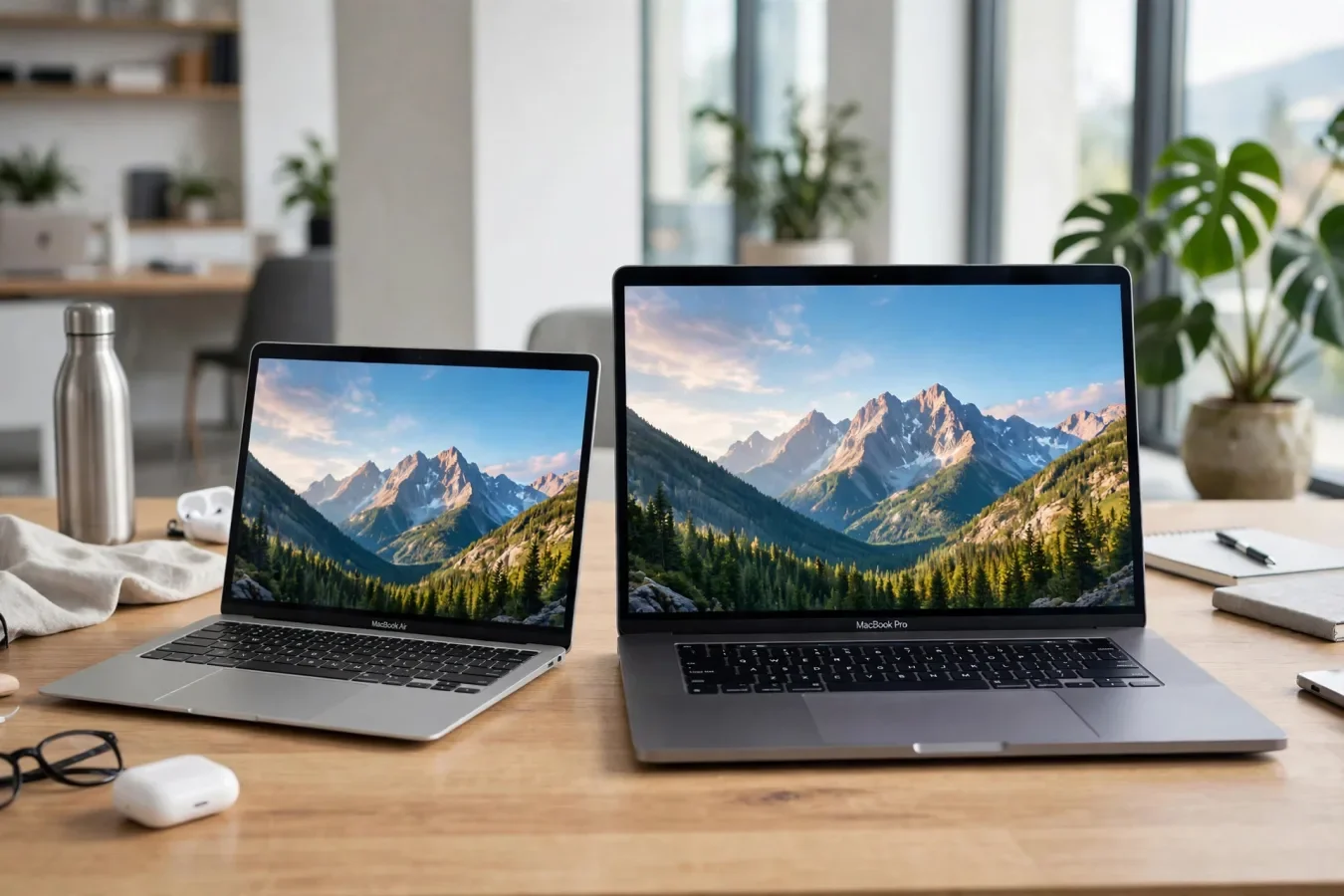
The same M5 chip, two very different laptops
Choosing between the MacBook Air M5 and the MacBook Pro M5 in 2026 looks simple at first: both can be bought with Apple's baseline M5 chip, both start with 16GB of unified memory and 512GB of SSD storage, and both run macOS with the same apps. So why does one cost hundreds — or thousands — more than the other?
Because the chip is only part of the story. The Pro adds a brighter, smoother XDR display, active cooling for sustained performance, more ports, bigger batteries, and access to M5 Pro and M5 Max chips with far more CPU, GPU, and memory headroom. The Air adds silence, lightness, and value: a fanless design, 2.7 pounds for the 13-inch model, and a price that leaves room for accessories, software, or a larger SSD.
This guide compares the current M5 Air (13-inch and 15-inch) with the current MacBook Pro (14-inch and 16-inch), using Apple's US prices as listed in October 2026 guides, and gives a clear pick by use case — student, office worker, photographer, video editor, developer, or traveller. Prices have moved during 2026 with the memory crisis, so treat the figures below as October 2026 Apple US starting prices, and check Apple's site at purchase time.
At a glance: the lineup and prices
| Model | Starting price (Oct 2026, US) | Screen | Weight | Best for |
|---|---|---|---|---|
| MacBook Air 13-inch, M5 | $1,299 | 13.6-inch Liquid Retina, 60Hz | 2.7 lb | Students, office, browsing, light photo editing |
| MacBook Air 15-inch, M5 | $1,499 | 15.3-inch Liquid Retina, 60Hz | 3.3 lb | Big screen on a budget |
| MacBook Pro 14-inch, M5 | $1,999 | 14.2-inch Liquid Retina XDR, 120Hz ProMotion | 3.5 lb | Better screen, HDMI, SD card, sustained work |
| MacBook Pro 14-inch, M5 Pro | $2,499 | 14.2-inch XDR, 120Hz | 3.5 lb | Video, 3D, code builds, local AI daily |
| MacBook Pro 16-inch, M5 Pro/Max | $2,999 | 16.2-inch XDR, 120Hz | 4.7 lb | Largest screen, longest Pro battery |
Both lines share a 12MP Center Stage camera, Touch ID, Magic Keyboard, MagSafe 3, and a headphone jack. The differences are display, cooling, ports, chip options, and battery.
Display: the clearest gap
The display is the clearest gap between the two lines, and it's the reason many buyers who "only need an Air" end up with a Pro after seeing them side by side in a store.
The Air uses a Liquid Retina LED-backlit IPS panel: 500 nits brightness, 60Hz refresh, no HDR brightness or contrast figure listed in Apple's specs. It's bright, sharp, and perfectly good for office work, browsing, and photo editing in normal light. But 60Hz, in 2026, feels legacy next to a 120Hz screen — scrolling, cursor movement, and animations are visibly smoother on ProMotion, and once you've used 120Hz daily, 60Hz is hard to go back to.
The Pro uses a Liquid Retina XDR panel: up to 1,000 nits outdoors in SDR, 1,000 nits sustained full-screen in HDR, 1,600 nits peak HDR, 1,000,000:1 contrast, and ProMotion adaptive refresh up to 120Hz, plus fixed rates from 47.95Hz to 60Hz for video. That means HDR video looks dramatically better, outdoor use is far more comfortable, and motion is smoother across the board. For photographers, video editors, and anyone who watches HDR content, the XDR display alone can justify the Pro's premium.
Screen sizes also differ: Air at 13.6 inches (2560 by 1664) or 15.3 inches (2880 by 1864), Pro at 14.2 inches (3024 by 1964) or 16.2 inches (3456 by 2234). The 15-inch Air is the value big-screen option — a 15.3-inch display and six speakers for $1,500 less than the 16-inch Pro, per October 2026 guides. The 16-inch Pro is the largest, brightest, and longest-lasting option, but at $2,999 starting, it's a professional tool, not a general-purpose laptop.
Performance and cooling: burst versus sustained
Here's the key insight about M5 performance: the baseline M5 chip is the same in the Air and the base Pro — 10-core CPU, 10-core GPU (8-core on the base Air configuration in some listings), with Neural Accelerators in every GPU core for AI work. For short bursts — opening apps, editing a photo, compiling a small project, running a local AI model briefly — the Air and the base Pro feel identical. That's why one guide concluded that, unless you explicitly need the 120Hz display, HDMI, or active cooling, the Air is the objectively smarter purchase for most people.
The difference appears under sustained load. The Air is fanless and silent, using its aluminium chassis as a heat sink. That's wonderful for a library, a meeting, or a quiet office — no fan noise, ever. But under a long video render, a large code build, or a sustained local AI run, the fanless Air will throttle to protect itself, slowing down as it heats up. The Pro has active cooling — fans, and a vapour chamber on higher models — so it can sustain peak performance for far longer. For a 10-minute render, the difference is small. For a two-hour render, it's large.
Chip options widen the gap further. The Air tops out at M5, with up to 32GB of memory. The Pro offers M5 Pro (up to 18 CPU cores, 20 GPU cores, up to 64GB memory, Thunderbolt 5) and M5 Max (up to 40 GPU cores, 614GB/s memory bandwidth, up to 128GB unified memory). If you need 64GB to 128GB of memory, or four external displays, only the Pro with M5 Max can do it. If you need local AI models every day, video editing, 3D rendering, or large code builds, the M5 Pro or Max is not a luxury — it's the tool for the job.
For everyday use — browsing, office, streaming, light photo editing, and even light video editing — the Air's M5 is more than enough, and its 16GB standard memory (up from the old 8GB base that made older Airs feel constrained) means multitasking is comfortable. Don't buy a Pro for performance you won't use; buy it for sustained performance, display, or ports you will use daily.
Ports, displays, and connectivity
Ports are the Pro's quiet superpower, and the Air's most annoying limitation.
The Air has two Thunderbolt 4 ports, MagSafe 3, and a headphone jack. That's it. No HDMI, no SD card slot. If you present on a projector, plug in a camera card, or dock to multiple monitors, you'll need dongles or a hub — and you'll carry them everywhere.
The Pro has three Thunderbolt ports (Thunderbolt 4 on base M5, Thunderbolt 5 on M5 Pro and Max), HDMI 2.1, an SDXC card slot, MagSafe 3, and a headphone jack. That kills the dongle for most professional workflows: plug a monitor straight into HDMI, pop in an SD card from your camera, and still have Thunderbolt ports free for storage and peripherals.
External displays also differ. The Air supports two external displays with its built-in screen on, in current M5 configurations, according to October 2026 guides — a major improvement over older Airs, but still a limit if you run a multi-monitor desk setup. The Pro, especially with M5 Max, supports up to four external displays, depending on configuration. Check Apple's specs for your exact chip and display combination before you buy, because external display support varies by chip.
Both lines have Wi-Fi 7 and Bluetooth 6 via Apple's N1 chip, and the same 12MP Center Stage camera with Desk View. The Pro adds a better speaker system on the 16-inch model, and a larger trackpad on the larger sizes, but those are secondary to display, cooling, and ports.
Battery and weight: the trade-off you feel daily
Battery life, rated by Apple, is:
- Air 13-inch: up to 18 hours video, 15 hours web, 53.8Wh battery (some listings give 52.6Wh — the difference reflects measurement, not a different battery).
- Air 15-inch: up to 18 hours video, 66.5Wh battery.
- Pro 14-inch: up to 24 hours video on some configurations, with a 70Wh-plus battery, though other listings give 22 hours video and 11 hours web — again, configuration and test method matter.
- Pro 16-inch: up to 24 hours video, 100Wh battery, the longest Pro battery life.
In practice, both lines give a full working day, and often more. The Pro's larger battery helps on long flights and long shoots, but it comes with weight: Air 13-inch at 2.7 pounds, Air 15-inch at 3.3 pounds, Pro 14-inch at 3.5 pounds, Pro 16-inch at 4.7 pounds. That 2-pound gap between the 13-inch Air and the 16-inch Pro is the difference between a bag you forget you're carrying and a bag you notice all day. If you travel daily, weight matters more than specs. If you work at a desk, it doesn't.
Charging differs too: the Air ships with a 35W dual adapter on some configurations, the 16-inch Pro with a 140W adapter. Check the adapter in the box for your configuration.
Which one should you buy? A decision guide
Buy the MacBook Air M5 if:
- You're a student, office worker, or remote worker, doing browsing, documents, video calls, and light photo editing. The Air handles all of it, silently, for less money.
- You want the lightest possible laptop, and you carry it daily. At 2.7 pounds, the 13-inch Air is the travel champion.
- You want a big screen on a budget. The 15-inch Air gives you 15.3 inches and six speakers for far less than the 16-inch Pro.
- You don't need HDMI, SD, or sustained heavy rendering. Dongles are annoying, but they're cheaper than a Pro if you only need them occasionally.
Buy the MacBook Pro M5 (base) if:
- You want the XDR display, ProMotion, HDMI, and SD card slot, and you're willing to pay $700 more than the 13-inch Air for them. That's the core Pro upgrade, and for many professionals, it's worth it on display alone.
- You do sustained work — long renders, builds, or AI runs — where active cooling matters.
- You need three Thunderbolt ports and a better speaker system, or you want the longest battery life in a 14-inch machine.
Buy the MacBook Pro with M5 Pro or M5 Max if:
- You edit video, render 3D, build large codebases, or run local AI models every day. The extra CPU, GPU, memory bandwidth, and memory capacity are not optional for that work — they're the difference between waiting and working.
- You need 64GB to 128GB of memory, or four external displays. Only M5 Max offers that.
- You want the 16-inch screen and the 100Wh battery, for the largest, longest-lasting MacBook.
A final note on configuration: both lines start with 16GB and 512GB, which is finally a sensible base in 2026 — no more 8GB or 256GB compromises that made older base models feel constrained. If you keep a laptop for five years, consider stepping up memory to 24GB on the Air, or 32GB on the Pro, because memory is not upgradeable later, and AI features and multitasking will only use more of it over time. Storage, by contrast, can be supplemented with external SSDs, so don't overpay for internal storage you can add externally for less.
The Air is the smarter purchase for most people. The Pro is the right purchase for professionals who need its display, cooling, ports, or chip headroom daily. Match the machine to the work you actually do, not the work you imagine you might do someday — and you'll end up with the right MacBook, at the right price.
FAQs
What is the difference between MacBook Air M5 and MacBook Pro M5?
Both can use the baseline M5 chip, but the Pro adds a brighter XDR display with 120Hz ProMotion, active cooling, HDMI and SD card ports, larger batteries, and M5 Pro and M5 Max chip options with more memory.
How much does a MacBook Air M5 cost in 2026?
Apple US starting prices in October 2026 guides were $1,299 for the 13-inch Air and $1,499 for the 15-inch Air. Prices have moved during 2026, so check Apple's site at purchase.
How much does a MacBook Pro M5 cost in 2026?
Apple US starting prices in October 2026 guides were $1,999 for the 14-inch Pro with M5, $2,499 with M5 Pro, and $2,999 for the 16-inch Pro. Check current prices before buying.
Is the MacBook Air M5 fanless?
Yes, the Air is fanless and silent, using its aluminium chassis as a heat sink. The Pro has active cooling fans, so it sustains peak performance longer under heavy loads.
Can the MacBook Air M5 handle video editing?
Yes, for light to moderate video editing, photo editing, and everyday work. For long renders, 3D, large code builds, or daily local AI work, the Pro with M5 Pro or Max is better, thanks to cooling and chip headroom.
Which MacBook has the better display?
The Pro, with Liquid Retina XDR, up to 1,600 nits peak HDR, 1,000,000:1 contrast, and 120Hz ProMotion. The Air has a good 500-nit Liquid Retina display at 60Hz, but no HDR XDR panel.
Should I buy MacBook Air or Pro in 2026?
Buy the Air if you do everyday work, travel daily, or want a big screen on a budget. Buy the Pro if you need the XDR display, HDMI and SD ports, sustained performance, or M5 Pro and Max chip options.
Was this article helpful?

Written By
TechorCoffeeContributing Writer
TechorCoffee is a technology reporter and software creator writing reviews and tutorials for TechOrCoffee.
Comments (0)
Leave a Comment
Read Next

Tue Apr 21 2026
Leaks & Rumors: Apple MacBook M6 with Touch Screen: My 2026 Leaks Expectations
As a tech journalist with 15+ years testing Apple gear, I break down the buzz around the Apple MacBook M6 with touch screen. Expect OLED touch displays, M6 chip leaps in AI tasks, and pricing from $1,099. I compare it to MacBook Air M6 and Pro M6, share my insights on battery life and workflows
Fri Jun 05 2026
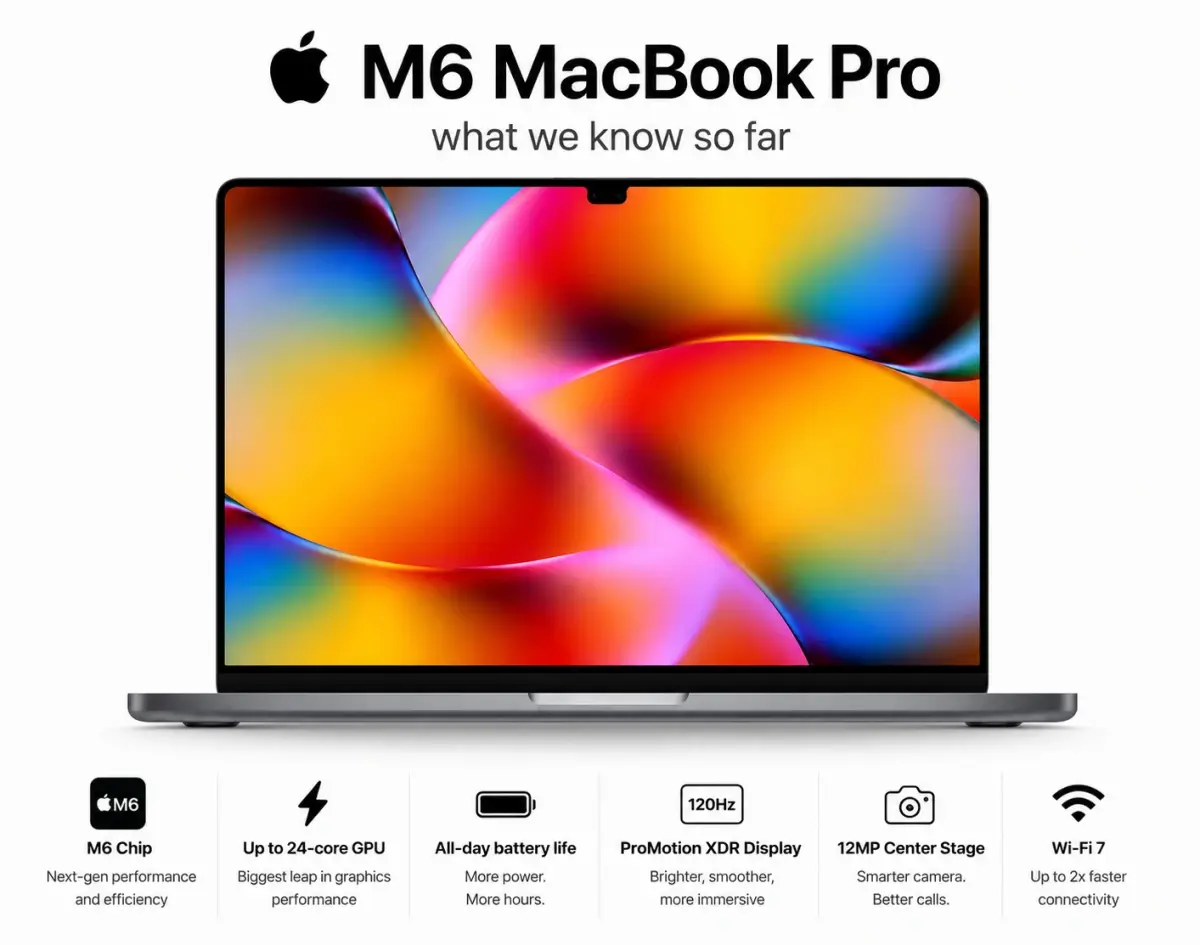
MacBook Pro M6 & OLED Screen: Full 2026 Guide (WWDC 26)
Everything you need to know about the MacBook Pro M6 in 2026 — OLED display, touchscreen, M6 chip specs, release date, and whether it's worth the wait.
Fri Apr 03 2026
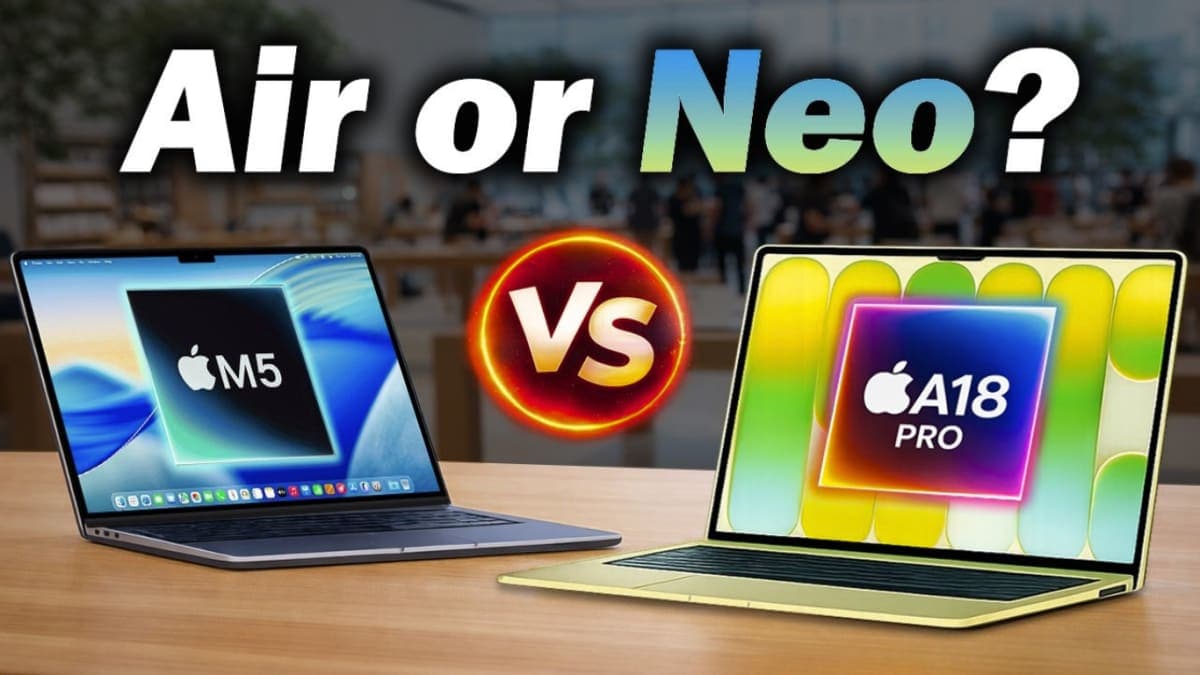
Leaks & Rumors: MacBook Neo vs MacBook Air M5: Which One Should You Buy ?
Apple launched two MacBooks in March 2026. The Neo starts at $599 with an A18 Pro chip great for light users. The Air M5 starts at $1,099 with M5, 16GB RAM, and Thunderbolt 4 built for serious work. One is a smart buy. The other is a smarter one.