Leaks & Rumors: MacBook Neo vs MacBook M5: Which Wins in 2026?

Published April 2, 2026 (Updated May 19, 2026)

MacBook Neo vs MacBook M5: Complete 2026 Comparison
Choosing between the MacBook Neo vs MacBook M5 can feel confusing—especially with Apple constantly upgrading performance and efficiency.
Quick Comparison
10 specsBoth laptops are powerful in their own ways, but they target different types of users. If you’re wondering which one is right for you, this detailed guide breaks everything down in a simple and practical way.
Introduction
Apple’s MacBook lineup in 2026 is more diverse than ever. With the introduction of the MacBook Neo, Apple is clearly targeting budget-conscious users, while the MacBook M5 continues to dominate the premium segment.
But here’s the real question:
👉 Do you really need the power of M5, or is Neo enough for your workflow?
Let’s find out.
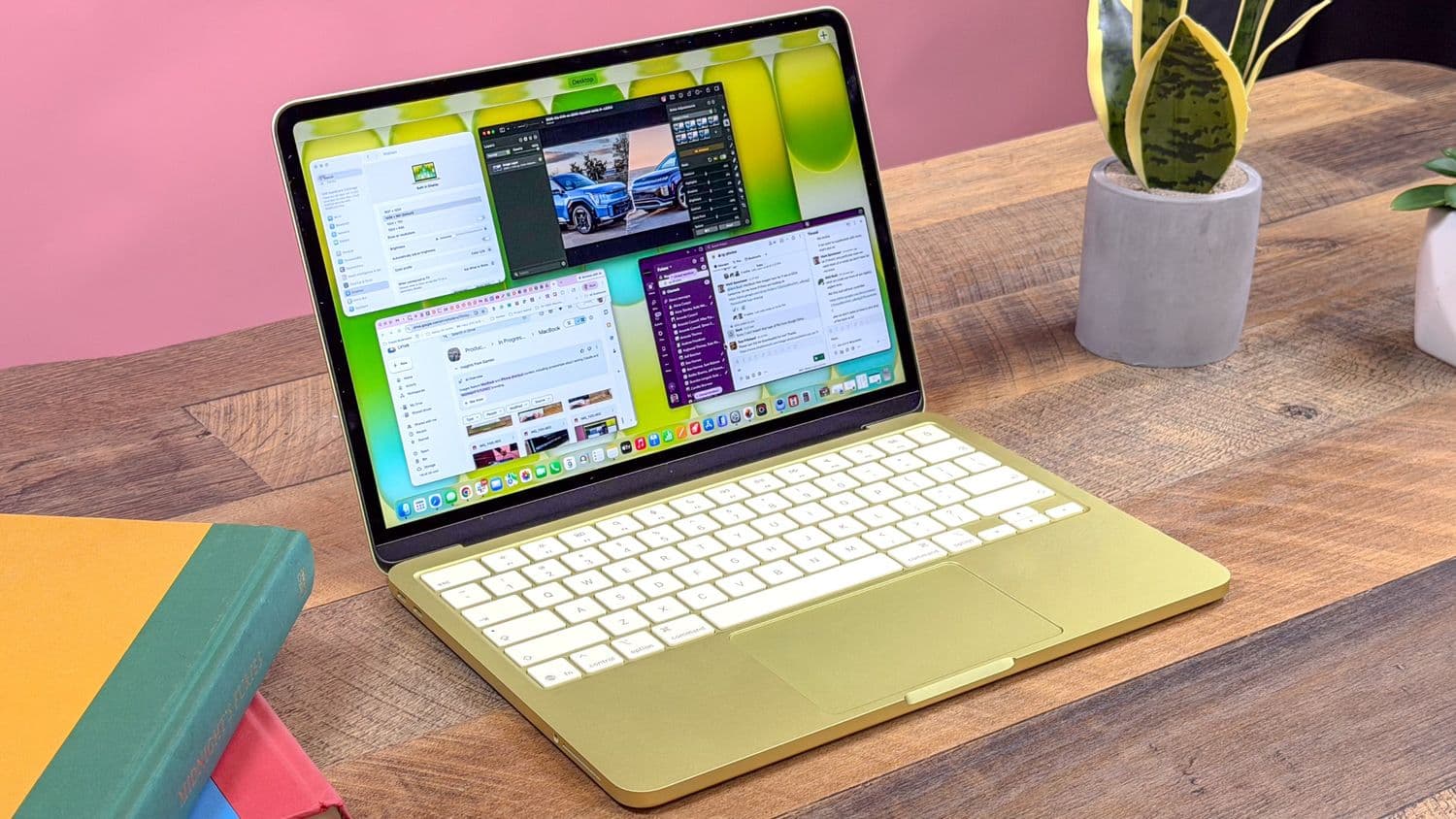
Performance Comparison: Power vs Efficiency
Performance is the biggest deciding factor when comparing MacBook Neo vs MacBook M5.
MacBook Neo Performance
MacBook Neo is designed for everyday users. It delivers smooth performance for:
- Web browsing with multiple tabs
- Watching videos and streaming
- Microsoft Office / Google Docs
- Light coding and small projects
It likely uses a mid-tier Apple Silicon chip, optimized for efficiency rather than raw power.
In real-world use, it feels fast—but only up to a certain level.
MacBook M5 vs Macbook neo BenchMarks
| Benchmark Test | MacBook Air M5 (Expected) | MacBook Neo (Base Model) |
|---|---|---|
| Geekbench 6 Single-Core | 3200 – 3500 | 2400 – 2700 |
| Geekbench 6 Multi-Core | 12500 – 14000 | 8000 – 9500 |
| Cinebench R23 Single-Core | 1900 – 2100 | 1300 – 1500 |
| Cinebench R23 Multi-Core | 11000 – 12500 | 7000 – 8500 |
| GPU Metal Score | 45000 – 55000 | 25000 – 32000 |
| Blender Render (BMW Scene) | ~55 sec | ~95 sec |
| 4K Video Export (Final Cut) | ~3 min | ~6 min |
| SSD Read Speed | 3000 – 3500 MB/s | 1500 – 2200 MB/s |
| SSD Write Speed | 2800 – 3200 MB/s | 1300 – 2000 MB/s |
| AI / ML Performance (CoreML) | High (Next-gen Neural) | Moderate |
| Thermal Efficiency | Excellent (Fanless M5) | Good |
| Battery Efficiency Score | 18 – 22 hours | 12 – 15 hours |
MacBook M5 Performance
MacBook M5 is a powerhouse built for professionals. With the latest Apple M5 chip, it offers:
- High-speed CPU and GPU performance
- Seamless multitasking
- Faster rendering and compiling
- AI and machine learning optimization
You can easily handle:
- 4K/8K video editing
- App development (Xcode, Android Studio)
- Running multiple servers locally
- Heavy Chrome tabs + IDE + Docker
The difference becomes obvious when you push the system.

Battery Life: All-Day vs Power Efficiency
Battery life is one of Apple’s strongest areas, and both laptops perform well here.
MacBook Neo Battery
- Around 12–15 hours usage
- Optimized for light tasks
- Perfect for students and travelers
MacBook M5 Battery
- Around 15–20 hours usage
- More efficient despite higher performance
- Handles demanding tasks without draining quickly
Even under load, M5 maintains excellent battery stability.
Design and Portability
Apple maintains its signature premium design across both devices.
MacBook Neo
- Lightweight and ultra-portable
- Minimalistic design
- Ideal for carrying to college or office
MacBook M5
- Slightly more premium feel
- Better thermal design
- Possibly improved display and brightness
👉 Both are sleek, but M5 feels more “pro-level.”
RAM and Storage: Future-Proofing Matters
MacBook Neo
- 8GB or 16GB RAM
- 256GB to 512GB SSD
Suitable for basic usage, but may feel limited over time.
MacBook M5
- Starts at 16GB RAM
- Up to 2TB storage options
- Better for long-term usage
If you plan to use your laptop for 3–5 years, M5 is safer.
Real-World Use Cases
Let’s simplify your decision based on how you actually use a laptop.
Choose MacBook Neo if you:
- Are a student or beginner
- Need a device for assignments, browsing, and media
- Want a budget-friendly MacBook
- Do light coding or web development
Choose MacBook M5 if you:
- Are a developer or content creator
- Work with heavy applications
- Need fast performance and multitasking
- Want a future-proof investment
Developer Perspective (Important Insight)
If you're into full-stack development, this section is crucial.
MacBook Neo for Developers
You can use it for:
- VS Code
- Small React/Next.js projects
- Basic backend APIs
But you may face issues with:
- Running Docker containers
- Multiple local servers
- Heavy builds and deployments
MacBook M5 for Developers
This is where M5 shines. You can:
- Run full-stack apps smoothly
- Use Docker + databases + frontend together
- Handle large codebases
- Work with AI tools and APIs
For serious development, M5 saves time and frustration.
Pricing: Budget vs Premium
MacBook Neo
- More affordable
- Great entry into Apple ecosystem
- Best for limited budgets
MacBook M5
- Premium pricing
- Expensive, but powerful
- Better ROI for professionals
Key Differences at a Glance
- Performance: M5 is significantly faster
- Battery: Both strong, M5 slightly better
- Price: Neo is cheaper
- Target Users: Neo (basic), M5 (advanced)
- Longevity: M5 lasts longer
If you still confussed take a look on these article
When comparing the MacBook Air M5 with the new MacBook Neo, it’s important to understand how Apple’s entire lineup is evolving across different generations. If you’re confused between older and newer models, you can explore our detailed comparisons like MacBook Air M5 vs M4 and MacBook Air M4 vs MacBook Neo to get a clearer idea of performance differences and real-world upgrades.
For users considering budget options or entry-level devices, we’ve also covered a complete breakdown in MacBook Neo vs MacBook Air M1 (Complete Comparison 2026), which helps you decide whether upgrading is worth it or not.
Additionally, if you want a full overview of Apple’s latest M5-powered device, don’t miss our in-depth guide on MacBook Air M5 launch 2026 review & specs, where we’ve covered performance, design, and expected pricing.
And if budget is your main concern, you should definitely check out how students are getting massive discounts in our guide on how to get MacBook Neo under $449 with student discount, where we’ve explained step-by-step ways to save money on your purchase.