MacBook Pro Touchscreen Display: OLED Features Explained

Published
Introduction
For years, Apple resisted adding touchscreen functionality to its MacBook lineup. While Windows laptops increasingly offered touch-enabled displays, Apple continued to rely on the keyboard, trackpad and external mouse for the traditional Mac experience.
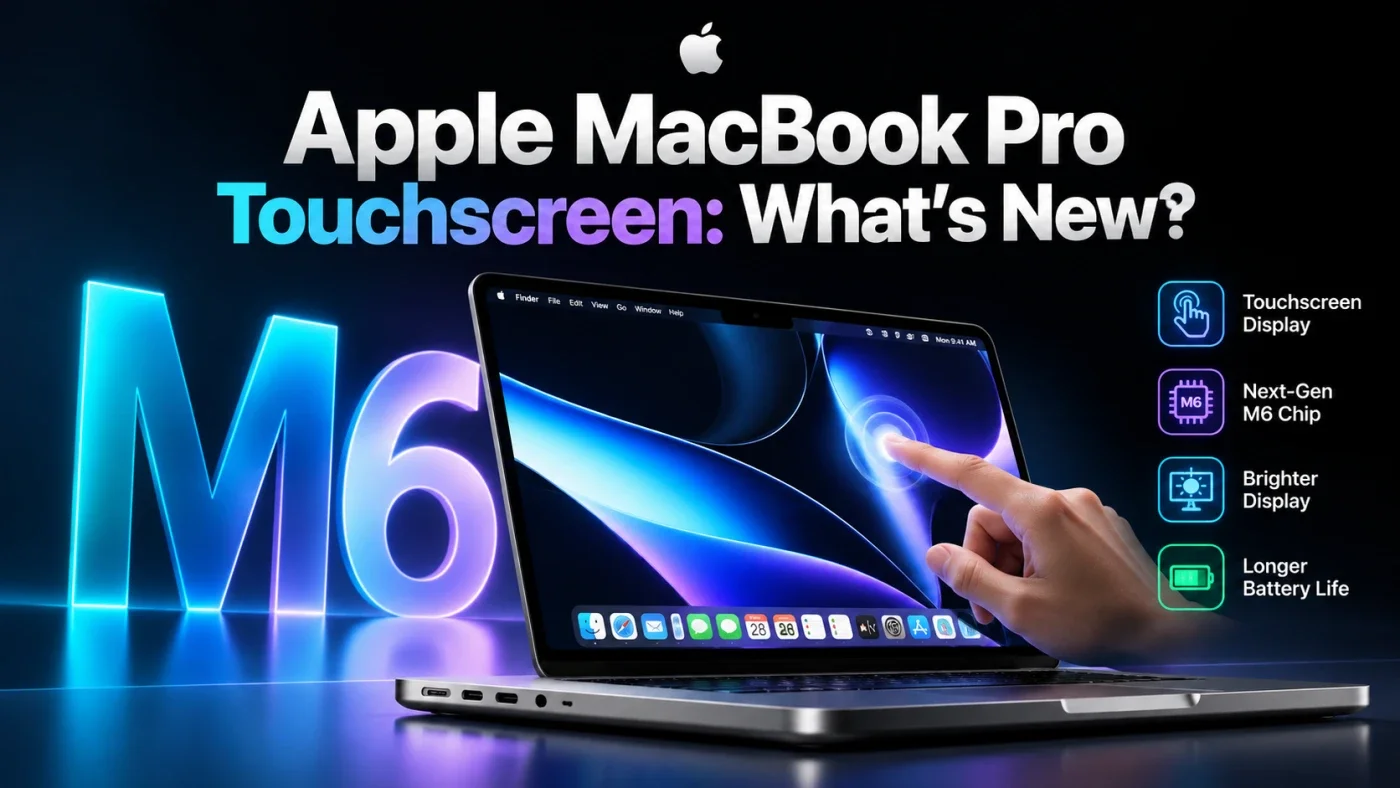
That changed on October 28, 2026, when Apple introduced a redesigned MacBook Pro featuring its first touchscreen Mac display. The new laptop combines tandem OLED technology, high brightness, a 120Hz adaptive refresh rate and touch controls designed for professional workflows. <Cite refs={["turn990682search8","turn990682search9"]}/>
The new display is called PROLED XDR, and it represents a major change for Apple's professional laptops. Users can scroll through websites with a finger, zoom into images, move objects between applications and interact directly with compatible creative software.
However, there is one important distinction: the standard MacBook Pro with the M6 chip does not include this touchscreen display. Apple's redesigned touchscreen models use the M5 Pro and M5 Max processors.
In this article, we'll explore Apple's new touchscreen display technology, its key features, how it works, who can benefit from it and whether it is worth considering.
1. What Is the New MacBook Pro Touchscreen Display?
Apple's new PROLED XDR display combines tandem OLED technology with advanced display processing, colour calibration and touch input.
Unlike a traditional LCD display, OLED technology uses self-illuminating pixels. This allows individual pixels to produce their own light, creating deep blacks and strong contrast between bright and dark areas.
Apple's tandem OLED design uses two self-illuminating pixel layers to improve brightness and image quality. Its display engine also manages colour, brightness and pixel behaviour to maintain consistent visual performance. <Cite refs={["turn990682search8","turn990682search9"]}/>
The display is designed for professionals who need more than a visually attractive screen. Photographers, video editors, graphic designers and 3D artists can benefit from precise colour reproduction, high contrast and responsive interaction.
The touchscreen functionality adds another layer of convenience, allowing users to interact directly with on-screen content instead of relying exclusively on the trackpad.
2. MacBook Pro Touchscreen Display Specifications
Here are the main specifications Apple has announced for the redesigned touchscreen MacBook Pro.
Feature | PROLED XDR display |
|---|---|
Display technology | Tandem OLED |
Available screen sizes | 14.2-inch and 16.3-inch |
Refresh rate | Adaptive, up to 120Hz |
Peak HDR and SDR brightness | Up to 2,000 nits |
Contrast ratio | 10,000,000:1 |
Colour spaces | P3 and Adobe RGB |
HDR video coverage | More than 80% Rec. 2020 |
Touch input | Yes |
Nano-texture option | Available |
Processors | M5 Pro and M5 Max |
Battery life | Up to 24 hours, according to Apple |
These are Apple's published specifications for the redesigned touchscreen models, rather than the standard M6 MacBook Pro. Actual battery life and display performance vary with usage and settings.
3. Tandem OLED Technology: Why It Matters
One of the biggest upgrades is the transition to tandem OLED technology.
Traditional LCD displays use a backlight to illuminate pixels. OLED panels generate light at the pixel level, which enables more precise control over dark and bright areas.
Apple's tandem OLED implementation uses two light-emitting layers, with the aim of delivering high brightness while maintaining contrast and image quality.
Deeper blacks and better contrast
Because OLED pixels can turn off individually, black areas can appear genuinely black rather than showing the grey glow sometimes associated with backlit LCD displays.
This can improve the experience of watching films, editing HDR video and working with images containing both very dark and very bright details.
Better HDR viewing
High dynamic range content depends on the display's ability to reproduce bright highlights while retaining detail in darker areas.
Apple specifies a peak brightness of up to 2,000 nits and a contrast ratio of 10,000,000:1 for PROLED XDR. These capabilities can help make HDR video and compatible visual content look more detailed and realistic.
Reduced blooming
LCD displays with local dimming can sometimes produce bright halos around objects against a dark background. OLED's pixel-level light control can reduce this type of blooming.
For users who frequently edit photographs, watch HDR content or work with dark interfaces, these improvements may be particularly noticeable.
4. Touchscreen Features: How Does Touch Work on a MacBook Pro?
The touchscreen is more than an additional way to click buttons. Apple has designed it to complement existing macOS interactions.
The touch sensor is integrated directly into the display panel rather than being placed on top as a separate layer. Apple says this design reduces latency and makes interactions feel more immediate.
Here are some examples of how the feature can be used.
Scrolling and zooming
Users can swipe through webpages, documents and long lists. Pinch-to-zoom gestures can enlarge photographs and other visual content.
Dragging and moving objects
Touch input allows users to drag presentation slides and interact directly with objects on the screen. This can make certain tasks feel more natural than moving a cursor with the trackpad.
Creative work
Designers can use more of the display as a working canvas. Musicians can interact with compatible software instruments directly on the screen, while 3D artists can manipulate supported content using touch controls.
Multitasking
Users can double-tap a window to fill the screen or use touch gestures to arrange windows. These interactions provide another way to navigate the desktop without abandoning keyboard shortcuts or trackpad gestures.
Importantly, the touchscreen is designed to work alongside existing input methods. Users can continue using the keyboard, trackpad and mouse whenever those methods are more convenient.
5. Is the MacBook Pro M6 Touchscreen?
This is one of the most common questions surrounding Apple's new MacBook lineup.
No. The standard 14-inch MacBook Pro with M6 does not have a touchscreen.
Apple introduced two distinct updates in October 2026:
Feature | MacBook Pro with M6 | Touchscreen MacBook Pro |
|---|---|---|
Processor | M6 | M5 Pro or M5 Max |
Display | Liquid Retina XDR | PROLED XDR tandem OLED |
Touchscreen | No | Yes |
Screen sizes | 14-inch | 14.2-inch and 16.3-inch |
Maximum refresh rate | Up to 120Hz | Up to 120Hz |
Main appeal | New standard-tier chip | OLED display and touch interaction |
The M6 model is intended for users who want Apple's latest standard-tier processor in a familiar MacBook Pro design. The redesigned models target professionals who want the new display technology, direct touch input and higher-tier processing options.
If you are shopping specifically for a touchscreen MacBook, check the display specifications carefully rather than assuming every 2026 MacBook Pro includes touch support.
6. Colour Accuracy for Photographers and Designers
Display quality is particularly important for professionals who work with colour-sensitive content.
Apple's new PROLED XDR display supports both P3 and Adobe RGB colour spaces. These are useful for different creative workflows, including digital photography, video production and print design.
Why does Adobe RGB support matter?
Adobe RGB covers a wider range of certain colours than sRGB, making it useful in some professional photography and print workflows.
P3 is widely used in modern displays and digital media. Supporting both colour spaces allows creative professionals to work with different types of content without relying on separate displays for every task.
Apple also describes a factory-calibration process designed to maintain accurate luminance, white point and colour reproduction. <Cite refs={["turn990682search8","turn990682search9"]}/>
For photographers and designers, these features can make the MacBook Pro a more capable portable workstation.
However, a wide colour gamut alone does not guarantee perfect colour accuracy. Your workflow, colour profile, application settings and calibration requirements still matter.
7. Is a 120Hz OLED Touchscreen Worth It?
The display supports adaptive refresh rates from as low as 10Hz to as high as 120Hz.
Refresh rate describes how frequently the screen updates its image. A higher refresh rate can make scrolling, animations and supported motion appear smoother.
The adaptive range also allows the display to use lower refresh rates when appropriate, helping manage power consumption.
For everyday users, the most noticeable benefits may include smoother scrolling and more responsive visual interactions.
For creative professionals, the combination of high refresh rates and touch input can make moving objects and navigating supported applications feel more direct.
Nevertheless, a 120Hz display does not automatically make every application faster. Software responsiveness also depends on the processor, memory and application optimisation.
8. Touchscreen MacBook Pro for Video Editing and 3D Design
The new display may be particularly attractive to people who use creative software.
Video editing
Video editors can benefit from high contrast, accurate colour reproduction and HDR capabilities. Touch input offers another way to interact with compatible editing controls.
Apple lists applications including DaVinci Resolve among the third-party tools expected to take advantage of the new touch experience.
Graphic design
Designers can directly interact with visual elements, move objects and navigate compatible design tools. The larger working area may feel more natural for certain creative tasks.
3D modelling
Artists working with 3D applications may appreciate direct manipulation of supported objects and interfaces. The actual benefits depend on each application's touch implementation.
Music production
The ability to play compatible software instruments directly on the screen offers another interaction method for musicians and producers.
For intensive creative workflows, the M5 Pro and M5 Max processors provide higher-tier performance options alongside the new display.
9. Dynamic Island and macOS: More Than a Display Upgrade
The redesigned MacBook Pro also brings Dynamic Island to the Mac.
The feature provides access to Spotlight, Live Activities and Siri AI. It can show information and provide controls without requiring users to leave their current application entirely.
For example, users can access search, interact with supported activities or control music through the new interface.
Apple has also introduced macOS 27 with Siri AI and additional Apple Intelligence capabilities for the new lineup.
These changes demonstrate that the touchscreen is part of a broader redesign of the Mac experience, rather than an isolated hardware addition.
10. MacBook Pro Touchscreen Price and Availability
Apple announced the redesigned touchscreen MacBook Pro on October 28, 2026. Pre-orders began that day, with availability scheduled to start November 6, 2026
The US starting prices reported for the touchscreen lineup are:
Model | Starting price in the US |
|---|---|
14-inch MacBook Pro with M5 Pro | $2,899 |
16-inch MacBook Pro with M5 Pro | $3,399 |
14-inch MacBook Pro with M5 Max | $4,499 |
16-inch MacBook Pro with M5 Max | $4,799 |
These are US starting prices, not Indian retail prices. Check Apple's official India store for local pricing, configuration options and availability before purchasing.
The touchscreen models carry a premium because they combine a new display technology with higher-tier processors and a redesigned chassis.
If you mainly need a laptop for browsing, office work and coding, the standard M6 model may be more economical. If you can take advantage of the OLED display and touch capabilities, the redesigned models may offer more value for your specific workflow.
11. Should You Buy the Touchscreen MacBook Pro?
The right decision depends on how you use your laptop.
Consider the touchscreen model if:
You regularly work with photographs, video or colour-sensitive design projects.
You want direct touch interaction in supported creative applications.
You value tandem OLED technology, high brightness and deep contrast.
You work with compatible 3D tools or onscreen musical instruments.
You need the higher-tier performance options offered by M5 Pro or M5 Max.
Consider the standard M6 MacBook Pro if:
You primarily write code, browse the web or use productivity applications.
You prefer the traditional keyboard-and-trackpad experience.
You do not need a touchscreen for your daily workflow.
You want a more affordable entry point into the new MacBook Pro lineup.
Touch input is a useful addition, but it will not improve every task equally. Many developers, writers and office users may find a traditional laptop interface perfectly sufficient.
Before buying, compare the complete specifications, memory capacity, storage, display requirements and total cost rather than choosing solely because a model includes touch support.
Frequently Asked Questions
Final Verdict
Apple's touchscreen MacBook Pro is a significant development for the Mac lineup. The PROLED XDR tandem OLED display combines high brightness, deep contrast, wide colour support and responsive touch controls in a professional laptop.
For photographers, designers, video editors, 3D artists and other creative professionals, these features may make working with visual content more intuitive.
However, the distinction between the new models matters. The standard MacBook Pro with M6 does not include a touchscreen; Apple's new touchscreen models use M5 Pro and M5 Max.
If you want a touchscreen MacBook Pro, focus on the redesigned OLED models. If you primarily need a powerful laptop for programming, productivity and everyday work, the standard M6 may be a better-value choice.
Ultimately, the best MacBook Pro is the one that matches your workflow, not simply the one with the newest feature.
Official sources
Apple: 14-inch MacBook Pro with M6
Editorial note: Recheck regional pricing and availability before publication. The M6 and touchscreen MacBook Pro are distinct configurations.
FAQs
Does the MacBook Pro have a touchscreen in 2026?
Yes. Apple introduced its first touchscreen MacBook Pro on October 28, 2026. The redesigned models feature a tandem OLED PROLED XDR display and M5 Pro or M5 Max processors.
Should I wait for an M6 touchscreen MacBook Pro?
The standard M6 model is not touchscreen-enabled, while the new touchscreen models use M5 Pro and M5 Max. If touch input is essential, choose a model explicitly listed with the PROLED XDR touchscreen rather than waiting based on an unconfirmed future product.
Is the touchscreen MacBook Pro available in India?
Apple has announced the touchscreen lineup globally, with availability beginning November 6, 2026. Check Apple's Indian store for local availability, configurations and pricing.
Is the touchscreen MacBook Pro good for video editing?
It can be an excellent option for video editors who value accurate colour reproduction, HDR capabilities and direct interaction with supported editing applications. Actual performance also depends on the processor, memory and editing workload.
Can I use the touchscreen instead of the trackpad?
You can use touch for supported interactions, including scrolling, zooming, dragging objects and navigating compatible applications. The keyboard, trackpad and mouse remain available.
What is Apple's PROLED XDR display?
PROLED XDR is Apple's name for the tandem OLED display used in the redesigned touchscreen MacBook Pro. It offers deep blacks, high contrast, brightness up to 2,000 nits and an adaptive refresh rate up to 120Hz.
Does the MacBook Pro M6 have a touchscreen?
No. The standard 14-inch MacBook Pro with M6 uses a Liquid Retina XDR display without touchscreen functionality.
Was this article helpful?

Written By
TechorCoffeeContributing Writer
TechorCoffee is a technology reporter and software creator writing reviews and tutorials for TechOrCoffee.
Comments (0)
Leave a Comment
Read Next

Tue Apr 21 2026
Leaks & Rumors: Apple MacBook M6 with Touch Screen: My 2026 Leaks Expectations
As a tech journalist with 15+ years testing Apple gear, I break down the buzz around the Apple MacBook M6 with touch screen. Expect OLED touch displays, M6 chip leaps in AI tasks, and pricing from $1,099. I compare it to MacBook Air M6 and Pro M6, share my insights on battery life and workflows
Fri Jun 05 2026
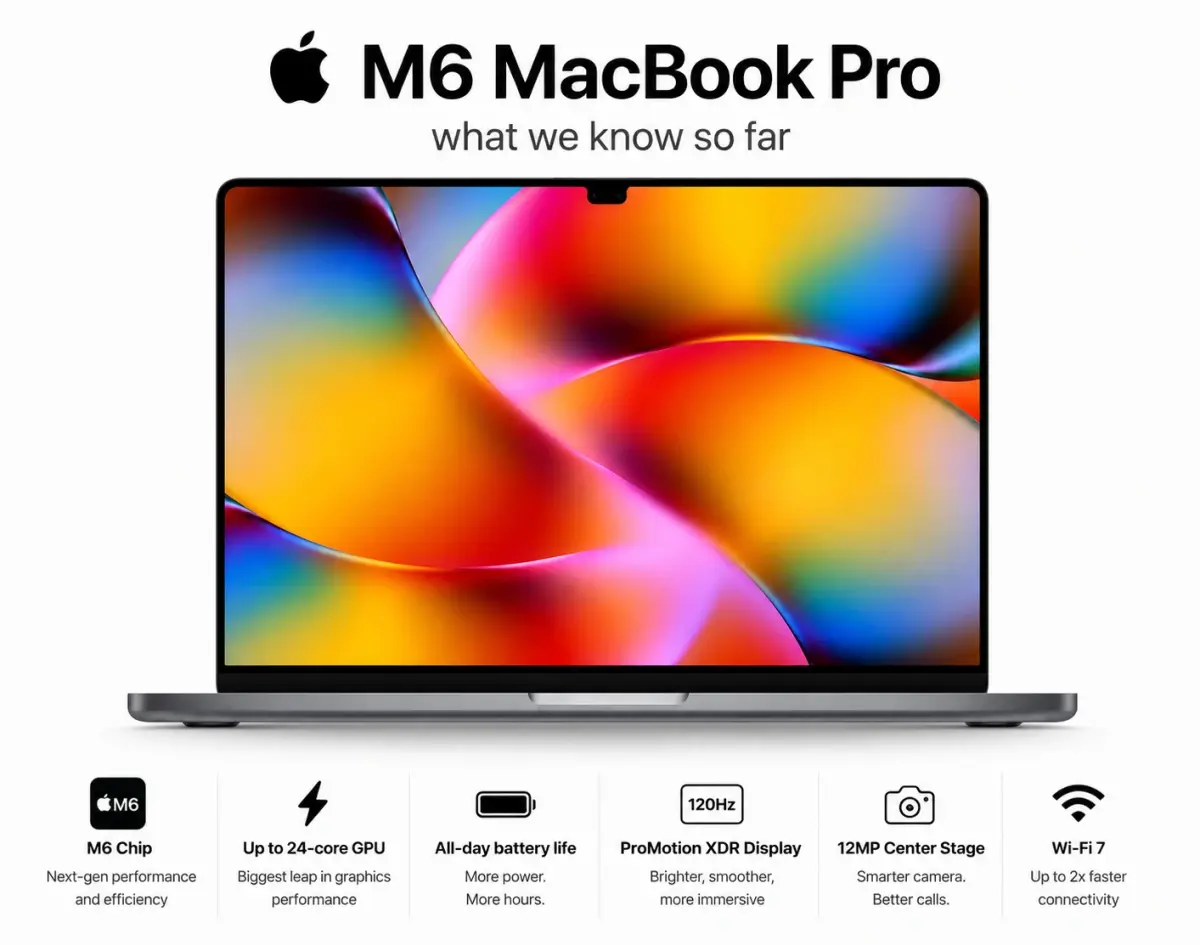
MacBook Pro M6 & OLED Screen: Full 2026 Guide (WWDC 26)
Everything you need to know about the MacBook Pro M6 in 2026 — OLED display, touchscreen, M6 chip specs, release date, and whether it's worth the wait.
Fri Apr 03 2026
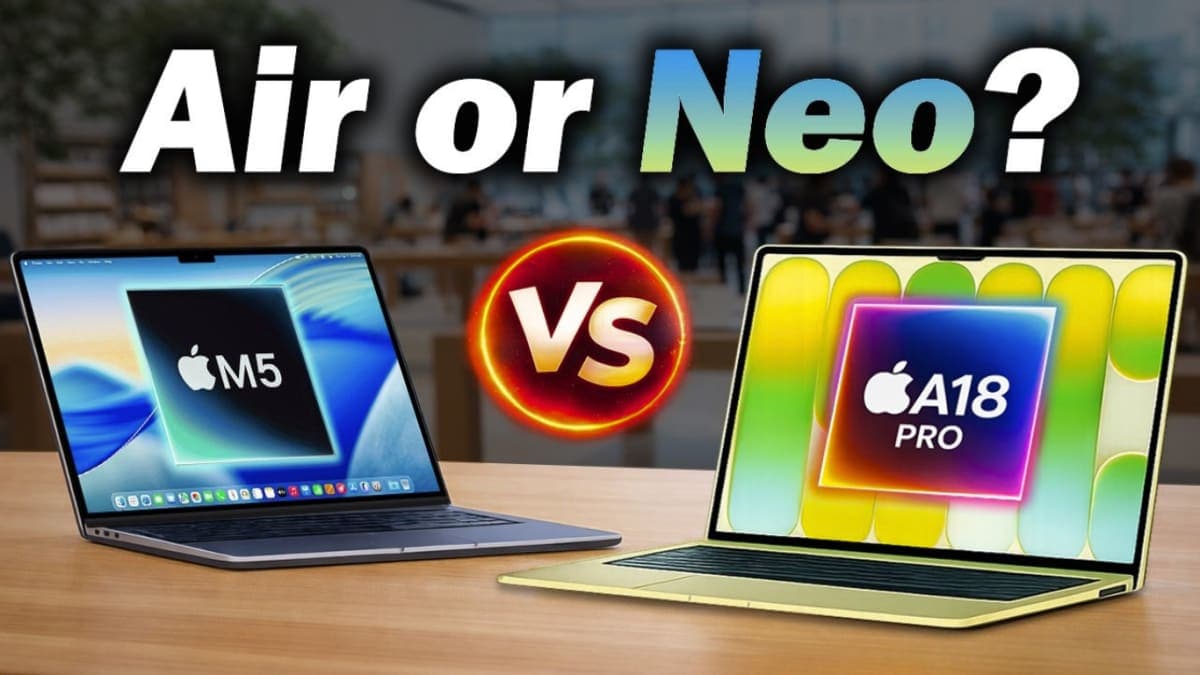
Leaks & Rumors: MacBook Neo vs MacBook Air M5: Which One Should You Buy ?
Apple launched two MacBooks in March 2026. The Neo starts at $599 with an A18 Pro chip great for light users. The Air M5 starts at $1,099 with M5, 16GB RAM, and Thunderbolt 4 built for serious work. One is a smart buy. The other is a smarter one.