RTX 5090 Laptop vs RTX 5080 Laptop: Is the Upgrade Worth It?

Published
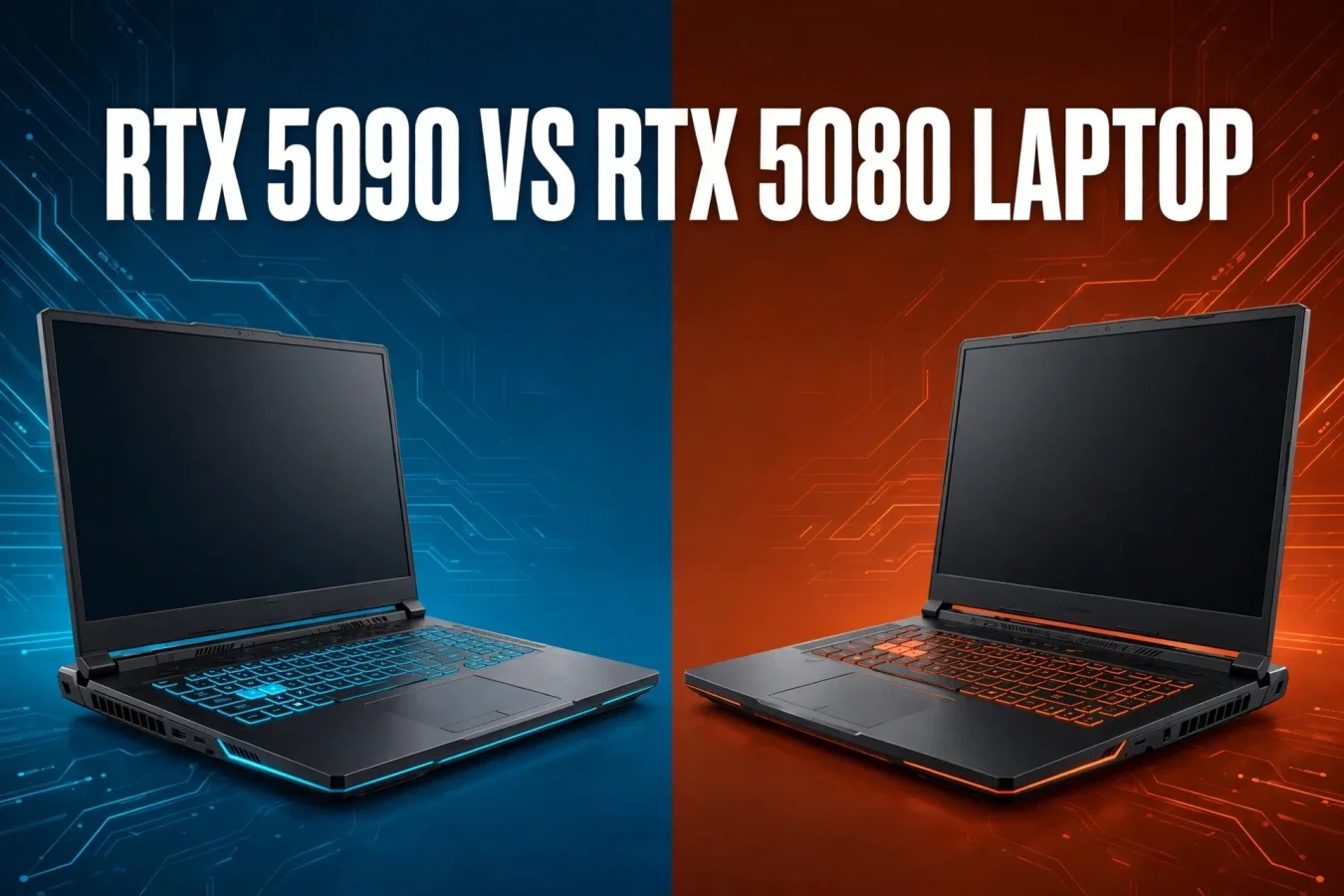
Two laptop flagships — one bigger VRAM, one better value
RTX 5090 Laptop vs RTX 5080 Laptop compares NVIDIA's two top Blackwell laptop GPUs, both using the GB203 chip, but with very different VRAM and CUDA counts. On paper, RTX 5090 Laptop has 37% more CUDA cores and 50% more VRAM than RTX 5080 Laptop, but in real gaming the gap is only about 8% to 11%, because both GPUs are limited by laptop power and cooling. For most gamers, RTX 5080 Laptop is the better value; for creators and AI researchers who need 24GB of VRAM, RTX 5090 Laptop is the only choice in this pair.
| GPU | CUDA cores | VRAM | TGP range | RT / Tensor cores | Memory |
|---|---|---|---|---|---|
| RTX 5090 Laptop | 10,496 | 24GB GDDR7 | 95 to 150W, plus 25W Dynamic Boost | 82 / 328 | 256-bit, per laptop listings |
| RTX 5080 Laptop | 7,680 | 16GB GDDR7 | 80 to 150W, plus 25W Dynamic Boost | 64 / 256, per UltrabookReview | 256-bit, per laptop listings |
Specifications
RTX 5090 Laptop uses GB203, with 10,496 CUDA cores, 82 streaming multiprocessors, 328 Tensor cores, 82 RT cores, 24GB of GDDR7 memory, and a TGP range of 95W to 150W, plus 25W Dynamic Boost, for up to 175W in total. RTX 5080 Laptop also uses GB203, with 7,680 CUDA cores, 64 RT cores, 16GB of GDDR7 memory, and a TGP range of 80W to 150W, plus 25W Dynamic Boost, for up to 175W in total. Both GPUs support DLSS 4 with Multi Frame Generation, with RTX 5090 Laptop's larger VRAM helping more in heavy scenes.
For 4K gaming, RTX 5090 Laptop's VRAM is the bigger advantage. For 1440p gaming, both GPUs are strong, so the gap is smaller. For AI work, RTX 5090 Laptop's 24GB is the bigger advantage, because larger models fit on it. For a thin laptop, check the TGP first, because a 150W RTX 5080 Laptop can beat a 95W RTX 5090 Laptop in some tests.
Performance
No controlled side-by-side test between these exact two laptop GPUs was reviewed for every game, so this article uses published benchmark summaries with their sources named. NanoReview, using real gameplay sessions, puts RTX 5090 Laptop about 8% faster on average at QHD, with 136 FPS against 126 FPS, and about 11% faster at 4K Ultra, with 81 FPS against 73 FPS, with 1080p High at 203 FPS against 187 FPS. Himura Games notes that the gap is about 5% to 15% on average at 1440p Ultra, rising to about 15% in GPU-heavy 4K or ray tracing scenes, with a high-wattage RTX 5080 Laptop often hitting 90 to 120 FPS at 1440p Ultra, against RTX 5090 Laptop at 100 to 135 FPS.
For students, both GPUs should handle notes, browsing, documents and light coding easily, but both are overkill for office work. For creators, RTX 5090 Laptop should help more in rendering and encoding, while RTX 5080 Laptop should handle photo and light video work well. For developers, both GPUs should handle compilation, with RTX 5090 Laptop helping more in GPU-accelerated builds. For heavy rendering, RTX 5090 Laptop wins clearly; for 1440p gaming, both GPUs are strong.
Gaming
For gaming, RTX 5090 Laptop wins on average, with about 8% more performance at QHD and about 11% at 4K Ultra, per NanoReview. In Forza Horizon 5, NanoReview lists RTX 5090 Laptop at 212 FPS at 1080p, 149 FPS at 1440p and 111 FPS at 4K, against RTX 5080 Laptop at 196 FPS, 136 FPS and 93 FPS. In Cyberpunk 2077, NanoReview lists RTX 5090 Laptop at 177 FPS at 1080p, 153 FPS at 1440p and 51 FPS at 4K, against RTX 5080 Laptop at 155 FPS, 138 FPS and 46 FPS. In Shadow of the Tomb Raider at 1080p Highest, Notebookcheck found RTX 5090 Blade 16 only 8% faster than RTX 5080 Blade 16, per Himura Games.
For gamers at 4K, RTX 5090 Laptop wins more clearly, especially with ray tracing. For gamers at 1440p, both GPUs are strong, with RTX 5090 Laptop winning by single digits in many titles. For gamers who use DLSS 4, both GPUs benefit, with RTX 5090 Laptop's larger VRAM helping more in heavy scenes.
AI performance
RTX 5090 Laptop has 328 Tensor cores and 24GB of GDDR7 memory, against RTX 5080 Laptop's 256 Tensor cores and 16GB of GDDR7 memory, per UltrabookReview. Both GPUs support DLSS 4 with Multi Frame Generation, which can generate up to three additional AI frames for every rendered frame, but RTX 5090 Laptop's larger memory pool and throughput better sustain AI-accelerated rendering in high-resolution workflows. For local AI models, RTX 5090 Laptop's 24GB fits larger models than RTX 5080 Laptop's 16GB, so it is the better choice for local LLM research. For everyday AI features, both GPUs are fast, with RTX 5090 Laptop helping more in heavy workloads.
For local LLM research, RTX 5090 Laptop is the better choice, because 24GB fits larger models. For photo and video AI features, both GPUs should handle them, with RTX 5090 Laptop helping more in heavy tasks. For gaming AI features, such as DLSS 4, both GPUs benefit, with RTX 5090 Laptop's VRAM helping more in 4K scenes.
Display
Laptop display size, resolution and refresh rate depend on the laptop, not the GPU alone, but both GPUs are paired with high-refresh displays in flagship laptops. Razer Blade 16 2026 pairs RTX 5090 and RTX 5080 Laptop GPUs with a 16-inch 2.5K 240Hz OLED display, per TechStoriesIndia. MSI Titan 18 HX pairs RTX 5090 Laptop with an 18-inch display, while MSI Stealth 16 AI+ pairs RTX 5080 Laptop with a 16-inch display, per Tech Insider. For 4K gaming, both GPUs support high refresh rates, with RTX 5090 Laptop helping more in heavy scenes. For 1440p gaming, both GPUs are strong, with RTX 5080 Laptop already reaching high frame rates.
Battery
Gaming laptops with RTX 5090 or RTX 5080 Laptop GPUs do not last long on battery for gaming, because both GPUs draw up to 175W with Dynamic Boost, so battery life depends on the laptop's battery size and power limits, not just the GPU. No controlled side-by-side battery test between these exact two laptop GPUs was reviewed, so no battery winner is claimed beyond the TGP ranges. For travel, check the laptop's battery size and vendor claim, not just the GPU. For desk work, battery matters less, because most gaming laptops stay plugged in for heavy tasks.
Thermals
Both GPUs can draw up to 175W with Dynamic Boost, so both need strong cooling, with larger laptops cooling better than thin laptops. In the Szyunze test, RTX 5090 Mobile and RTX 5080 Mobile laptops both ran at about 71°C GPU temperature under load, with RTX 5090 Mobile at 164W and RTX 5080 Mobile at 168W in Ghostwire: Tokyo. No controlled thermal or fan-noise test between these exact two laptop GPUs was reviewed for every laptop, so no temperature or noise winner is claimed beyond the TGP ranges. For a quiet build, check the laptop's cooling, not just the GPU. For sustained rendering, a larger laptop with better cooling should help more, regardless of GPU tier.
Price
Laptop GPUs are not sold alone, so system pricing depends on the laptop, not the GPU alone. Razer Blade 16 2026 in Canada lists RTX 5080 Laptop with 32GB RAM and 1TB SSD at CAD $5,499.99, RTX 5090 Laptop with 32GB RAM and 2TB SSD at CAD $6,699.99, and RTX 5090 Laptop with 64GB RAM and 2TB SSD at CAD $7,699.99, per TechStoriesIndia listings from July 2026. India prices for these exact Razer configurations were not confirmed in this article, so check current retailer listings before buying. Canada prices exclude some taxes, while India prices include GST, so headline numbers are not directly comparable.
| Laptop example | Canada | India | Europe |
|---|---|---|---|
| Razer Blade 16, RTX 5080 Laptop, 32GB, 1TB | CAD $5,499.99 | Not confirmed in this article | Not confirmed in this article |
| Razer Blade 16, RTX 5090 Laptop, 32GB, 2TB | CAD $6,699.99 | Not confirmed in this article | Not confirmed in this article |
| Razer Blade 16, RTX 5090 Laptop, 64GB, 2TB | CAD $7,699.99 | Not confirmed in this article | Not confirmed in this article |
For a like-for-like laptop, compare the complete laptop cost, not just the GPU, because RAM, storage and display differ. For gaming, RTX 5080 Laptop's lower price is justified by its strong 1440p performance; for creators and AI work, RTX 5090 Laptop's higher price is justified by its 24GB of VRAM.
Verdict
Buy RTX 5090 Laptop if you need 24GB of VRAM for 4K gaming, rendering or local AI, from CAD $6,699.99 in the Razer Blade 16 example. Buy RTX 5080 Laptop if you want strong 1440p and 4K gaming at a lower price, from CAD $5,499.99 in the Razer Blade 16 example. For most gamers, RTX 5080 Laptop wins on value; for most creators and AI researchers, RTX 5090 Laptop wins on VRAM.
FAQs
Which is faster, 5090 Laptop or 5080 Laptop?
5090 Laptop, by about 8% at QHD and 11% at 4K Ultra.
Which has more VRAM?
5090 Laptop, with 24GB, against 5080 Laptop's 16GB.
Which is better value?
5080 Laptop, with strong 1440p performance at a lower price.
What is the TGP range?
5090 Laptop 95 to 150W plus 25W boost, 5080 Laptop 80 to 150W plus 25W boost.
Is laptop 5090 the same as desktop 5090?
No, laptop 5090 uses GB203 with 10,496 cores, desktop uses GB202 with 21,760 cores.
What is the Razer Blade 16 5080 price?
CAD $5,499.99 in Canada, 32GB and 1TB.
What is the Razer Blade 16 5090 price?
CAD $6,699.99 in Canada, 32GB and 2TB.
Was this article helpful?

Written By
TechorCoffeeContributing Writer
TechorCoffee is a technology reporter and software creator writing reviews and tutorials for TechOrCoffee.
Comments (0)
Leave a Comment
Read Next

Tue Apr 21 2026
Leaks & Rumors: Apple MacBook M6 with Touch Screen: My 2026 Leaks Expectations
As a tech journalist with 15+ years testing Apple gear, I break down the buzz around the Apple MacBook M6 with touch screen. Expect OLED touch displays, M6 chip leaps in AI tasks, and pricing from $1,099. I compare it to MacBook Air M6 and Pro M6, share my insights on battery life and workflows
Fri Jun 05 2026
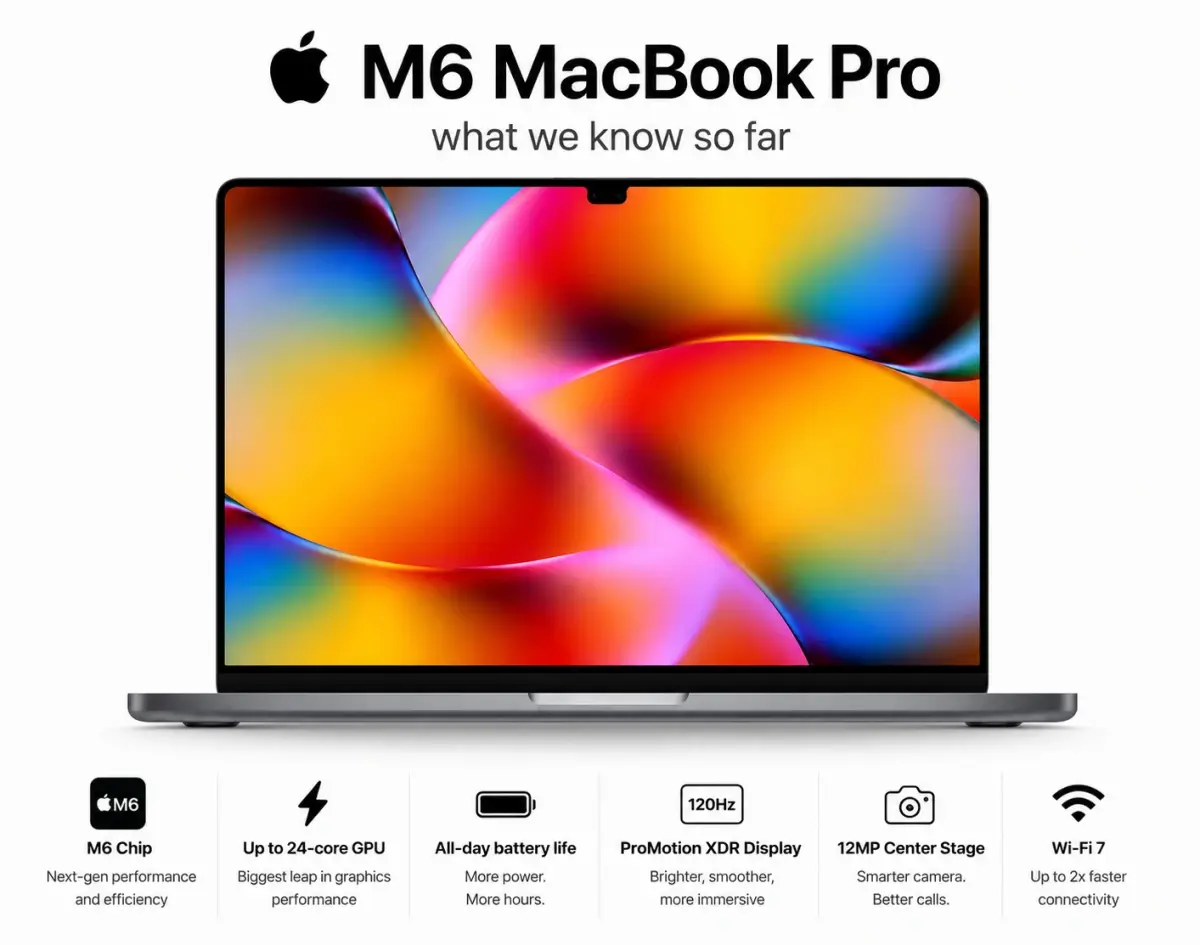
MacBook Pro M6 & OLED Screen: Full 2026 Guide (WWDC 26)
Everything you need to know about the MacBook Pro M6 in 2026 — OLED display, touchscreen, M6 chip specs, release date, and whether it's worth the wait.
Fri Apr 03 2026
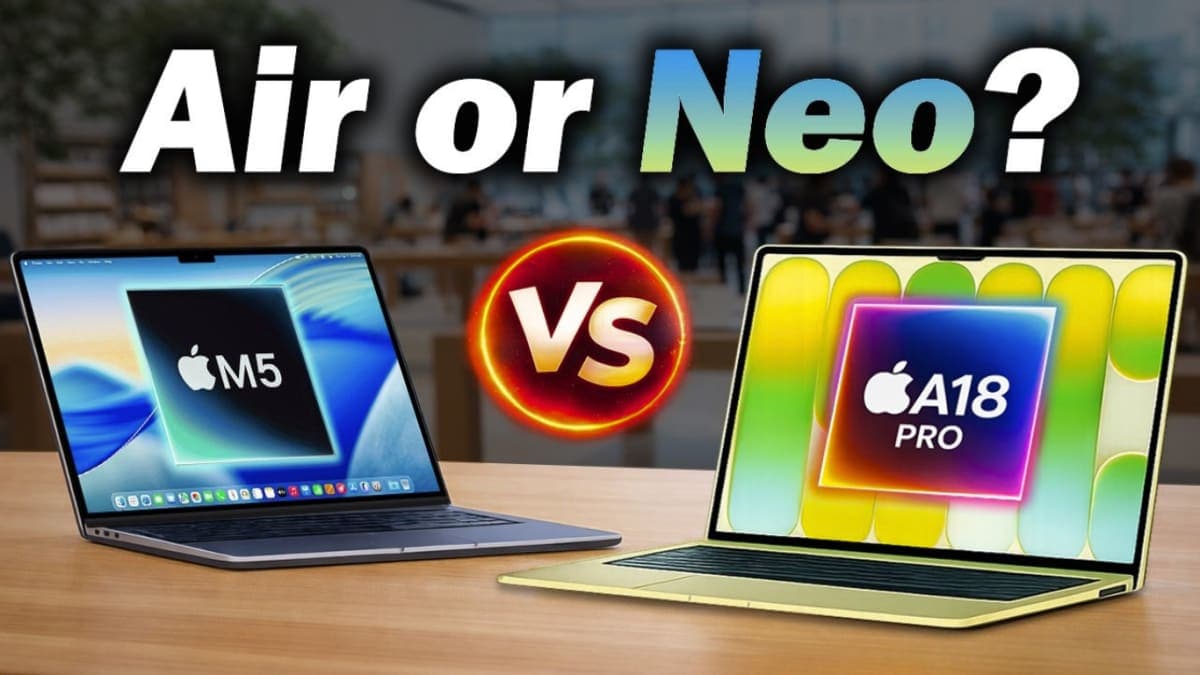
Leaks & Rumors: MacBook Neo vs MacBook Air M5: Which One Should You Buy ?
Apple launched two MacBooks in March 2026. The Neo starts at $599 with an A18 Pro chip great for light users. The Air M5 starts at $1,099 with M5, 16GB RAM, and Thunderbolt 4 built for serious work. One is a smart buy. The other is a smarter one.