Apple Intelligence 2.0: Siri AI & iOS 27 at WWDC 2026

Published
Introduction
On June 8, Tim Cook walked onto the Apple Park stage for what turned out to be his last keynote as CEO. He handed most of the AI story to Craig Federighi, who unveiled the most detailed Siri overhaul Apple has shown since the original promise back in 2024.
I've spent the days since the keynote going through Apple's own newsroom posts, the developer documentation, and early hands-on reports from outlets that already have iOS 27 running. Here's what Apple Intelligence 2.0 actually includes, which devices get it, when it lands, and where I think Apple's bet on privacy over personality might or might not pay off.
What Apple Intelligence 2.0 actually means right now
Apple never used the phrase "Apple Intelligence 2.0" on stage. The official name is simply the next generation of Apple Intelligence, and its headline feature is called Siri AI, not Siri 2.0.
That naming gap matters, because a lot of search results blur together three different things: the Apple Intelligence platform, the Siri AI assistant built on top of it, and iOS 27, the operating system that ships both this fall.
Here's the short version. Apple rebuilt its AI architecture around new Apple Foundation Models, co-developed with Google using a custom Gemini model. Those models power Siri AI, plus a long list of smaller features in Photos, Safari, Mail, Messages, Shortcuts, and Home.
Everything I'm describing below is currently in developer beta. Apple opened testing on June 8, a public beta arrives in July, and the consumer release lands with iOS 27, iPadOS 27, macOS 27, watchOS 27, and visionOS 27 this fall.
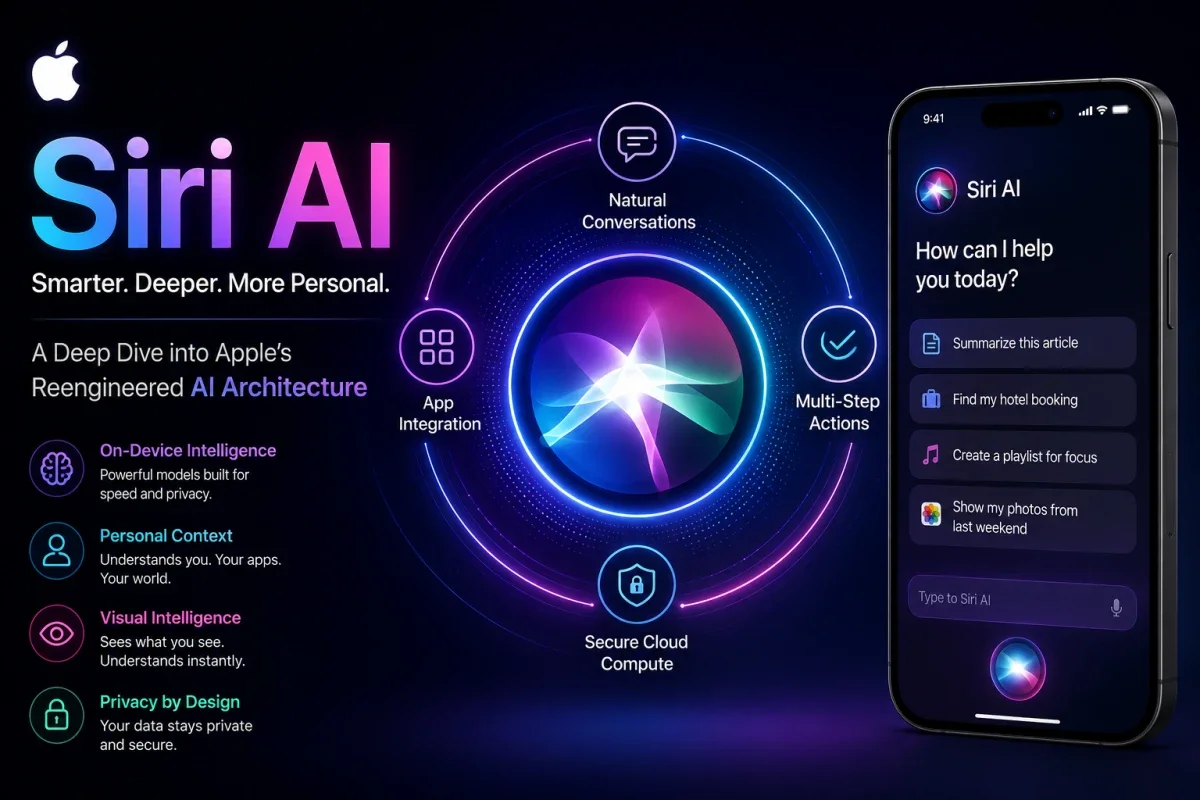
Siri AI: the centerpiece of Apple Intelligence 2.0
Siri AI is the part Apple spent the most time on, and for good reason. The company is still working through the fallout from over-promising Siri's AI upgrade in 2024, including a reported $250 million class action settlement over features that never shipped on schedule.
Personal context and onscreen awareness
Siri AI can now read what's on your screen and pull from your messages, emails, and photos to answer follow-up questions. Apple's own example: someone texts you flight details, and you tell Siri to add the event to your calendar and text your mom the arrival time, without copying or pasting anything yourself.
This kind of cross-app reasoning is also why Apple leans so hard on Private Cloud Compute. Apple says personal data processed this way is never stored or made accessible to Apple, and outside researchers can keep auditing that claim over time.
A dedicated Siri app, finally
For the first time, Siri gets its own standalone app instead of living only inside a button press or a voice command. It syncs your conversation history through iCloud, so you can start a chat on your Mac and pick it back up on your iPhone, Watch, or Vision Pro.
You can reach Siri AI a few different ways depending on the device. On iPhone, that's the side button or a swipe down from the Dynamic Island. On Mac and iPad, it's Spotlight or a control-click context menu. On Vision Pro, it's a 3D visualization you can place anywhere in your space.
Visual Intelligence spreads beyond the Camera app
Siri's visual understanding used to live mostly behind the Camera Control button. Now there's a dedicated Siri mode inside the Camera app itself, where tapping the shutter lets Siri see what you see, including splitting a restaurant bill with Apple Cash or pulling nutritional info from a plate of food.
Visual Intelligence also reaches iPad through the screenshot tool, and Mac through a dedicated keyboard shortcut that lets you select something on screen and ask about it directly. On Vision Pro, you can simply look at an object and start talking.
Everything else new in Apple Intelligence 2.0 across iOS 27
Siri AI gets the headlines, but a good chunk of the iOS 27 AI features show up in apps you already open every day.
Photos, Safari, and Image Playground
Photos picks up three real editing tools. Spatial Reframing lets you shift a photo's perspective after the fact, building on the spatial computing work Apple did for Vision Pro. Extend fills in missing background instead of cropping it out. Clean Up does a noticeably better job removing distractions from busy scenes.
Image Playground generates photorealistic images for the first time, and you can use the results as Lock Screen wallpapers or Contact Posters, not just Messages stickers. Every AI-edited photo and AI-generated image carries a hidden SynthID watermark, so it stays identifiable as AI-touched even after you've forgotten you used Apple Intelligence on it.
Safari adds automatic tab grouping by topic, a Notify Me feature that watches a page for restock or price-drop changes, and a Describe an Extension tool that builds a custom browser extension from a plain-English request. Passwords can now fix weak or reused logins on your behalf, navigating to the site and updating them itself.
Messages, Mail, Calendar, and Shortcuts
Messages and Mail both get one-tap suggestions, like turning a text into a reminder or finding photos someone asked for based on names and locations in your library. Smart Reply in both apps now drafts in a style closer to how you actually write to that specific person.
Call Context is one of the smaller additions I actually find useful. It runs entirely on your device and surfaces things like a flight confirmation number from an old email the moment you call an airline, without sending anything to Apple.
Calendar lets you describe an event in plain language and have the details filled in automatically. Shortcuts works the same way now: describe what you want automated, and the app assembles the steps instead of making you drag blocks around manually.
Accessibility, Home, and a few smaller upgrades
Apple's accessibility updates feel less like a marketing slide than most of this list. VoiceOver gives richer descriptions of images and surroundings, Voice Control lets you describe an onscreen button instead of memorizing its exact label, and Accessibility Reader can now summarize and translate more complex material on demand.
In the Home app, security camera footage gets generated descriptions and a searchable history, so you can look for "the delivery truck" instead of scrubbing through hours of clips. AirPods finally get a custom EQ, and Workout Buddy now works in Spanish and on Apple Watch even without your iPhone nearby.
The architecture behind Apple Intelligence 2.0: Apple and Google's awkward marriage
The biggest structural change isn't a feature you'll tap on. It's who built the brain underneath.
Apple confirmed it custom-built its next-generation Foundation Models in collaboration with Google's Gemini team. Multiple outlets reported the underlying model runs at roughly 1.2 trillion parameters, with Apple paying Google somewhere around a billion dollars a year for the license. Apple's own press materials don't list a dollar figure, so I'd treat that specific number as well-sourced reporting rather than an Apple-confirmed fact.
What Apple does confirm directly is the privacy framing. Requests that need more horsepower than your device can offer get routed to Private Cloud Compute, where Apple says personal data isn't stored or made accessible to anyone, including Apple itself. Simpler requests stay on-device.
► MY POV: I find the Apple-Google deal more interesting than most of the actual Siri demos. Apple spent years insisting it would build its own frontier AI, then quietly admitted Google's Gemini was simply further ahead and licensed it instead. That's a humbling, sensible call dressed up in privacy language. The privacy architecture is real and worth taking seriously, but I wouldn't pretend this was Apple's first choice rather than its best available option in 2026.
There's also an unresolved piece worth watching. iOS 27's beta code reportedly contains an Extensions framework that would let you set Claude, ChatGPT, or Gemini directly as the AI behind Siri, Writing Tools, and Image Playground, ending OpenAI's current exclusive arrangement. Some outlets say Apple confirmed this on stage; others say it only surfaced in the beta code and was deliberately left out of the keynote, possibly over EU regulatory pressure. I'd wait for Apple's own settings menu before planning around it.
Which devices support Apple Intelligence 2.0
Apple Intelligence 2.0 device support splits into three practical tiers, and it's easy to assume you're covered when you're only getting the basic version.
Tier | What you get | Devices |
|---|---|---|
Base Apple Intelligence and Siri AI | Personal context, onscreen awareness, Visual Intelligence, Writing Tools | iPhone 16 or later, iPhone 15 Pro/15 Pro Max, iPad mini (A17 Pro), iPad with M1 or later, Mac with M1 or later, Apple Vision Pro, Apple Watch Series 10+/Ultra 2+/SE 3 (paired with a supported iPhone) |
Most advanced on-device model | Expressive Siri voices, more accurate dictation | iPhone Air, iPhone 17 Pro, iPhone 17 Pro Max, iPad (M4 or later) with 12GB+ memory, Mac (M3 or later) with 12GB+ memory, Apple Vision Pro (M5) |
iOS 27 without AI features | General performance and stability updates only | iPhone 11 through iPhone 14 series, older supported iPads |
If you're on an iPhone 11 through 14, iOS 27 still installs and should run noticeably smoother thanks to a rebuilt CPU scheduler, but none of the Apple Intelligence features in this article will show up on your phone. That's the same cutoff Apple has used since Apple Intelligence first launched, just applied to a wider device list overall.
One small detail I caught while cross-checking Apple's own press pages: one of Apple's official device lists also names something called "MacBook Neo (A18 Pro)," separate from the regular Mac lineup. Apple hasn't formally introduced that product yet, so I'd read it as an early sign of the long-rumored, cheaper A-series MacBook rather than a typo.
Apple Intelligence 2.0 release date and rollout timeline
Here's the timeline Apple has laid out so far.
The developer beta has been available since June 8, 2026, through the Apple Developer Program. A public beta opens in July 2026 through the Apple Beta Software Program. The full public release ships this fall alongside the next iPhone lineup, though Apple hasn't named an exact date.
Siri AI specifically launches as a beta later this year, in English only at first, with Apple saying it will expand language support quickly afterward. Broader Apple Intelligence features support sixteen languages at launch, including Spanish, French, German, Japanese, and both simplified and traditional Chinese.
Two regions are sitting this round out, at least initially. Siri AI won't be available on iPhone or iPad in the EU at launch because of Digital Markets Act requirements, though Mac, Watch, and Vision Pro users there can still get it. China doesn't get Siri AI or these other Apple Intelligence features yet, while Apple works through local regulatory approval.
Apple Intelligence 2.0 vs ChatGPT and Gemini: how Siri AI actually compares
Everyone wants to know if Siri AI can finally compete with ChatGPT and Gemini. The honest answer depends on what you're trying to do.
What you're doing | Siri AI | ChatGPT | Gemini |
|---|---|---|---|
Quick on-device tasks (texts, calendar, settings) | Strongest, deep OS integration | Needs the app or a Siri handoff | Needs the app |
Open-ended visual search | Improving, still catching up | Strong | Strongest in early comparisons |
Long, free-flowing conversation | Built to be brief and task-focused | Built for extended chat | Built for extended chat |
Awareness of your own messages, photos, calendar | Built in by default | Only with manual sharing | Only with manual sharing |
Data handling | On-device or Private Cloud Compute | Server-side, OpenAI's policies apply | Server-side, Google's policies apply |
Cost | Included with eligible devices | Free tier plus paid Plus/Pro | Free tier plus paid subscriptions |
That table oversimplifies things a little, but it captures the real tradeoff. Apple isn't trying to out-chat ChatGPT or out-search Gemini. It's betting that being woven into your actual phone, with access to your actual messages and calendar, beats being the smartest possible standalone chatbot.
► MY POV: Craig Federighi has been fairly open about positioning Siri AI as the opposite of an engagement-optimized chatbot, designed to answer and get out of the way rather than keep you talking. I like that framing on paper. Most people don't need another app trying to become their friend. But restraint only works if the answers are good enough that you stop reaching for ChatGPT out of habit, and from the early hands-on writeups I've read, Gemini's visual search is still doing more with less friction than Siri's new Camera mode. Apple has closed the gap. I don't think it's closed it completely yet.
Real-world ways people will actually use Apple Intelligence 2.0
A few of these features solve problems I've genuinely run into, rather than just sounding good on a keynote slide.
Pointing your camera at a restaurant bill and letting Siri handle the Apple Cash split beats passing a phone around the table.
Call Context pulling up your confirmation number the second you dial an airline saves the usual scramble through old emails while you're on hold.
Describing a shortcut like "open my work apps in this layout when I plug in my Magic Keyboard" removes the most annoying part of using Shortcuts: actually building it.
Safari's Notify Me quietly replaces three or four browser extensions you've probably installed and forgotten about for restock alerts and price drops.
Mistakes to avoid before you install iOS 27
A few things are worth knowing before you tap update this fall.
Don't assume your iPhone qualifies for Apple Intelligence just because it can run iOS 27. The OS works on anything back to the iPhone 11, but the AI features need an iPhone 15 Pro or newer.
Don't expect Siri AI on day one even if your device qualifies. It ships as a beta later in the year, separate from the main iOS 27 release, and starts English-only.
Don't lean on Apple Intelligence's image generation for client or business work without checking usage limits first. Apple has confirmed daily limits exist for server-dependent features, with iCloud+ raising the ceiling, though it hasn't published exact quotas.
Don't be surprised by extra battery drain in the first day or two after updating. Background indexing for the new search and Photos features is normal and should settle down on its own.
Privacy, child safety, and the regulatory catch
WWDC 2026 wasn't only an AI keynote. Apple grouped a chunk of the event under what it called trust and safety, and the child safety updates are genuinely substantial.
iOS 27 introduces a simpler Child Account setup, a feature called Ask to Browse, Time Allowances for limiting time in categories like social media and games, and a redesigned Screen Time with clearer usage overviews. Apple also shipped new Safety APIs so third-party apps can detect a child's age range and adjust automatically, without collecting an exact birthdate.
On the AI side, the EU and China gaps mentioned earlier aren't small print. They reflect real, ongoing friction between Apple's AI ambitions and regulators who are still deciding how much access an AI assistant should have to a phone's personal data by default.
My recommendations for getting the most out of Apple Intelligence 2.0
If you're deciding whether to chase this update or wait, here's how I'd think about it.
Join the public beta in July if you're curious but don't want to gamble your only iPhone, by installing it on a secondary or older device first.
Hold off buying new hardware purely for Siri AI's most advanced voice and dictation features unless you were already planning to upgrade to an iPhone 17 Pro, iPhone Air, or a newer Mac or iPad. The base Apple Intelligence experience on an iPhone 15 Pro or 16 covers most of what people actually want from it.
Turn on the new Child Account and Time Allowance settings before handing a device to a kid this fall, rather than after. Retrofitting parental controls once a habit has formed is always harder than starting with them in place.
Watch the Extensions situation if you specifically want Claude or Gemini handling your Siri requests instead of Apple's Gemini-backed default. That detail is still unsettled, and I'd rather point you to Apple's own settings menu in September than guess at exact steps today.
Where Apple's AI strategy goes from here
Apple Intelligence 2.0, or whatever you want to call it, is the most coherent answer Apple has given to "what is your AI strategy" since Apple Intelligence first showed up in 2024. Licensing Gemini was the unglamorous, correct move. Building Siri AI's restraint into the product instead of chasing engagement is a real bet, not just marketing language.
Whether that bet pays off depends on whether English-only Siri AI, the EU delay, and an unresolved Extensions framework feel like rough edges or dealbreakers once iOS 27 actually ships in September. I'd rather judge the public beta than the keynote, and I'll be back with an updated take once I've spent real time with it myself.
If you're tracking this for work, bookmark Apple's newsroom directly. A surprising number of the "leaked" details floating around right now turned out to already be sitting in Apple's own press releases from June 8.
Frequently asked questions
FAQs
What is Apple Intelligence 2.0?
"Apple Intelligence 2.0" is the term most people search for online, but Apple's own name is simply the next generation of Apple Intelligence, announced at WWDC 2026 on June 8. It's a rebuilt AI architecture, co-developed with Google's Gemini models, that powers Siri AI along with new features in Photos, Safari, Mail, and Messages.
Will Apple Intelligence 2.0 work in the European Union?
Partially, at launch. Siri AI won't be available on iPhone or iPad in the EU initially due to Digital Markets Act requirements, though Mac, Apple Watch, and Apple Vision Pro users there can access it. Apple has said it's working on a path forward for iOS and iPadOS in the region.
Is Siri AI better than ChatGPT or Gemini?
It depends on the task. Siri AI has a real advantage for quick, personal tasks tied to your own messages, calendar, and photos since it's built directly into the operating system, but Gemini and ChatGPT currently handle open-ended conversation and broad visual search more capably based on early comparisons.
When does Apple Intelligence 2.0 release to the public?
The developer beta arrived on June 8, 2026, with a public beta following in July 2026. The full consumer release ships this fall alongside iOS 27, iPadOS 27, macOS 27, watchOS 27, and visionOS 27, with Siri AI specifically arriving as its own beta later in the year.
Which iPhones support Apple Intelligence 2.0?
Apple Intelligence and Siri AI require an iPhone 15 Pro, iPhone 15 Pro Max, or any iPhone 16 model and later. iOS 27 itself installs on iPhone 11 and newer, but anything older than the iPhone 15 Pro gets the performance and stability improvements only, not the AI features.
Is Siri AI the same thing as Siri 2.0?
Yes, "Siri 2.0" is the unofficial nickname people gave the Siri overhaul that Apple actually branded Siri AI at WWDC 2026. It's a rebuilt assistant with personal context understanding, onscreen awareness, and a new standalone app, running on Apple's latest Foundation Models.
Was this article helpful?

Written By
TechorCoffeeContributing Writer
TechorCoffee is a technology reporter and software creator writing reviews and tutorials for TechOrCoffee.
Comments (0)
Leave a Comment
Read Next

Tue Apr 21 2026
Best AI Tools for Students & Creators in 2026:Complete Guide
AI tools are transforming how students learn and creators produce content. From writing assistants to design and research tools, these platforms save time, enhance creativity, and improve efficiency. Choosing the right AI stack can significantly boost productivity and output quality.
Mon Jun 08 2026
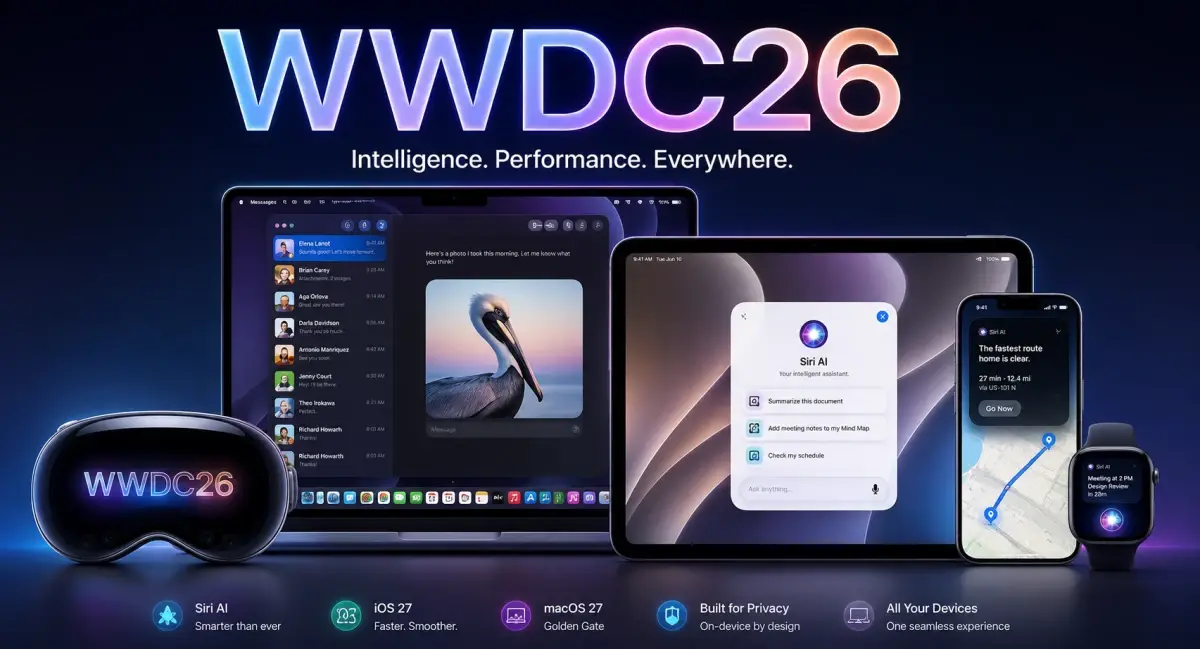
WWDC 2026: Siri AI, iOS 27 & Apple's Biggest Reveal
WWDC 2026 introduced Siri AI, iOS 27, and major Apple Intelligence upgrades. See every game-changing feature Apple announced.
Mon Jun 08 2026
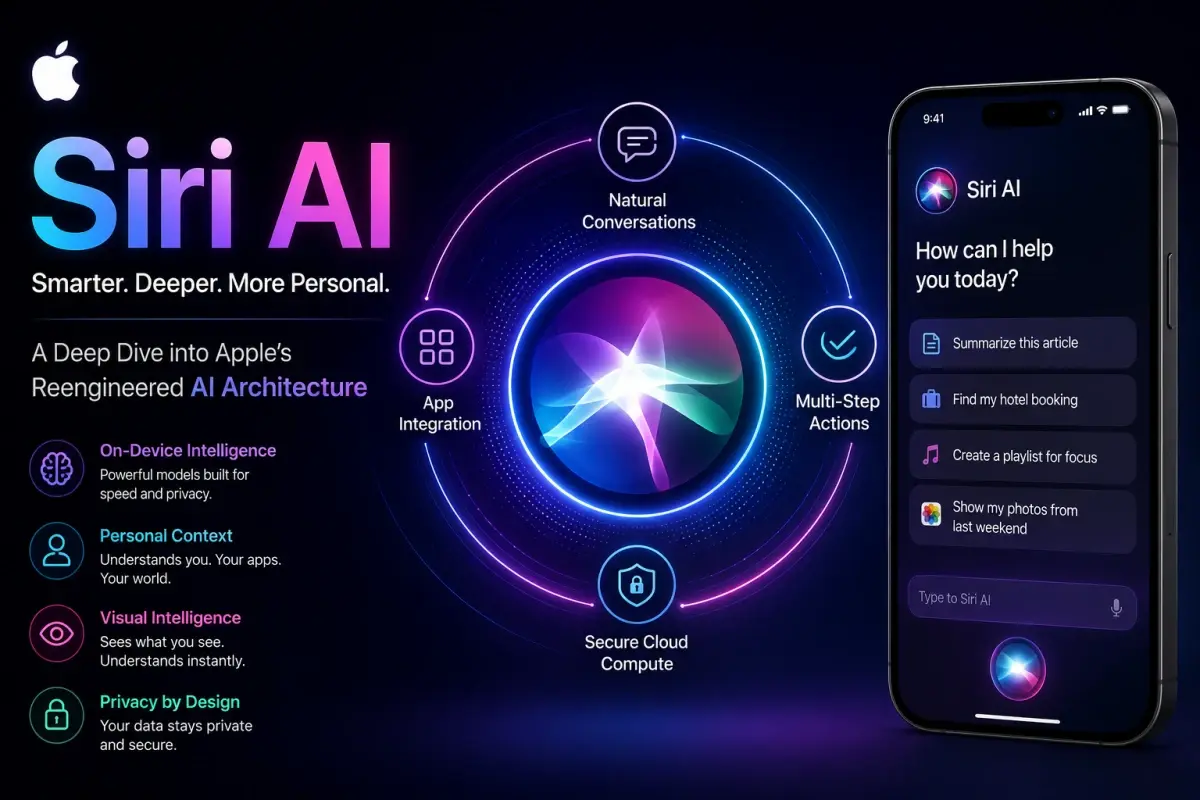
Siri AI Deep Dive: Inside Apple's New AI Architecture
Siri AI interface showcasing Apple's next-generation intelligent assistant architecture and contextual awareness features