Signal Blocks AI Agents From Reading Your Private Chats

Published (Updated )
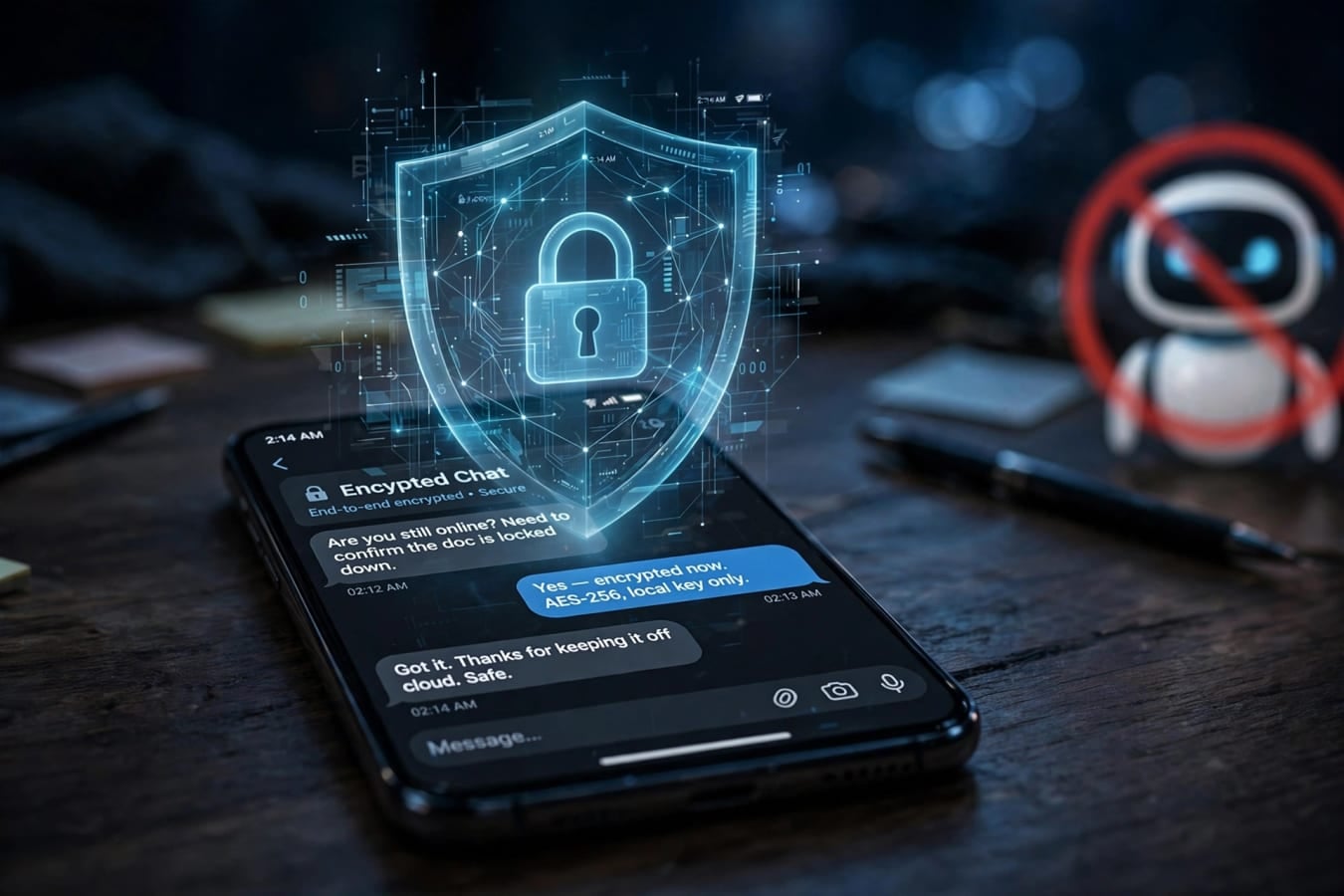
Quick answer
- Signal now blocks screenshots inside its app on iPhones running iOS 27, and it switches on screen protection on Android when it detects an AI assistant trying to read the screen.
- The move targets the AI agents built into phone operating systems, mainly Siri AI's Onscreen Awareness on Apple devices and Gemini Intelligence on Android.
- Signal president Meredith Whittaker announced the change on November 20, 2026, calling OS-level AI agents an "existential threat" to Signal's privacy guarantees.
- You can turn the protection off in settings, but Signal warns that doing so exposes your messages, and your contacts' messages, to those agents.
- The fix is incomplete by Signal's own admission: it does nothing about AI agents reaching data already stored on your phone through the file system, and there is no equivalent block on macOS yet.
What Signal changed
Signal has spent more than a decade building its reputation on a simple promise: your messages belong to you and the people you send them to, and nobody else. That promise is backed by open source code and a formally verified encryption protocol that has been picked apart by security experts around the world.
On November 20, 2026, Signal president Meredith Whittaker said that promise is now under threat from a new direction, and the app is fighting back. In a blog post titled "Signal is Serious About Protecting Your Privacy", she announced that Signal is restricting the AI agents built into mobile operating systems from capturing and storing Signal data.
The change works like this:
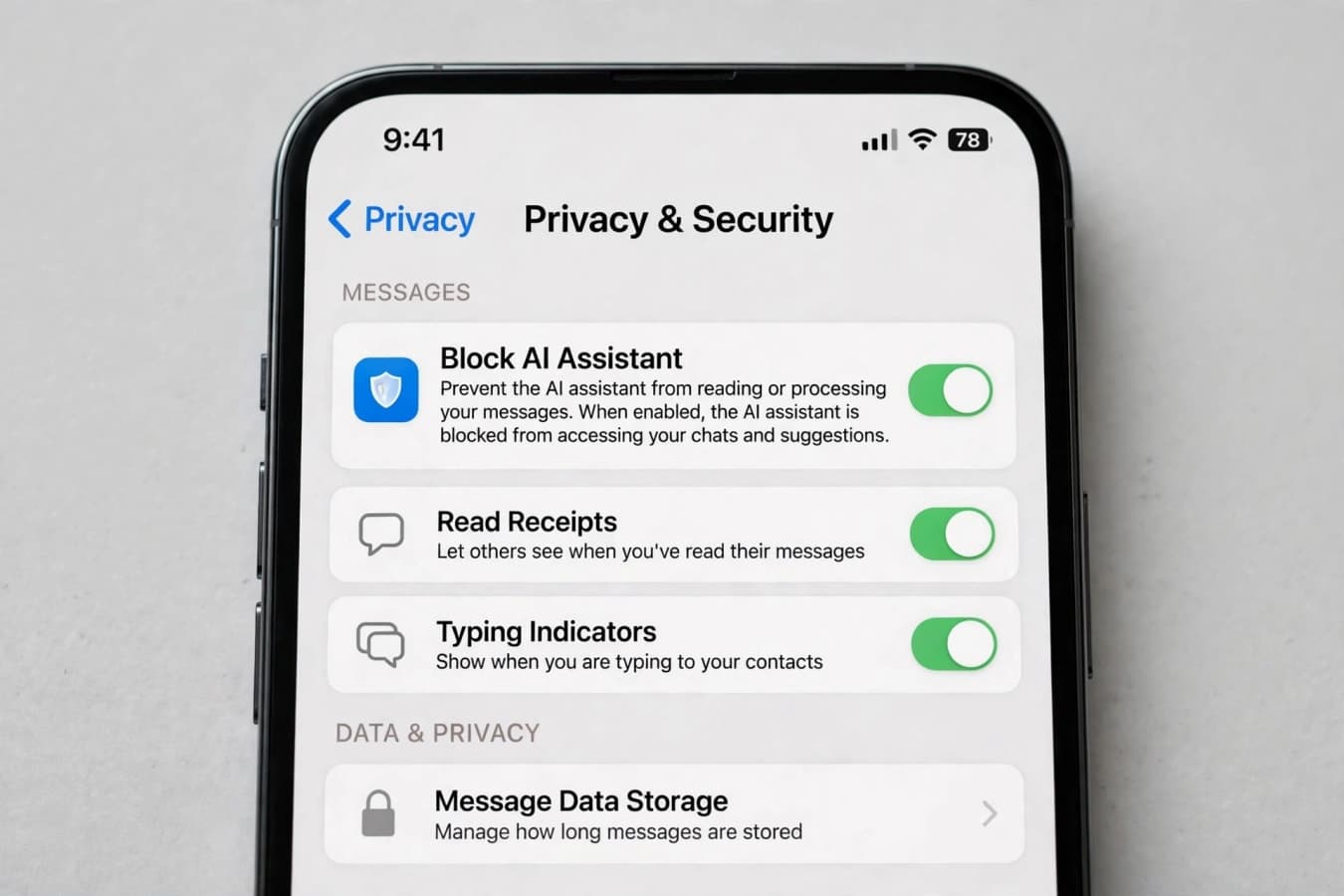
- On iOS 27, Signal blocks screenshots inside the app by default. A new "Block Siri AI" setting sits in the app's privacy settings, and it stops Siri AI from scanning Signal content.
- On Android, Signal watches for an AI assistant trying to read the screen. When it detects one, it automatically switches on its existing Screen security protection to block the capture.
- On macOS, Signal says it cannot reliably implement the same protection right now. Mac users are advised to add Signal to the Excluded Apps list under System Settings > Siri, so Siri AI does not get proactive access to message content.
- On Windows, this is not new. Signal already blocks screenshots of its Windows app by default, a measure it introduced in 2025 to stop Microsoft's Recall AI from taking and storing screenshots of Signal messages on Windows 11.
The protection is on by default. Anyone who wants to take screenshots inside Signal can switch it off in the app's settings, but Whittaker is blunt about the cost of doing that: it "will potentially expose your (and your contacts') Signal content to these AI agents, and break our privacy guarantees."
Why Signal did it: the screen is the new weak point
End-to-end encryption protects a message while it travels between two phones. It does nothing for the moment that message appears on a screen. That gap used to matter little, because the only eyes on a screen were the person holding the phone.
That has changed. Apple, Google and Microsoft have spent the last two years weaving AI agents deep into their operating systems. Apple's Siri AI, relaunched with iOS 27 earlier in 2026, gained Onscreen Awareness, the ability to understand what is on your display and act on it. Google's Gemini Intelligence does the same on Android, reading the screen to answer questions and carry out tasks. Microsoft's Recall takes regular screenshots of everything on a Windows PC.
To do any of that, these agents have to "scan" the information on your screen. Whittaker's post explains what happens next in plain terms: your Signal data is captured, then made available to these agentic systems so they can answer your questions and do your bidding. Once captured, that data sits in whatever local database or remote server the agent is using at that moment, entirely outside Signal's control.
"The net result is that these AI capabilities in the operating system are undermining Signal's ability to independently guarantee privacy," Whittaker wrote. "This is an existential threat to Signal, and our ability to responsibly uphold our mission."
The word "existential" is doing heavy work there. Signal's whole reason to exist is privacy. If the operating system can quietly read everything the app displays, then the encryption that made Signal famous still works, but the guarantee around it no longer holds. A conversation is only as private as the least private device in it, and an OS agent with screen access reads every participant's messages at once.
How the block works on each platform
Signal had to build a different defence for each operating system, because each one gives app developers different tools, and in some cases almost none at all.
iPhone and iPad (iOS 27):
- Signal prevents screenshots inside the app. The block applies to the app itself, so Siri AI cannot capture Signal content through the screen.
- A new "Block Siri AI" toggle appears in Settings > Privacy > App Security, alongside the existing Hide Screen in App Switcher and Screen Lock options. Its description reads: "Prevent Siri AI from scanning Signal content."
- The setting is on by default on iOS 27 devices. Switching it off restores screenshots, and with them, Siri AI's ability to read what is on screen.
Android:
- Android is messier, because every phone maker ships a slightly different build of the operating system, and Signal says it has no reliable way to block screenshots on every one of them.
- Instead, Signal detects when an AI assistant, such as Google Gemini, is attempting to capture screen data, and automatically turns on its Screen security setting in response.
- The setting's updated description now mentions AI assistants like Gemini by name, so users can see what it is guarding against.
- The same setting lives at Settings > Privacy > App Security on Android, and it can be switched off there.
Mac:
- On macOS, Signal says it currently cannot implement screenshot blocking at all, because Apple does not give developers a clean way to do it without wrecking the normal user experience. Apple's documented screen-protection tools only cover streaming media and other DRM-protected content.
- The workaround Signal recommends is to add Signal to the Excluded Apps section in System Settings > Siri. That stops Siri AI from getting proactive access to message content on the Mac.
- It is a partial answer, and Signal does not pretend otherwise.
Windows:
- The Windows protection has been in place since 2025. Signal sets a DRM flag on its own app window, which stops Recall from screenshotting it.
- That earlier move is the template for what Signal is now doing on phones: use whatever platform tool exists to keep the app's window out of the AI agent's reach.
What the block cannot do
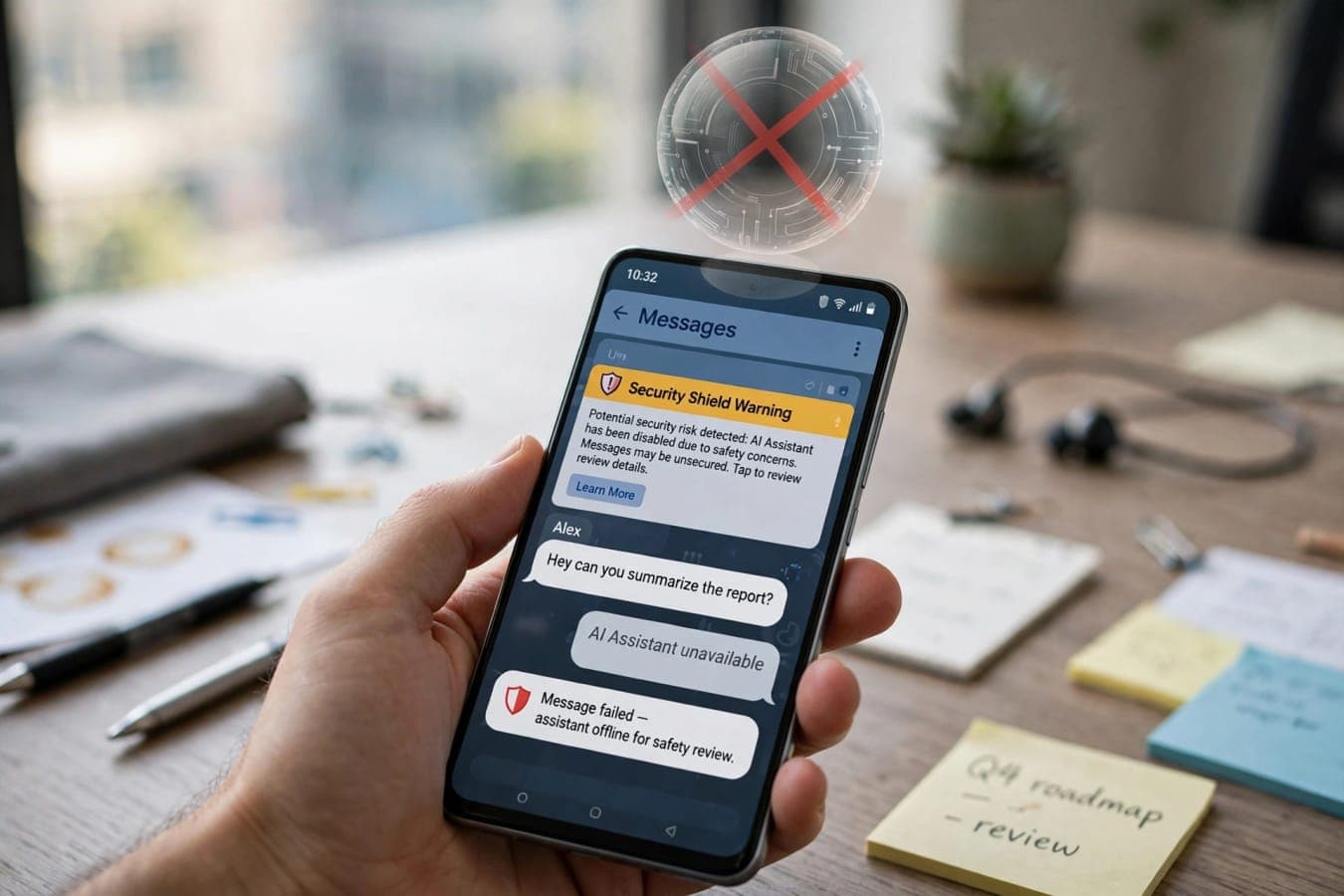
Whittaker's post is unusually honest about the limits of the fix, and those limits matter as much as the fix itself.
- It does not stop file system access. Blocking screenshots does nothing about an AI agent that reaches content already stored on the device through the file system. Signal writes that its remedy "is also incomplete, while we are doing everything we can, restricting screenshots does not address other more sneaky ways AI agents could potentially access application data, such as retrieving content already present on a user's device via the filesystem."
- It does not cover third-party agents. Signal also flags a growing problem with third-party agents like Meta's Muse, which ask users to grant deep permissions during setup. In many cases these agents use accessibility settings that were designed to help people with disabilities get the most out of their apps, not to act as what Whittaker calls "a skeleton key that provides access to AI agents."
- It does not cover macOS. As above, there is no reliable block on the Mac yet, only the Siri exclusion list.
- It depends on detection on Android. Because Android builds vary by manufacturer, Signal's Android defence relies on spotting an assistant in the act of reading the screen. If an assistant reads the screen in a way Signal cannot detect, the protection may not trigger.
None of this makes the screenshot block pointless. Screenshots and screen reading are the main, documented route by which OS agents harvest app content today, and closing that route raises the bar considerably. But it is a fence around one door, not a lock on the house, and Signal says so itself.
How to check the setting on your phone
If you use Signal, the protection should already be on. It is worth checking, and it is worth knowing how to turn it off if you need a screenshot, and what that costs.
On iPhone (iOS 27):
- Open Signal and tap your profile picture.
- Go to Settings, then Privacy.
- Look for the App security section.
- "Block Siri AI" should be switched on. Switch it off only if you need to take screenshots, and switch it back on afterwards.
On Android:
- Open Signal and tap your profile picture.
- Go to Settings, then Privacy.
- Look for the App security section.
- "Screen security" should be on, or it will switch itself on when an AI assistant tries to read the screen.
On Mac:
- Open System Settings, then Siri.
- Add Signal to the Excluded Apps list to keep Siri AI from accessing message content proactively.
One point Signal stresses is worth repeating: turning the protection off does not only affect you. If you screenshot a conversation, the messages your contacts sent you are exposed to the same agents. Privacy in a chat is shared, and so is the risk when it is switched off.
What Signal wants from Apple, Google and Microsoft
Signal is not just shipping a technical workaround. Whittaker's post is also a public demand aimed at the three companies that make the major consumer operating systems, and it asks for two specific things.
- An easy opt-out for developers. App makers should have a simple, well-documented way to opt their app out of AI data access and processing, covering screen reading, file system access, notifications, APIs and other OS frameworks, all without undermining the core utility of the app.
- Real documentation. Operating system companies should publish better documentation and technical specifications around how their AI agents function, particularly around data access and processing. Signal says it spent months doing forensic investigations across Android and iOS just to learn what actually happens when these systems access app data, because the official documentation does not explain it.
Signal also makes a point about confidential computing, the technique where data is processed in encrypted enclaves. It says that approach "is not a complete solution, and does not address these core concerns," because it still leaves the power to decide the extent of any privacy guarantee in the hands of the platform providers.
There is a small sign of movement. Whittaker writes that Signal is "cautiously optimistic that some major OS providers, like Google and Apple, are engaging with us on how these systems should better interface with privacy-sensitive apps like Signal," and that it hopes to share more soon. The Electronic Frontier Foundation has also been pushing for similar changes, and Signal links to its work in the post.
Why this matters beyond Signal
Signal calls itself "the canary in the coal mine," and the comparison is deliberate. The problem it describes does not stop at messaging apps. Any app that shows sensitive information on screen is exposed in the same way: a banking app showing balances, a health app showing test results, a work app showing confidential documents. An OS agent that can read the screen can read all of it.
That is why the story matters even if you never open Signal. The trade-off at the heart of it, a more helpful assistant that sees everything versus apps that can promise privacy, is now being decided inside operating systems, largely without users being asked. Signal is one of the first major apps to push back in public, and to do it by deliberately breaking a feature, screenshots, that its own users like.
The reaction so far suggests the argument is landing. Coverage from TechCrunch, The Register, The Hacker News and others has focused on Whittaker's "existential threat" framing, and on the fact that the most privacy-focused messaging app in mainstream use now considers the operating system itself a privacy risk. Other privacy-sensitive apps will be watching closely, because whatever tools Apple, Google and Microsoft do or do not provide will decide whether they can make the same promise Signal is trying to keep.
What users should do now
- Check the setting. On iOS 27 and Android, make sure the block is on, and leave it on unless you have a specific reason to take a screenshot.
- Think before disabling it. A screenshot of a Signal chat exposes the other person's messages too. If you must capture something, re-enable the protection right after.
- On a Mac, use the Siri exclusion list. It is the only protection available there for now.
- Review what your AI assistant can see. Both Apple and Google let you limit what their assistants can access. If you use Siri AI or Gemini, check which apps they can read, and consider excluding the sensitive ones.
- Do not assume encryption alone is enough. End-to-end encryption still protects messages in transit. But once a message is displayed, the screen itself is part of the security boundary, and that is the part Signal is now defending.
Bottom line
Signal's screenshot block is a small technical change with a large message behind it. The app that built its name on encryption now says encryption is no longer enough, because the operating systems underneath it have started reading the screen. Blocking Siri AI and Gemini from capturing Signal chats closes the most obvious route in, but Signal is open that it cannot close them all, and that the real fix has to come from Apple, Google and Microsoft giving developers a proper way to say no. Until then, the protection is on by default, it is worth keeping on, and it is a reminder that the privacy of a conversation now depends on more than the app it happens in.
FAQs
Why is Signal blocking screenshots now?
Signal is blocking screenshots to stop the AI agents built into phone operating systems, such as Siri AI on iOS 27 and Gemini on Android, from reading and storing your private chats by scanning what is on your screen.
Which devices does the Signal screenshot block cover?
It covers iPhones running iOS 27, where screenshots are blocked in the app by default, and Android phones, where Screen security switches on when an AI assistant tries to read the screen. There is no equivalent block on macOS yet.
Can I still take screenshots in Signal?
Yes. You can disable the protection in Settings > Privacy > App Security. Signal warns that doing so exposes your messages, and your contacts' messages, to OS-level AI agents and breaks its privacy guarantees.
Does the block stop AI agents completely?
No. Signal says the fix is incomplete. It does not stop agents from reaching content already stored on your phone through the file system, and it does not cover third-party agents that use accessibility permissions.
What should Mac users do?
Signal cannot reliably block screenshots on macOS. It recommends adding Signal to the Excluded Apps list under System Settings > Siri so Siri AI does not get proactive access to message content.
Did Signal block screenshots before this?
Yes, on Windows. Signal has blocked screenshots of its Windows app by default since 2025 to stop Microsoft's Recall AI from capturing Signal messages on Windows 11.
Was this article helpful?
Explore Specs, Comparisons & Related Topics

Written By
TechorCoffeeEditorial Team
The TechOrCoffee Editorial Team covers consumer hardware, artificial intelligence, software engineering, and regional smartphone & laptop market analysis.
Comments (0)
Leave a Comment
Read Next
Tue Jun 16 2026
Apple Intelligence 2.0: Siri AI & iOS 27 at WWDC 2026
Apple Intelligence 2.0 is here. I cover Siri AI, iOS 27 release dates, supported devices, and how Apple's new AI really compares to ChatGPT and Gemini.
Mon Jun 08 2026
WWDC 2026: Siri AI, iOS 27 & Apple's Biggest Reveal
WWDC 2026 introduced Siri AI, iOS 27, and major Apple Intelligence upgrades. See every game-changing feature Apple announced.
Mon Jun 08 2026
Siri AI Deep Dive: Inside Apple's New AI Architecture
Siri AI interface showcasing Apple's next-generation intelligent assistant architecture and contextual awareness features